
You're probably looking at a website that feels fine on your office connection, then wondering why customers still drop off before they enquire, book, or buy. In most cases, the issue isn't one dramatic failure. It's a collection of small delays: oversized images, a slow first server response, too many scripts, and WordPress add-ons doing work no visitor asked for.
For Australian businesses, speed work needs to be local, practical, and tied to the tools you already have. Generic advice often assumes a US audience, a global app stack, or a developer team on standby. Small business owners usually need something simpler: what's slowing the site down, what can be fixed today, and which changes are worth touching inside their hosting account.
Table of Contents
- Why a Slow Website Costs You More Than Just Patience
- Diagnosing Your Website Speed Bottlenecks
- Optimising Your Front-End for Instantaneous Clicks
- Supercharging Your Server and Hosting Environment
- Streamlining Your WordPress Database and Plugins
- Your UpTime Hosting Quick Wins Checklist

Performance you can feel, backed by clients who depend on it. Read how our support and uptime create long‑term customer success.Power Your Business with Better Hosting
Why a Slow Website Costs You More Than Just Patience
A slow site doesn't just annoy people. It changes what they do next.
Someone taps your ad, search result, or social post on a mobile phone. The page stalls. The hero image hasn't appeared yet, the text jumps as scripts load, and the first useful content takes too long. That visitor rarely waits around to reward the effort you put into your branding. They leave and try the next business.
The commercial impact is direct. A site loading in just 1 second achieves a conversion rate 3 times higher than one loading in 5 seconds, and 53% of mobile users will abandon a page if it takes longer than three seconds to load according to website speed data compiled by SiteBuilderReport. If you're trying to work out how to improve website speed, that's the reason the job belongs on the business priority list, not the “technical tidy-up” list.
Slow speed damages trust before you speak to the customer
People judge your business by the experience they get before they contact you. They don't separate your brand from your website performance. If your booking page drags, they assume the service might too. If your product pages feel clunky on mobile, they'll question the checkout experience before they ever reach it.
That trust hit is hard to measure in a single dashboard, but you see it in behaviour:
- Short visits where users leave before reading key content
- Lower enquiry quality because impatient visitors never reach detailed pages
- More wasted ad spend when paid traffic lands on pages that don't load fast enough
- Weaker SEO outcomes because poor user experience makes engagement harder
Practical rule: If a key landing page feels slow on mobile, treat it as a sales issue first and a technical issue second.
The benchmark is tighter than many businesses think
Many owners still assume a few seconds is acceptable. It isn't. Mobile use dominates everyday browsing, and mobile users are less forgiving of bloated pages, remote servers, and image-heavy layouts.
A good speed target isn't about chasing perfection in a score tool. It's about making the first useful view appear quickly enough that visitors stay, read, and act. That usually means stripping out delays people can feel, not obsessing over tiny lab gains no customer will notice.
Diagnosing Your Website Speed Bottlenecks
Before changing anything, get a baseline from two places: Google PageSpeed Insights and GTmetrix. Run the homepage, one service page, one blog post, and one page that makes money such as a booking, quote, or product page. Speed issues often hide on templates that business owners don't test often enough.

Start with two testing views
First, test from an Australian perspective where possible. If your customers are local, overseas test locations can make a healthy site look worse than it is. That's why local-first testing matters, especially when your audience is concentrated in one city or region.
Second, compare lab results with what you see manually on your own phone. Tools show patterns. Your own check tells you whether the page looks broken, jumps around, or delays the first visible content.
If you're troubleshooting whether delays are network-related rather than purely page-related, the CloudCops GmbH latency guide gives a useful plain-English breakdown of where latency comes from and how to think about it.
Read the report like a business owner
The report matters, but not every metric deserves equal attention.
| Metric | What it means in plain English | Usual culprit |
|---|---|---|
| TTFB | How quickly the server starts responding | Hosting location, server load, poor caching |
| LCP | When the main visible content appears | Large hero images, slow themes, render-blocking assets |
| CLS | Whether elements jump around while loading | Images without dimensions, injected banners, web fonts |
For Australian audiences, the origin server should be in Australia so your initial response time reflects local conditions, as noted in this guidance on website speed optimisation for Australian users. Testing from overseas locations can misrepresent the delay your actual local visitors experience.
A common practical example looks like this:
- High TTFB points to the server side. Think remote hosting, weak caching, or outdated PHP.
- Poor LCP with decent TTFB usually means the page itself is heavy, especially images above the fold.
- Strong load time but bad CLS means users see movement and instability even when raw speed is acceptable.
Don't try to “fix the score”. Fix the slow thing the visitor actually feels first.
One more small point that catches people out after changes: if you switch DNS or make hosting adjustments, local devices may still resolve the old path for a while. If a site seems inconsistent after updates, check this guide on how to flush DNS before assuming the optimisation failed.
Host your website with our 5-star rated, cPanel website hosting plans.
Super fast servers, with security included and hosted in your choice of Australian Data Center.
View cPanel Plans
Optimising Your Front-End for Instantaneous Clicks
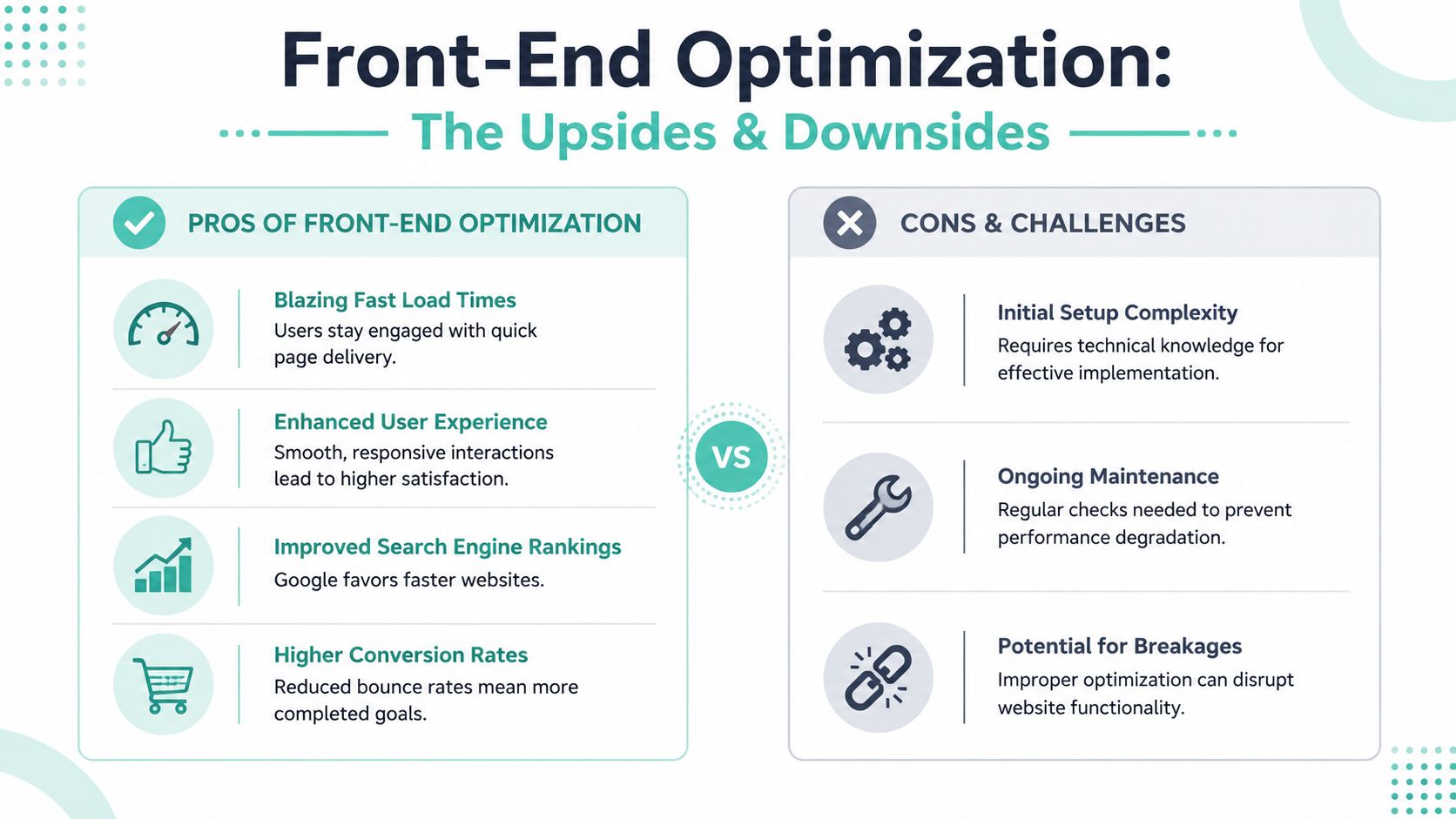
Most small business sites get their first meaningful speed wins on the front-end. That's the part your visitor downloads and renders: images, stylesheets, scripts, fonts, sliders, forms, pop-ups, and all the decorative extras that looked harmless during design.
Fix the biggest front-end problem first
For most business websites, that problem is images. Over three-quarters of a webpage's total weight often consists of images, and a one-second page delay can cut conversions by 7%, which for a site generating $100,000 per day translates to $2.5 million in lost revenue per year, based on Hostinger's load time statistics roundup.
That sounds like a large-enterprise example, but the lesson applies to any small site. Images become the heaviest thing on the page because owners upload what came from a phone, a Canva export, or a photographer gallery without resizing it for web use.
Use this order:
- Resize before upload. If the image displays in a narrow content column, don't upload a giant original.
- Compress every image. Most images can be compressed by 50-80% without visible quality loss using tools like TinyPNG, Squoosh, or ImageOptim, according to Cosmos Web Tech's small business guide.
- Use WebP where practical. It usually gives you a leaner file than older formats.
- Lazy-load below-the-fold images. Gallery items, footer logos, and blog thumbnails don't need to load before the visitor sees them.
Clean up CSS and JavaScript without breaking the site
Once images are under control, look at your scripts and styles.
Minification removes unnecessary characters from CSS and JavaScript files. Compression reduces transfer size. Browser caching tells returning visitors not to download the same static files repeatedly. These changes help, but they need sensible handling. The LiteSpeed Cache settings guide for cPanel environments is a practical place to start if you want a setup path that doesn't rely on guesswork.
Brotli compression for HTML, CSS, and JavaScript can reduce data transfer by 14–20% compared to Gzip, and server-side caching mechanisms such as OPcode caching for PHP sites can reduce server response time by up to 40%, based on these speed best practices. The same source also warns that over-minifying code can increase development errors and slow deployment when teams push too hard on automation without testing.
That trade-off matters. A contact form that loads slightly faster but stops submitting isn't an optimisation. It's damage.
If you use jQuery-based forms or custom event handling, review the submission flow carefully after script optimisation. This jQuery form submission guide from Static Forms is a useful reference when forms behave differently after front-end changes.
A practical front-end example
A very common small business homepage has these issues:
- A full-width hero banner exported at print-grade quality
- A slider loading multiple hidden images
- A page builder injecting several CSS files
- A pop-up tool loading before the main content
- Social feed widgets calling external scripts
In that situation, don't start with tiny code tweaks. Start by removing the slider, replacing the hero image with a compressed WebP, delaying non-essential widgets, and checking whether the pop-up really needs to appear on first load.
If a page has one large image, three scripts, and two widgets competing to load first, the page isn't “rich”. It's overcrowded.
That's usually the fastest route for anyone trying to learn how to improve website speed without rebuilding the entire site.
Supercharging Your Server and Hosting Environment
A light front-end can still feel slow if the server takes too long to answer. Many Australian businesses get caught by advice written for other markets when dealing with this problem. A generic article says “just add a CDN”, but that skips the first question that matters here: where is your origin server?

Local hosting matters more than many businesses realise
For local visitors, server distance shows up immediately in the first response. A 2024 ACMA report found that websites on Australian servers achieved 45% faster Time-to-First-Byte for local users compared to sites hosted overseas, even when a CDN was used, as cited in VentraIP's summary of website speed improvements.
That's why local hosting should usually be your first infrastructure decision, not an afterthought. If your customers are in Australia, a Sydney or Melbourne origin commonly beats an overseas origin paired with a generic CDN-first setup.
For a more detailed explanation of the local latency issue, see this low latency hosting guide for Australia.
What to change inside hosting
Once the server is in the right place, look at the stack itself.
A good hosting environment for speed should give you:
- Server-level caching so pages don't rebuild from scratch on every request
- Current PHP versions so WordPress and plugins run efficiently
- Modern protocol support such as HTTP/3
- Compression and caching controls that don't rely entirely on extra plugins
- Resource headroom so traffic spikes don't choke response times
Hosting features matter more than plan marketing. LiteSpeed Web Server, for example, can handle caching at the server level rather than leaving all optimisation to WordPress plugins. That usually produces a cleaner result because fewer plugin layers are competing to do the same job.
One practical option available in local hosting environments is UpTime Web Hosting, which includes LiteSpeed and AccelerateWP in its stack. Used properly, those tools can reduce the amount of manual tuning a small business owner needs to do inside WordPress.
Where a CDN fits and where it does not
A CDN still has a role. If your site serves static assets across different regions, or you have visitors outside Australia, a CDN with strong Australian edge coverage can reduce latency for those files when the origin stays in Australia, as outlined by Digital Pacific's CDN and site speed guidance.
The mistake is treating a CDN as a substitute for local hosting. It isn't. A distant origin can still slow dynamic requests, admin actions, uncached pages, and personalised content.
Server-side reality: If the first response is slow, no image compression plugin will rescue the user experience on its own.
Streamlining Your WordPress Database and Plugins
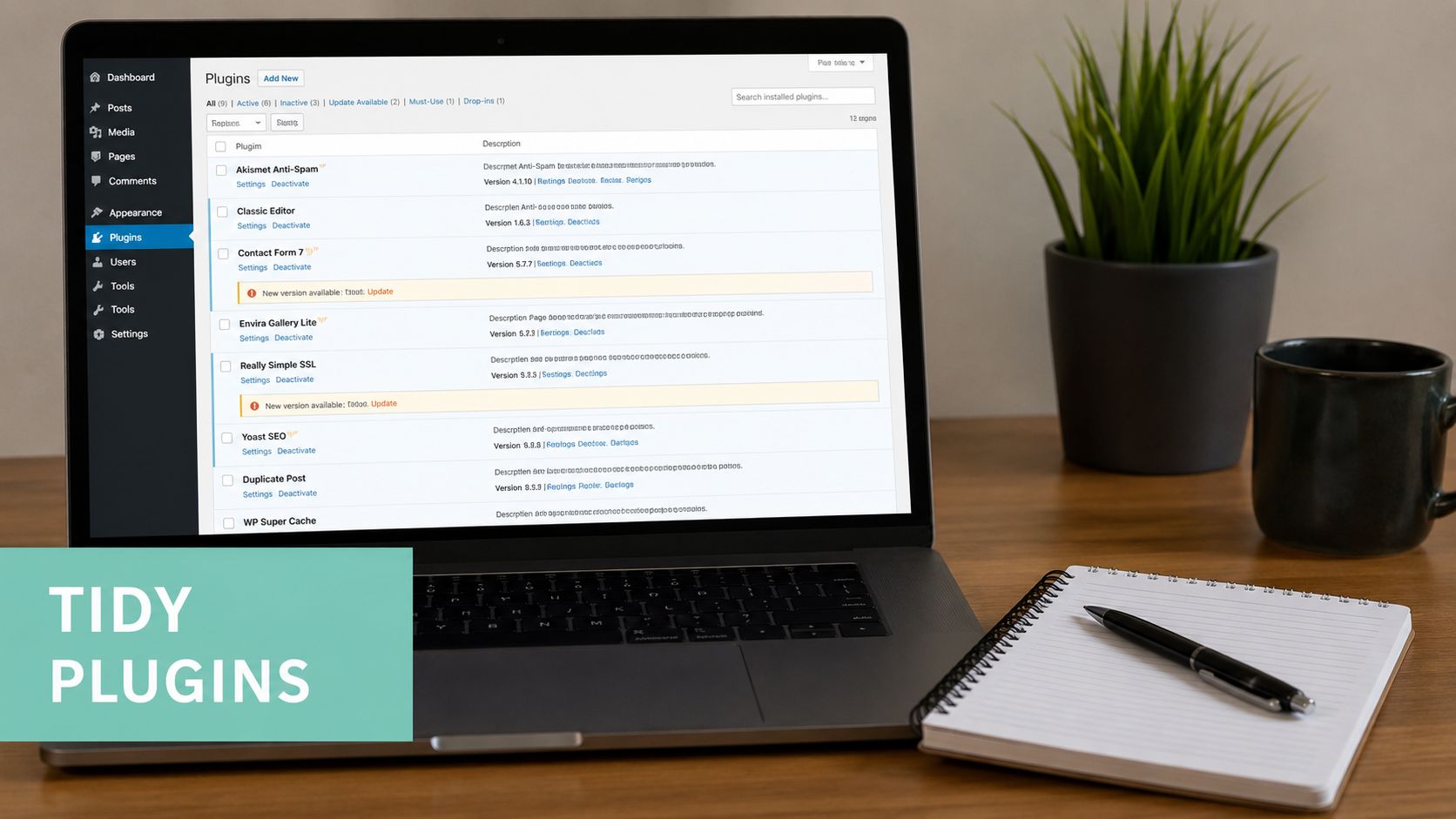
WordPress gets slow in ordinary ways. Too many plugins. Too much theme baggage. A database full of leftovers from old revisions, expired transients, spam comments, and plugins that were deactivated but never properly cleaned up.
Run a plugin audit with a hard standard
Don't ask whether a plugin is useful. Ask whether it earns its place.
A practical audit looks like this:
- Keep it if it directly supports sales, compliance, booking, checkout, or site security.
- Replace it if it duplicates another plugin's job.
- Remove it if it adds a cosmetic feature nobody uses.
- Review it carefully if it loads assets across the whole site for a feature that appears on one page.
This matters even more in the Australian market because local business features can carry a performance cost. A 2025 study found 52% of Australian WordPress sites using localised transactional plugins experience degraded LCP scores, according to Digital Mavens' Core Web Vitals discussion.
That doesn't mean you should strip out local payment, invoicing, or compliance functions. It means those plugins need scrutiny, selective loading where possible, and a theme that doesn't already drag performance down.
Clean the database before adding more optimisation layers
Many owners install another speed plugin while the database underneath is still cluttered.
A better sequence is:
- Delete unused plugins and themes.
- Remove old revisions, trashed items, and spam comments.
- Clear expired transients.
- Optimise database tables.
- Then configure caching.
The cache plugin guide for improving WordPress speed is useful after the cleanup work is done, because caching works better when the site itself is leaner.
Here's the trade-off that catches people: every plugin may be small on its own, but WordPress performance usually degrades through accumulation. One plugin adds scripts, another adds database queries, another adds scheduled tasks, and another injects marketing widgets site-wide. The result is a site that feels heavy everywhere, even on pages that should be simple.
Keep local functionality without accepting bloat
Australian businesses often need local payment methods, GST-friendly invoicing, shipping integrations, and .au-specific workflows. Those functions are legitimate. The wrong move is building around a bulky theme, a page builder, and several overlapping plugins before adding those necessary local tools.
If you're planning a larger WordPress build with more stakeholders, custom workflows, or content governance, this guide for AU businesses on enterprise WordPress is a helpful framing piece because it treats WordPress as an operational system, not just a brochure site.
A fast WordPress site isn't the one with the most optimisation plugins. It's the one doing the least unnecessary work.
Register your new domain name at competitive market prices including free domain add-ons like privacy, DNS Hosting, Custom Nameservers and Forwarding.
Always the best price and no nasty renewal price hikes.
Register A Domain Name
Your UpTime Hosting Quick Wins Checklist
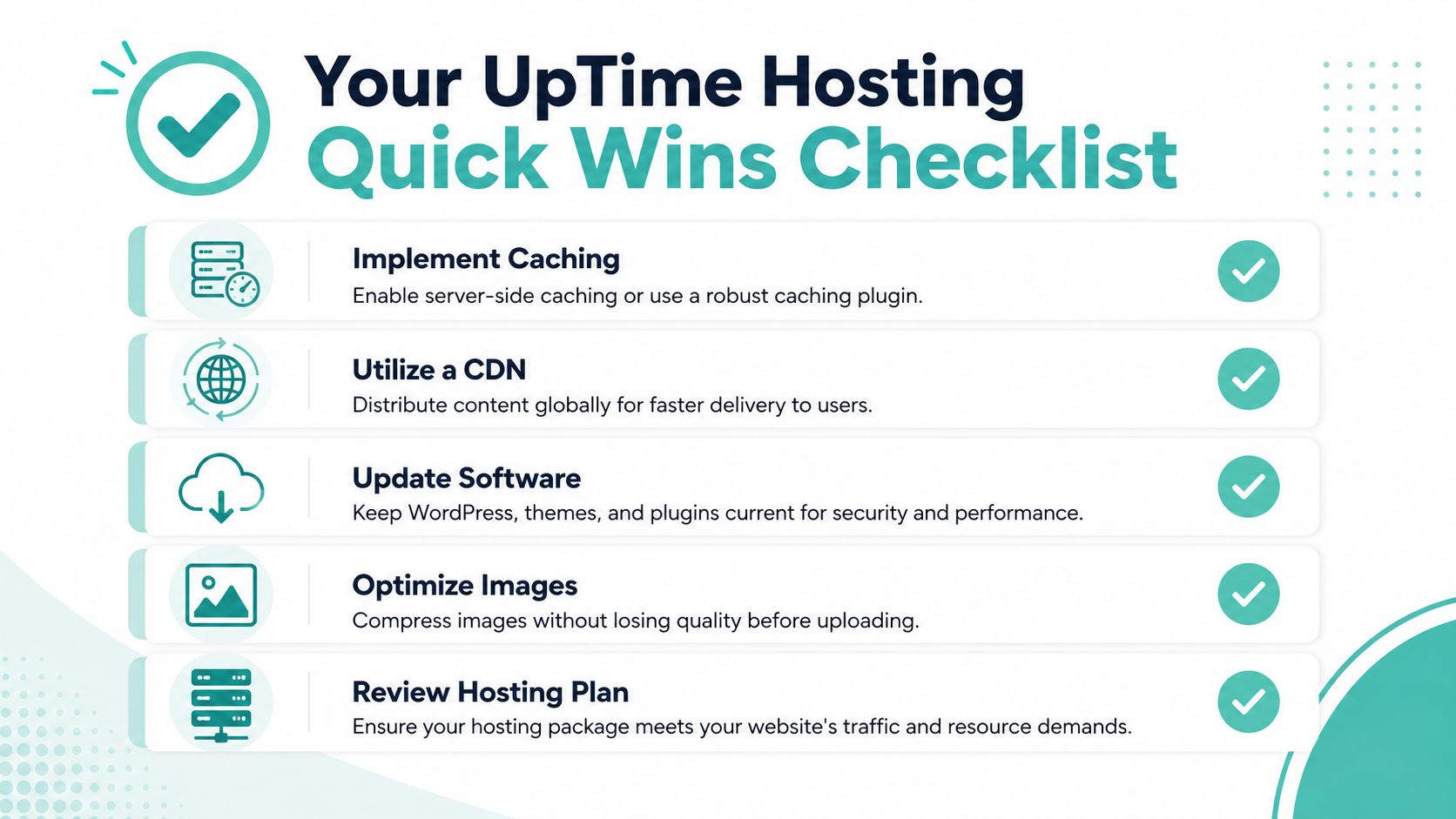
If you want immediate action rather than more theory, work through this checklist in order. It focuses on changes you can make inside your hosting environment and the site itself without turning the project into a rebuild.
Do these first in your hosting account
- Enable caching tools. Turn on the available server-side or WordPress caching features in your account before layering extra plugins on top.
- Switch to a current PHP version. Older PHP versions often leave performance on the table and can create plugin inefficiencies.
- Review Cron Jobs. Old scheduled tasks from past plugins can continue running in the background long after the feature is gone.
- Confirm your site is maintained regularly. A neglected site accumulates speed issues slowly, then all at once. Ongoing upkeep is easier than recovery, and a web maintenance and support service gives you a structured way to stay on top of plugin, theme, and performance drift.
Then review the site itself
| Task | What to check |
|---|---|
| Homepage images | Replace oversized banners and convert suitable files to WebP |
| Theme settings | Disable sliders, animations, and widgets you don't need |
| Plugins | Remove duplicates, deactivated leftovers, and site-wide script loaders |
| Fonts and scripts | Cut unused variants and delay non-essential assets |
| Key pages | Re-test service, product, and contact pages after each major change |
Use a simple working method. Change one category at a time, then test again. If you change caching, images, scripts, and theme settings all at once, you won't know which change helped or which one caused a problem.
A small business owner doesn't need a perfect benchmark to improve website speed. You need a repeatable process, a locally sensible hosting setup, and the discipline to remove features that look nice in the editor but slow the site down for actual customers.
If you want a local setup that keeps performance work practical, UpTime Web Hosting offers Australian-based hosting with cPanel, LiteSpeed, AccelerateWP, WordPress support, and local infrastructure in Sydney, Melbourne, Brisbane and Perth. That gives small businesses a straightforward place to start when the goal is a faster site for Australian visitors, not a generic checklist built for someone else's market.