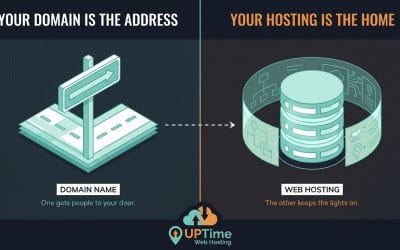
You've got the idea, the name, maybe even a rough homepage sketched in your head. Then you hit the first practical roadblock. Where does the site live, who supports it when something breaks, and how do you avoid signing up for the wrong thing?
For Australians, this choice matters more than many beginner guides admit. You're not launching into a tiny or early-stage market. Australia had 22.39 million internet users and an internet penetration rate of 86.5% in 2024, with 19.8 million social media user identities in January 2024, which is a good reminder that even a first website is entering a very connected digital economy, not a quiet corner of the web (HostingAdvice on beginner hosting). That changes the standard for beginner hosting. People expect your site to load properly, your email to work, and your checkout or contact form to stay online.
A good Australian host makes that easier. You get local servers, support during Australian business hours, and billing that doesn't surprise you with currency conversion or GST confusion. If you're also weighing domain, email and setup together, Solo AI's small business hosting guide is a useful companion read.
What to Look For in Beginner Web Hosting
Before you pick anything, prioritise these basics:
- Australian servers: Faster loading for Australian visitors.
- 24/7 local support: Help in your time zone matters when your site or email goes sideways.
- One-click installers: cPanel and Softaculous make WordPress setup much easier.
- Free SSL certificate: You need the padlock. No beginner should pay extra for it.
- Transparent pricing: Check whether pricing is GST-inclusive and what renewals look like.
Table of Contents
- What to Look For in Beginner Web Hosting
- 1. UpTime Web Hosting
- 1. UpTime Web Hosting
- 2. SiteGround
- 4. Crucial
- 4. Crucial
- 5. Panthur
- 6. DreamIT Host
- 7. Digital Pacific
- Top 7 Web Hosts for Beginners, Comparison
- Our Final Verdict & Your Next Steps

Performance you can feel, backed by clients who depend on it. Read how our support and uptime create long‑term customer success.Power Your Business with Better Hosting
1. UpTime Web Hosting
A common beginner scenario goes like this. You register a domain, pick a cheap host that looks fine on paper, then hit your first problem on a Sunday night and realise support is in another time zone, pricing jumped at checkout, and your site feels sluggish for Australian visitors. UpTime Web Hosting avoids most of that friction by focusing on what local users need: Australian infrastructure, Australian support, standard cPanel hosting, and pricing that is easier to read before you pay.
For beginners, that mix matters more than a long feature list. A first host should make setup straightforward, keep the basics covered, and give you real help when something breaks. UpTime does that well, which is why it stands out as the default pick for most Australian beginners in this guide.
Why it wins for most beginners
UpTime gets the fundamentals right. You can host your site on servers in Sydney, Melbourne, Brisbane, or Perth, which is useful if your audience is local and you want solid load times without sending every request offshore. The plans also include the features beginners usually forget to check until later: free SSL, malware scanning, DDoS protection, encrypted off-site nightly backups, and 24/7 monitoring.
That is the right kind of boring.
You want your host quietly handling security, backups, and server upkeep while you build pages, publish posts, add products, or connect email. For a beginner, fewer moving parts usually means fewer mistakes.
The other practical advantage is familiarity. UpTime uses cPanel, which remains one of the easier control panels for first-time site owners. If you are still sorting out shared hosting, VPS, and reseller plans, their guide to the common types of web hosting is a useful starting point before you choose.
Best fit and trade-offs
UpTime is a strong fit for first websites, tradie and service business sites, local stores, brochure sites, and straightforward WordPress builds. It also suits beginners who want local support without paying enterprise-style rates for features they will not use.
The trade-off is that it is not trying to be the flashiest developer platform on the market. If you want highly specialised cloud tooling or a custom workflow built around advanced staging and team collaboration, another host may suit you better. But that is not what most beginners need on day one.
For Australian users, the value is in the balance. Local hosting helps with speed for local visitors. Local support makes it easier to get help during your working day. Local pricing reduces the usual confusion around exchange rates and GST. Put together, that makes UpTime the most sensible starting point for beginners who want to launch without unnecessary hassle.
1. UpTime Web Hosting
If you want the simplest answer to the best web hosting for beginners in Australia, this is it. UpTime Web Hosting is built around what local small businesses need: Australian infrastructure, local support, straightforward cPanel hosting, and pricing that doesn't play games at checkout.
That matters because Australia's broadband environment is broad, but website experience still depends heavily on where your hosting sits and how well the stack is tuned. The NBN rollout began in 2009, and by June 2023 the NBN Co network had been made available to 12.2 million premises with 8.9 million active connections reported in NBN Co operating data, which helps explain why local performance expectations are now normal even for small sites (NBN history overview video).
Why it wins for most beginners
UpTime's biggest strength is balance. You get servers in Sydney, Melbourne, Brisbane and Perth, plus free SSL, malware scanning, DDoS-protected firewalls, encrypted off-site nightly backups, and round-the-clock monitoring. For a first site, that's the right kind of boring. You want the host handling the basics so you can focus on pages, products, bookings or blog posts.
The other beginner-friendly part is choice without chaos. If you need standard cPanel hosting, it's there. If you want WordPress-optimised hosting, that's there too. If your project later grows into Windows hosting, managed VPS, a bundled builder, domains or VoIP, you don't need to rebuild your setup somewhere else.
Practical rule: A beginner host should remove decisions, not create more of them. UpTime keeps the common paths clear.
A practical example: if you're launching a tradie website, local café page, consultant portfolio or a basic WooCommerce store, the entry cPanel plan is usually enough to get started. You can register the domain, add email, install WordPress through Softaculous, and have a real site online quickly. If you're not sure which hosting type applies to you, UpTime's guide to common types of web hosting is one of the better plain-English explainers.
Best fit and trade-offs
Pricing is one of the reasons I'd confidently recommend it to a beginner. UpTime shows GST-inclusive pricing and no lock-in contracts, which removes a lot of the nonsense that frustrates first-time buyers. The listed starter cPanel example is 50% off the first invoice, with 12 months at $95.70 AUD, equal to $7.98 per month for the first year, and auto-renewing at $191.40. That kind of clarity is what beginners need.
There are trade-offs. The first is obvious. Promotional pricing is front-loaded, so you must look at the renewal figure before you buy. The second is audience fit. If most of your traffic is overseas, Australian hosting is still fine, but you may want a CDN later.
Still, for Australian beginners, UpTime is the easiest recommendation because it gets the fundamentals right and keeps support local through phone, tickets and call-backs. That combination is hard to beat.
Host your website with our 5-star rated, cPanel website hosting plans.
Super fast servers, with security included and hosted in your choice of Australian Data Center.
View cPanel Plans
2. SiteGround
SiteGround is the polished option for beginners who want a guided setup experience and plan to use WordPress from day one. Its onboarding is clean, its dashboard is easy to follow, and the Sydney data centre option makes it relevant for Australian sites even though it isn't an Australian-owned host.
Its biggest appeal is that WordPress doesn't feel intimidating on SiteGround. You can start with a one-click install, use the migration plugin if you already have a site elsewhere, and rely on built-in tools like backups, staging and WordPress management features rather than assembling everything yourself.
Where SiteGround feels polished
If you're a solo consultant, coach, blogger or service business that wants a fast launch without learning server management, SiteGround is easy to like. The AI helper and guided setup reduce friction. So do the daily backups, free SSL and bundled performance features.
WordPress is the practical baseline here. It powers roughly 43% of all websites worldwide, which is why beginner hosts that make WordPress setup easy tend to be the safest recommendation for Australian first-timers as well (Website Planet citing W3Techs).
For a beginner, the best dashboard is the one that gets you from signup to published homepage with the fewest wrong turns.
The downside is cost over time. SiteGround's introductory pricing is attractive, but renewal rates are notably higher. That doesn't make it bad value. It just means you should buy it because you like the platform and support experience, not because the first invoice looks cheap.
If you're comparing beginner hosts and want a broader checklist before choosing, this guide on factors to consider when choosing web hosting services is worth a read. It's especially useful if you're deciding between a polished international platform and a more local-first Australian provider.
4. Crucial
Crucial is a sensible pick for beginners building a business website, not just a placeholder page. The plans sit above the bargain end of the market, but the value is in clearer plan details, local infrastructure, and a setup that does not force you to learn a custom control panel on day one.
For Australian users, the Sydney server location matters. A local audience usually gets faster load times, and local support is easier when you need help during Australian business hours, not the middle of the night.
Who should choose this host
This provider fits first-time site owners who want a stable, business-oriented setup from the start. A law firm, tradie business, clinic, consultant, or local retailer will usually care more about reliable email, backups, and straightforward account management than saving a few dollars a month.
That is where this host makes sense. You get cPanel, Softaculous, free SSL, backups, DDoS protection, and CloudLinux account isolation. For a beginner, that means common tasks are easier to find, WordPress installation is familiar, and one noisy neighbouring account is less likely to affect your site.
If you are new to cPanel, this guide on creating a website with cPanel and WordPress will help you understand the setup flow before you buy.
The main trade-off is price. If your only goal is getting the cheapest possible hosting for a side project, there are lower-cost options in this list. If you are launching a real business site and want fewer surprises around features and account limits, paying a bit more can be the smarter call.
- Good for business starters: Plan details are easier to compare, so choosing a package feels less like guesswork.
- Good for WordPress users: cPanel and Softaculous keep setup familiar for beginners.
- Less ideal for tight budgets: Entry pricing is not the lowest, so it suits users who care more about reliability than absolute cost.
I would put it in the same broader category as hosts that favour clarity over flashy promos. That approach tends to age better once the site is live, email is running, and you need hosting that stays out of your way.
4. Crucial
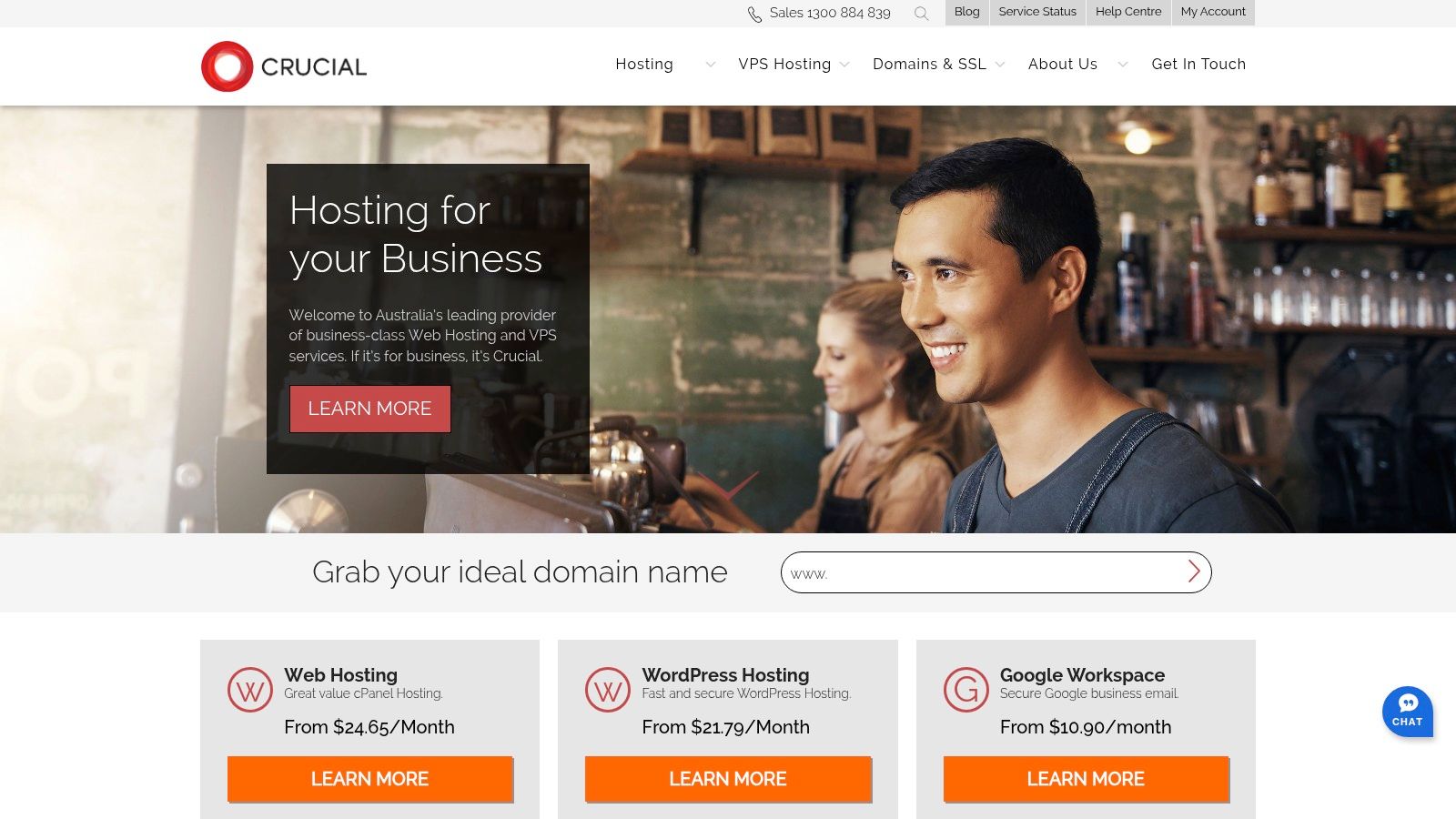
Crucial suits beginners who want business-style shared hosting rather than the cheapest possible entry point. Its plans are clearer than many budget hosts, and that's very helpful when you're trying to understand what you're paying for.
The Sydney-based hosting setup helps keep latency low for Australian users, and the stack includes the features most beginners should insist on: cPanel, Softaculous, free SSL, backups, DDoS protection and CloudLinux resource isolation.
Who should choose Crucial
This host is ideal if you're building a serious business site from the start and don't want to outgrow your host too quickly. Think legal practice, medical service, B2B consultancy, or a local retailer that needs dependable email and a professional site rather than just the lowest monthly price.
Its resource allocations are usually explained more clearly than what you see from many entry-level hosts. For first-timers, that helps. You don't need to become a systems admin, but you do need enough clarity to know whether a plan fits your project.
- Good for business starters: Clear plan detail makes it easier to choose without guessing.
- Good for WordPress beginners: Softaculous and cPanel keep setup familiar and manageable.
- Less ideal for tight budgets: The base price is higher than many bargain hosts.
If your plan is to use WordPress on cPanel and you've never done that before, this walkthrough on how to create a website using cPanel and WordPress gives you the basic flow. That's the path many beginners take with other hosts as well.
Register your new domain name at competitive market prices including free domain add-ons like privacy, DNS Hosting, Custom Nameservers and Forwarding.
Always the best price and no nasty renewal price hikes.
Register A Domain Name
5. Panthur
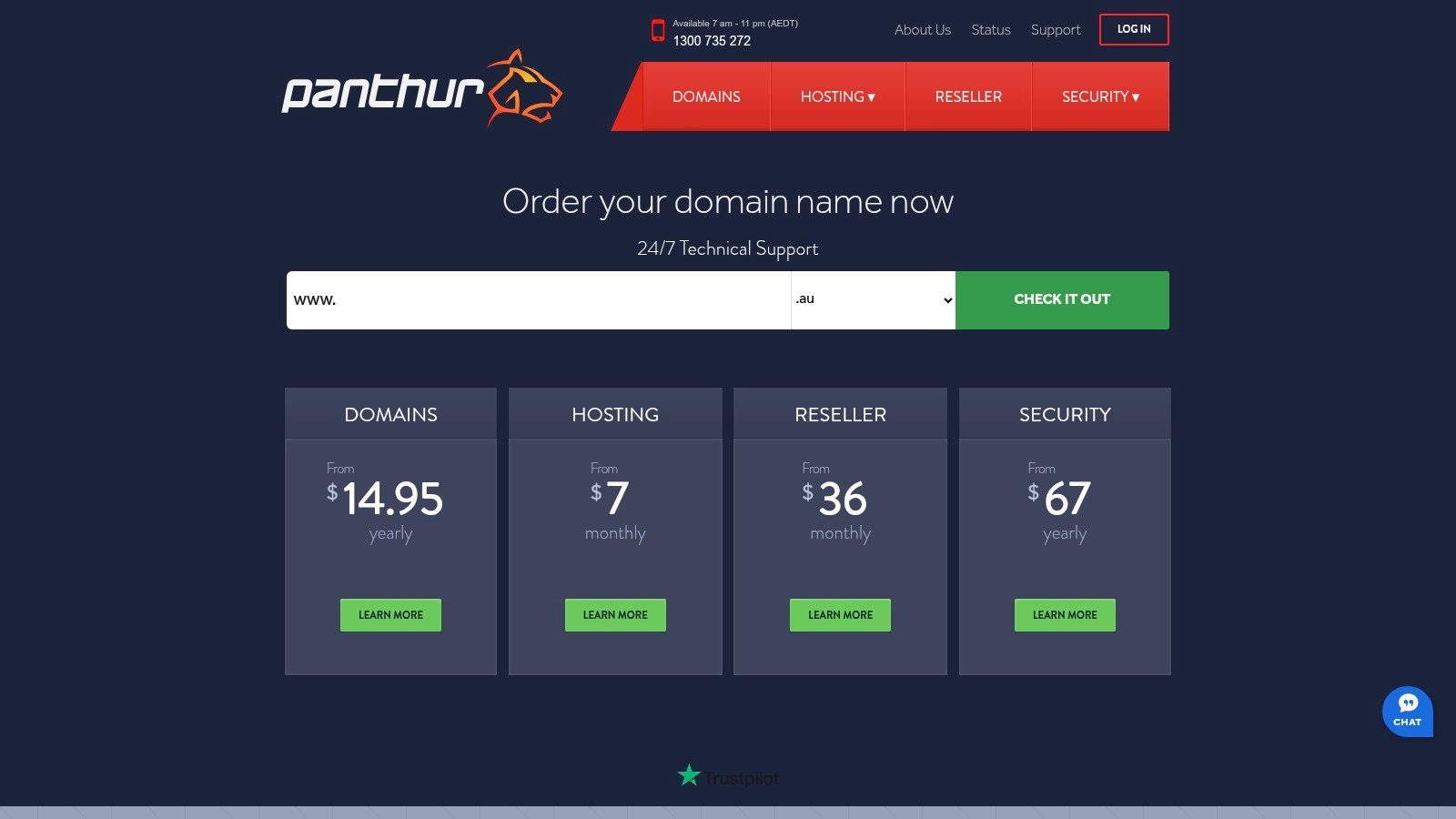
Panthur is one of the easier Australian hosts to recommend to someone who wants local hosting and a gentle start. The Economy-tier approach makes sense for hobby sites, starter business sites and side projects that don't need heavy resources yet.
The inclusion of a website builder on entry plans is the main differentiator here. If WordPress feels like too much and you just want a serviceable website online quickly, Panthur has a cleaner path than some hosts that expect you to assemble everything yourself.
Where Panthur makes sense
Panthur works best for simple websites with a clear purpose. A wedding vendor, local artist, startup landing page or one-person service business can get a lot out of a modest plan if expectations are realistic.
Its Click Restore backups are handy for beginners because mistakes happen. So do plugin problems, theme mishaps and accidental page deletions. Self-service recovery is one of those features that seems boring until the first time you need it.
There is one catch with lower tiers. Resource caps are modest, and add-on domain limits can be tighter than some users expect. That's not a deal-breaker for a first site. It just means Panthur is strongest when you're launching one small project, not several.
If you're still mixing up hosting and domains, you're not behind. Most beginners do. This plain-English guide explains the difference between domain names and web hosting.
6. DreamIT Host
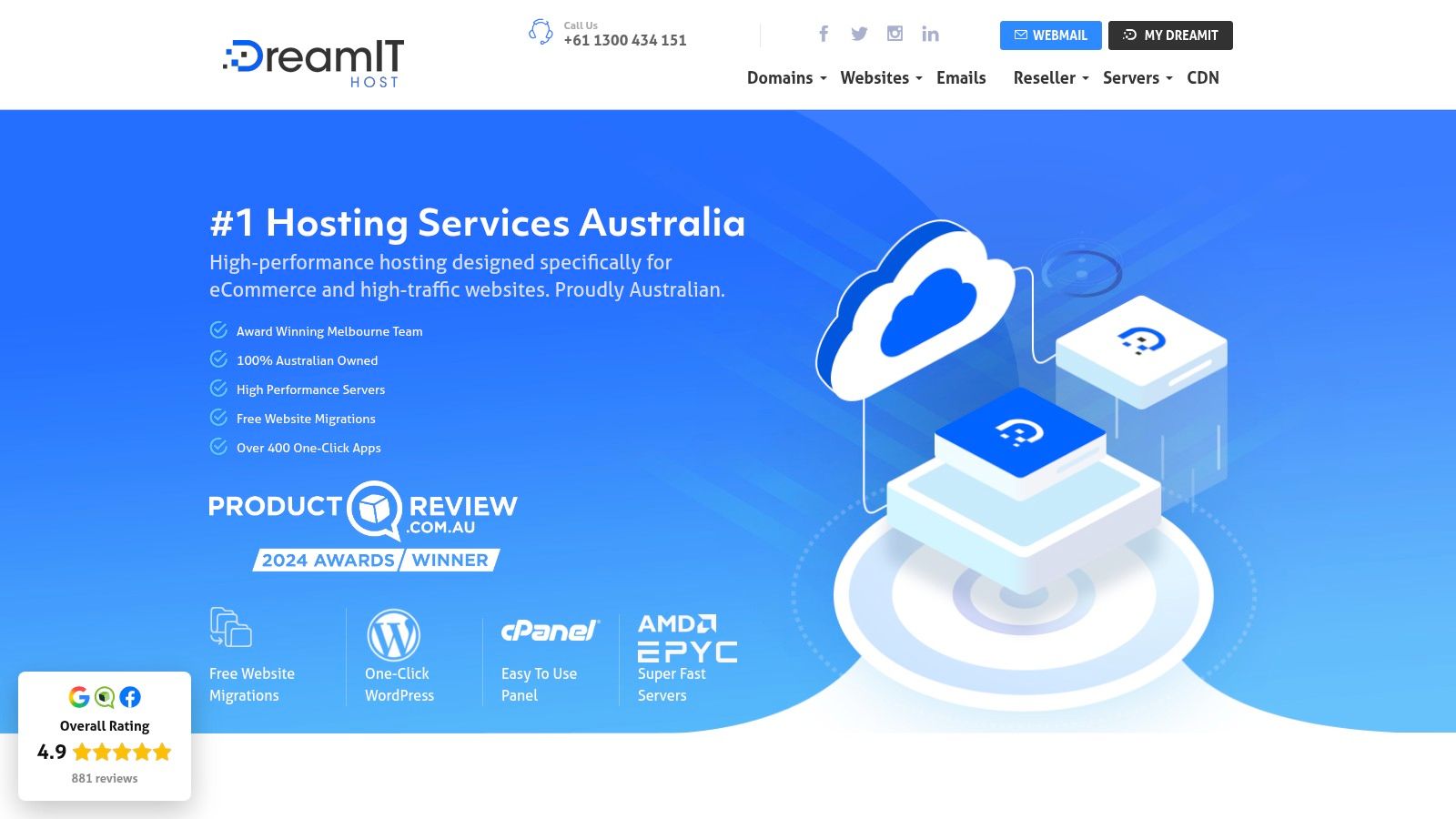
DreamIT Host is the value pick for beginners who care about backups and local server choice. It offers servers in Melbourne, Sydney and Perth, plus NVMe storage, LiteSpeed, CloudLinux, free SSL and free migrations.
That stack is strong for the price level, especially if you're launching a small WordPress site and want decent speed without paying for a premium managed platform. The option to choose DirectAdmin or cPanel is also useful, though complete beginners will usually find cPanel more familiar.
Why it stands out
What makes DreamIT Host more interesting than a generic budget host is the backup setup. Hourly, daily, weekly and monthly retention gives beginners a lot more room to recover from mistakes. If you break a page, install a bad plugin, or overwrite a form, you're not stuck hoping support can rescue you.
There's also a drag-and-drop website builder and WordPress staging or cloning features, which are practical for users who want to test changes without touching the live site. That's more useful than it sounds. A beginner can try a new theme or layout on staging first, then push changes later.
The trade-off is support style. Phone access is more limited on lower-tier plans, so if direct local phone help is your top priority, another Australian provider may suit you better. If you're comfortable with tickets and documentation, DreamIT Host offers strong value.
This local angle matters in Australia. Hosting offshore can create practical friction around compliance, latency and support timing. The broader concern around local data handling and business compliance is one reason many Australian businesses prefer local hosting rather than treating server location as an afterthought.
Experience Microsoft 365 Business Standard for free for 30 days.
Up to 25 users with full access to email, OneDrive and Teams. Includes full versions of desktop apps of Outlook, Word, Excel, PowerPoint and more.
Try Microsoft 365
7. Digital Pacific
Digital Pacific is a steady, well-established option for beginners who want a host they can stay with as their needs grow. It offers cPanel hosting, Softaculous, daily backups accessible through cPanel, local support and straightforward upgrade paths to larger hosting products.
That upgrade path is the main selling point. Plenty of beginners start with a simple brochure site, then add email, then a booking tool, then a shop, then more traffic. Digital Pacific is good for that sort of gradual progression.
Best use case
Choose Digital Pacific if you want a conventional Australian hosting experience with a known local brand and clear pathways to move up later. It's especially suitable for small businesses that don't want to re-platform every time their site gets a bit bigger.
Its cPanel setup means you won't have to learn a strange proprietary dashboard. If you ever move hosts later, that familiarity makes life easier. Softaculous also keeps WordPress and app installs beginner-friendly.
A practical fit would be a growing services business that starts with a basic site and plans to add multiple mailboxes, landing pages, blog content and maybe a VPS later. Digital Pacific gives that business room to stay put rather than hopping providers.
The main downside is price positioning. Entry plans aren't the cheapest, and prepaid discounts can make comparisons look better than they feel month to month. Read the billing terms carefully and compare the actual renewal cost, not just the headline deal.
Top 7 Web Hosts for Beginners, Comparison
A beginner usually notices hosting differences at the worst time. The site is slow on mobile, support replies overnight instead of during local business hours, or the renewal invoice looks nothing like the advertised price.
That is why this comparison focuses on the things Australian beginners feel in practice: how easy the host is to set up, what sort of resources you get, where each provider fits, and where the trade-offs sit.
| Provider | Setup for beginners | What you get at entry level | Where it fits best | Main trade-offs | Standout strengths |
|---|---|---|---|---|---|
| UpTime Web Hosting | Easy to start with cPanel, one-click apps, and room to move into stronger plans later | Australian server locations, uncapped bandwidth, security features and off-site backups | New business sites, WordPress projects, and anyone who wants local hosting without billing surprises | Not the cheapest headline price if you only compare promo deals | Australian support, local server choice, clear GST-inclusive pricing |
| SiteGround | Polished onboarding with strong WordPress tools and a beginner-friendly dashboard | Managed features, caching, CDN tools, and scalable cloud-backed hosting | Beginners who want a guided WordPress experience and do not mind paying more for convenience | Renewal pricing can climb, and the platform is less traditional than cPanel hosts | Smooth user experience, good documentation, solid performance features |
| VentraIP | Very easy to launch, with familiar cPanel hosting and straightforward plan structure | Local shared hosting, one-click installs, email hosting, and common small-site features | First websites, tradie sites, and simple small business projects | Intro offers can look better than long-term pricing, so compare renewal cost carefully | Well-known Australian support team, simple setup, strong local brand recognition |
| Crucial | Easy enough for beginners, with a more business-focused feel than budget hosts | Sydney-based hosting, daily backups, DDoS protection, and clearer resource limits than some rivals | Small businesses that want predictable shared hosting rather than the cheapest possible plan | Less flashy onboarding than some international providers | Transparent limits, local support, business-friendly structure |
| Panthur | Simple setup, especially for very small sites or users who want a builder included | Entry hosting with basic resources and bundled site builder options | Personal sites, starter business pages, and low-complexity projects | Lower-tier plans are tighter on resources, so growing sites may outgrow them sooner | Low-friction start, bundled builder, local support |
| DreamIT Host | Beginner-friendly, with a choice of control panels and practical hosting features | NVMe storage, LiteSpeed, and frequent backup points across Australian hosting plans | Budget-conscious users who still care about backups and snappy storage | The control panel choice is useful, but it can add one more decision for a new user | Good value, fast storage, strong backup retention options |
| Digital Pacific | Familiar cPanel setup with simple app installs and established upgrade paths | Shared hosting on local infrastructure with daily backups and standard business hosting tools | Beginners who want a traditional Australian host and may scale later | Starting prices are not the lowest in the group | Established provider, local support, easy path to larger plans |
The quick read is simple. UpTime Web Hosting is the safest all-round choice for most Australian beginners because it balances local speed, support access during Australian hours, and pricing that is easier to compare at checkout. SiteGround is the stronger fit if you want a more managed WordPress-style experience. VentraIP and Digital Pacific make sense if you prefer a familiar Australian cPanel host with a long track record.
The rest come down to fit. DreamIT Host offers good value if backups and storage performance matter. Panthur suits smaller projects with modest needs. Crucial is a sensible pick for business users who would rather see clear limits than vague "unlimited" promises.
Our Final Verdict & Your Next Steps
You usually find out whether a host was a good choice after you have already paid for it. The site feels slow for Australian visitors, support replies land overnight from another time zone, or the total at checkout jumps once GST is added. For beginners here, those are not minor annoyances. They are the problems that turn a simple first site into a frustrating one.
That is why a local shortlist matters.
For most Australian beginners, UpTime Web Hosting is the strongest starting point because it keeps the decision simple. Local hosting helps with speed for local visitors. Australian-based support means you can get help during your workday, not at 2 am. Clear GST-inclusive pricing also makes it easier to compare plans without guessing what the actual monthly cost will be.
It is a practical fit for first websites, small business sites, and standard WordPress installs. You can review the provider directly at https://uptimewebhosting.com.au.
Shortlist: The Best Host For...
- Most beginners: UpTime Web Hosting. The right fit if you want local speed, local support, and pricing that is easier to trust at checkout.
- WordPress users who want more help out of the box: SiteGround. A better choice if you want a more guided setup and are comfortable paying more for it.
- Traditional Australian cPanel hosting: VentraIP or Digital Pacific. Both suit beginners who want a familiar local provider with an established history.
- Value-focused projects: DreamIT Host. A good option if backup coverage and faster storage matter more than polished onboarding.
- Small, modest sites: Panthur. Suits lighter projects with simpler needs.
- Business users who want clearly defined plans: Crucial. A sensible pick if you prefer firm limits over vague unlimited wording.
Your 3-Step Launch Plan
- Start with the smallest plan that fits one website. New sites rarely need extra storage or higher limits on day one, and upgrading later is usually straightforward.
- Register your domain during signup. Keeping your hosting, DNS, and billing in one place is easier for a first project. For many Australian businesses,
.com.auor.auis the sensible choice. - Choose WordPress or the site builder based on how much control you want. WordPress gives you more room to grow. A built-in builder is faster if you just need a simple brochure site online.
One tip I always give beginners is to test support before buying. Send a pre-sales question and judge the reply. If the answer is clear, local, and arrives in a reasonable time, that is usually a good sign you will get decent help when something breaks later.
If you want the lowest-risk starting point, start with UpTime Web Hosting. It matches what Australian beginners usually need, without adding avoidable hassle.