Dedicated hosting isn't automatically the faster, safer upgrade from a VPS. Comparing vCPU counts on two price lists won't tell you which service will keep an Australian business online, recover its data or deliver useful work at a sensible cost.
The better choice comes from measuring your workload and assigning responsibility for everything around it. VPS hosting vs dedicated hosting is a decision about usable capacity, operational ownership and recovery, not just who offers the biggest machine.
Table of Contents
- Why the Hosting Model Matters More Than the Plan Price
- VPS and Dedicated Hosting Side by Side
- What Each Model Costs per Useful Transaction
- Performance, Latency and Noisy Neighbours
- Scaling and Who Handles Day-to-Day Management
- Security, Backups and Australian Data Residency
- Choose the Right Model for Your Business Situation

Performance you can feel, backed by clients who depend on it. Read how our support and uptime create long‑term customer success.Power Your Business with Better Hosting
Why the Hosting Model Matters More Than the Plan Price
Australia's web-hosting services market was valued at AUD 4.07 billion in 2025, according to Expert Market Research Australia, which identifies dedicated hosting as a key market segment. A large selection doesn't create a universal winner. It creates more opportunities to buy capacity your application doesn't need.
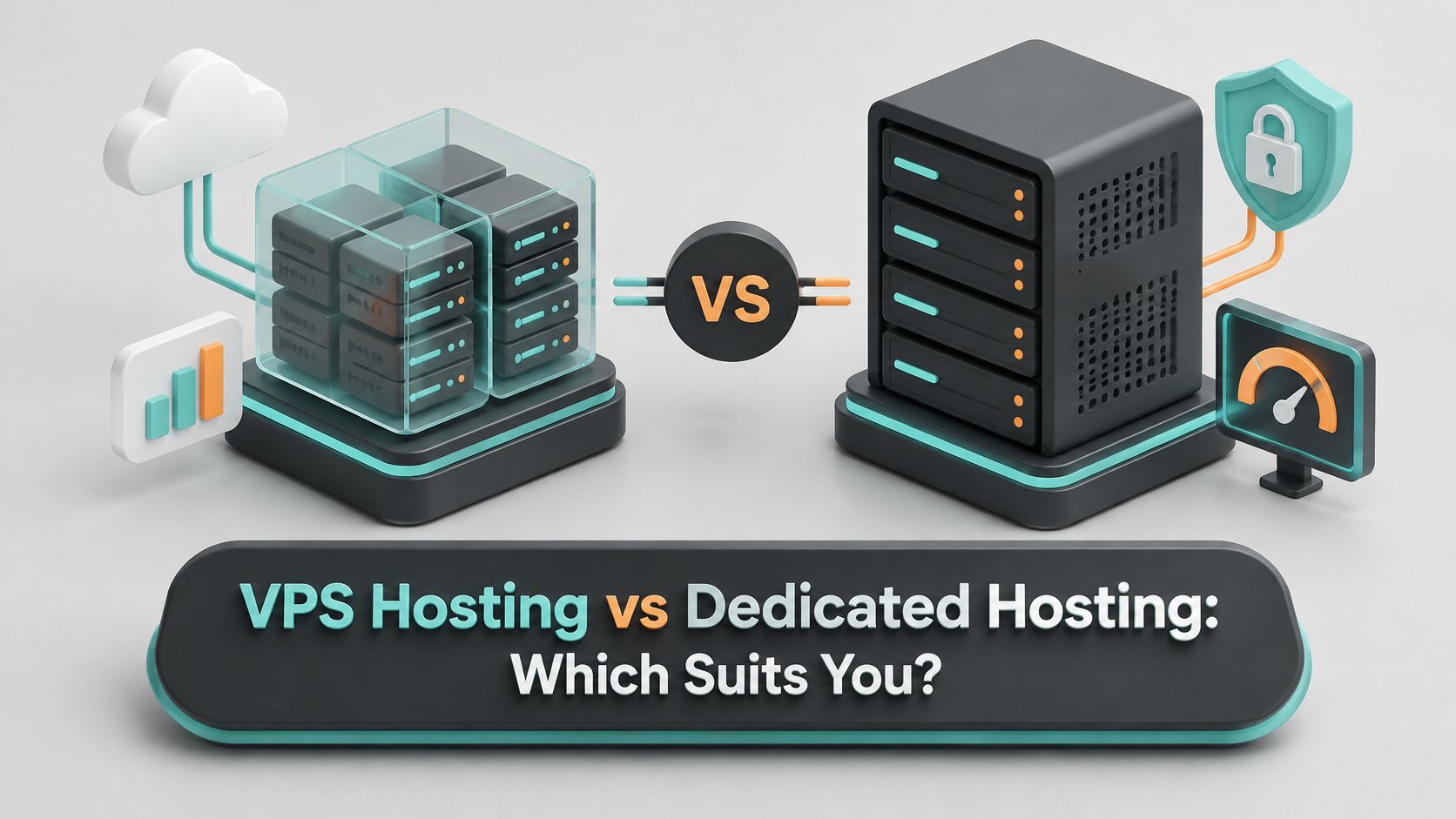
A virtual private server, or VPS, divides a physical server into isolated virtual environments. Your environment receives allocated CPU, memory and storage, while the provider operates the underlying host.
Dedicated hosting assigns the whole physical machine to one customer. You gain control over its available hardware resources and operating-system configuration, within the provider's supported options.
Buy an operating arrangement, not just specifications
The important distinction is who controls the hardware and who carries the work. Neither model tells you whether someone will patch the operating system, investigate an overnight alert or restore a damaged database. Those responsibilities belong in the service agreement.
For an Australian small business, that distinction can outweigh an impressive processor specification. Developers managing client sites need clear escalation paths; WordPress owners need application maintenance; organisations running ASP.NET or Windows applications need compatible software and licensing arrangements.
Buying rule: Compare the service you can operate reliably, not the largest server you can afford.
Start with a short workload inventory:
- Demand: Record average monthly visits and peak concurrent users, rather than relying on a traffic estimate.
- Data: Write down database size, storage growth and the applications that access it.
- Business dependency: Identify whether an outage stops enquiries, checkout, bookings or internal work.
Those details give the comparison table a purpose. They also make discussions about cost per useful visit, Australian network performance, management and recovery much more concrete.
VPS and Dedicated Hosting Side by Side
VPS and dedicated hosting compared on the criteria that matter
| Factor | VPS hosting | Dedicated hosting |
|---|---|---|
| Hardware | Shared physical server, dedicated virtual slice | Whole physical server for one customer |
| Resource isolation | Strong virtual isolation; CPU and disk can be shared with busy neighbours | Full control of allocated CPU, RAM, storage and network configuration |
| Typical entry cost | Lower; suits single sites and small applications | Higher; priced for the full machine |
| Scaling speed | Resources added within the same host or through a resize, often quickly | Usually needs a hardware change or migration window |
| Management effort | Low to medium, according to managed service scope | Medium to high unless managed |
| Performance consistency | Good for bursty, moderate demand; can vary under contention | Predictable under sustained load |
| Typical fit | Small business sites, WordPress, staging and APIs | Large databases, heavy Windows and MSSQL workloads, strict isolation |
| Failure impact | Host problems can affect many tenants; recovery relies on snapshots and backups | One machine fails as a whole; recovery relies on backups and replacement time |
A VPS buys flexibility and a lower cost floor, while a dedicated server buys predictable capacity and control at a higher fixed price.
Read the rows as purchasing decisions
Hardware establishes what you're renting. A private virtual environment isn't exclusive ownership of its physical host, and a dedicated IP address doesn't mean a dedicated physical server.
Resource isolation determines which neighbouring activity can influence your application. Virtual boundaries separate customers, but the provider's scheduling and storage policies still matter. Dedicated hardware removes other customers from that machine, not from every upstream network component.
Entry cost matters most when a site spends much of its time idle. Scaling speed matters when a campaign or new customer can change demand before you can schedule hardware work. Check whether a resize requires a reboot, storage migration or application interruption.
Management effort is a separate purchase decision. An unmanaged VPS still needs an administrator, while a managed dedicated service can transfer substantial operational work to the provider.
Performance consistency matters more than a brief benchmark win for applications with continuous processing. For typical fit, think about how work arrives: intermittent page requests suit a different capacity model from a database processing queries throughout the working day.
Finally, failure impact reveals what happens when the underlying machine disappears. A snapshot can help rebuild a system, but it isn't automatically an independent backup or an application-consistent database copy.
Mark the rows that matter most to your workload. If your priorities are affordable operation and quick resizing, don't let an unused processor specification overrule them.
Host your website with our 5-star rated, cPanel website hosting plans.
Super fast servers, with security included and hosted in your choice of Australian Data Center.
View cPanel Plans
What Each Model Costs per Useful Transaction
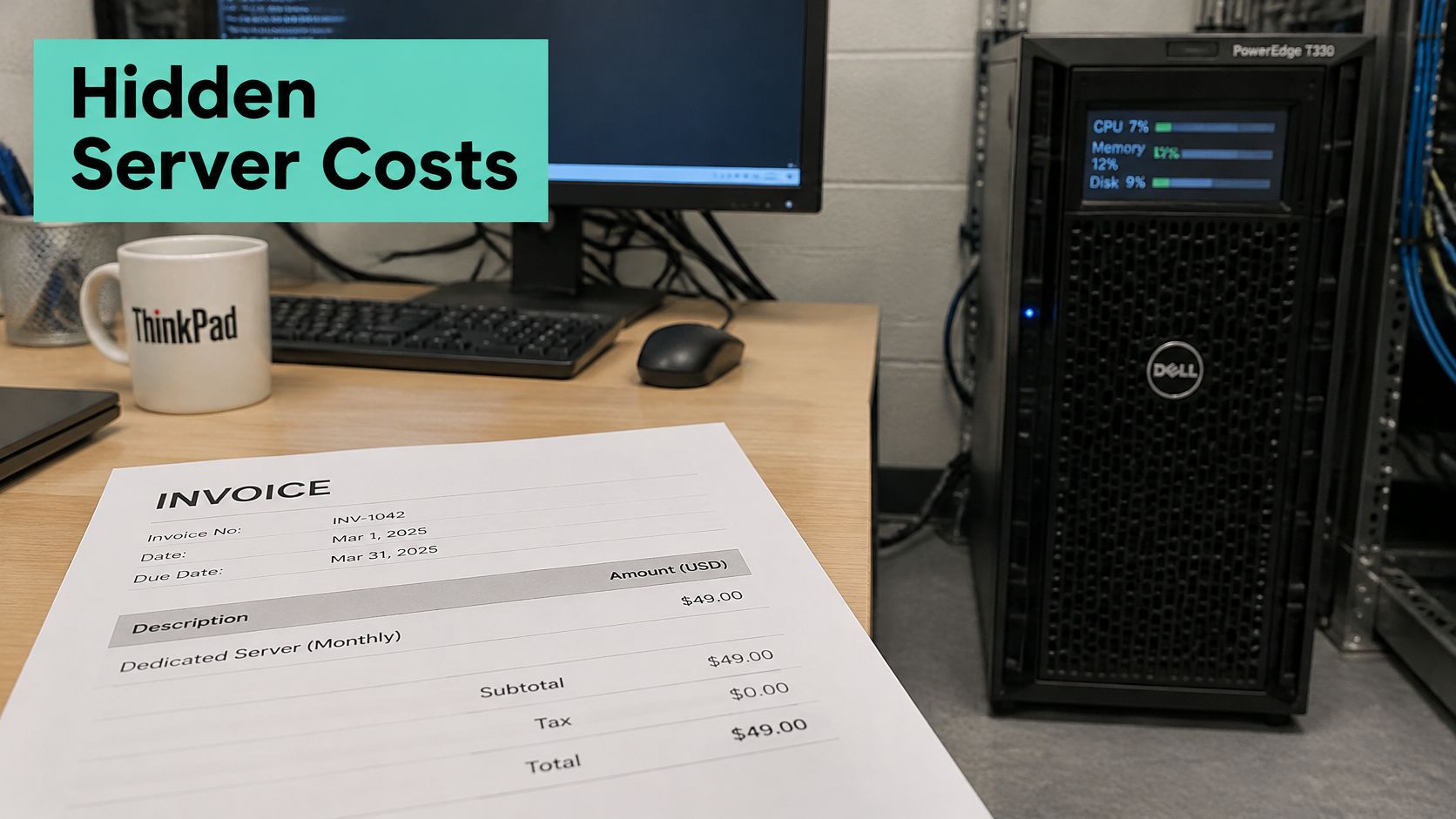
The monthly invoice is only the starting point. Dedicated hardware can become the more expensive choice without delivering a better business outcome when most of its capacity sits unused.
Consider this illustrative example, not a provider quote or like-for-like benchmark. Assume both services successfully handle the same monthly visits, with acceptable response times.
Illustrative cost per visit at 40,000 monthly visits
| Model | Monthly cost | Monthly visits | Cost per visit |
|---|---|---|---|
| Dedicated server (illustrative) | $400 | 40,000 | $0.01, or 1 cent |
| VPS (illustrative) | $120 | 40,000 | $0.003, or 0.3 cents |
The dedicated machine doesn't earn its extra cost just by having spare RAM. It needs to improve something valuable, such as completed transactions, processing time or the ability to meet a genuine isolation requirement.
Add administration before dividing
Use this formula:
Cost per useful transaction = (monthly hosting cost + paid administration hours × your hourly rate + other operating costs) ÷ successful useful transactions.
Visits provide a simple starting denominator. For a retailer, completed checkouts may be more useful; for an API, count successful requests rather than failed retries. Include licensing, backup storage and monitoring where they're billed separately.
Patching, capacity planning, backup design and hardware-failure coordination all consume labour. Our annual web-hosting cost guide provides another budgeting reference, but your own invoices and administrator time should drive the calculation.
Put actual plans in their proper category
Our private server plans provide a price anchor, not a physical dedicated-server benchmark:
- Entry Level: $70.00 per month for a single WordPress website, including a Dedicated IP, 1 CPU, 40GB NVMe SSD, 2GB RAM and 2TB traffic in Sydney.
- Multi Site: $110.00 per month for multiple websites with lots of plugins and high traffic, including a Dedicated IP, 4 CPU, 100GB NVMe SSD, 8GB RAM and 4TB traffic in Sydney.
- Pro: $146.00 per month for high-demand, multiple-site workloads, including a Dedicated IP, 6 CPU, 180GB NVMe SSD, 16GB RAM and 5TB traffic in Sydney.
Utilisation also matters beyond the invoice: WAtoday's reporting on Australian data-centre electricity demand puts consumption at approximately 3.9–4 TWh in 2025, about 2% of National Electricity Market electricity. That doesn't prove VPS is greener, but it reinforces why reserving unused capacity deserves scrutiny.
Run the calculation using your actual bill, useful output and administration time before paying for more hardware.
Performance, Latency and Noisy Neighbours
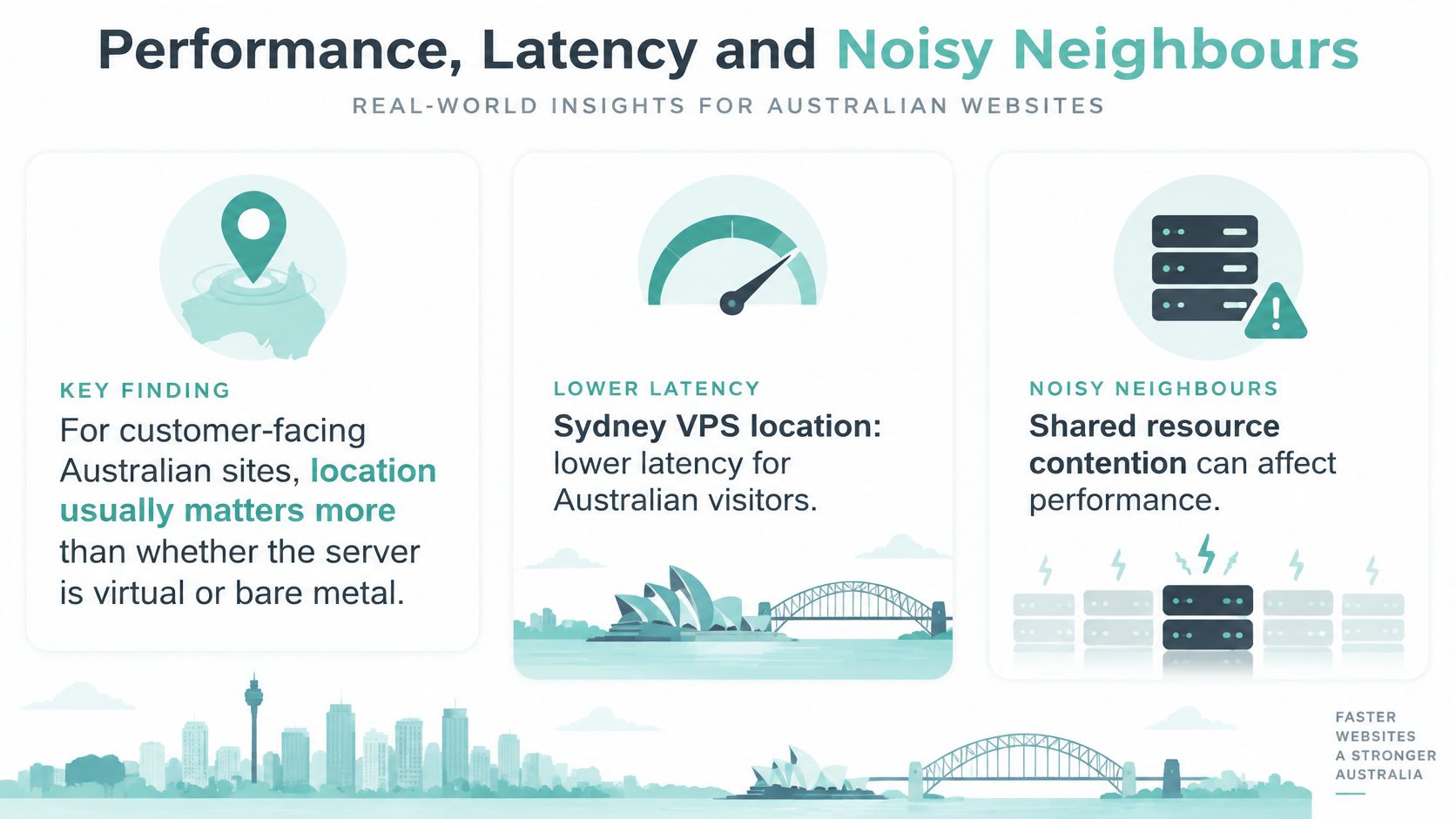
For customer-facing Australian sites, geographic placement usually matters more to network latency than whether the server is virtual or bare metal. A dedicated server doesn't shorten the route between a Perth customer and a Sydney data centre because its processor isn't shared.
A published Sydney VPS benchmark reported 4,672.67 Mbps download, 4,266.92 Mbps upload, 12.91 ms idle latency, 0.07 ms idle jitter and 0% packet loss against Aussie Broadband; the same platform recorded 8.32 ms download latency and 6.73 ms upload latency to another Australian ISP. These are results for that test environment, not performance promises for your visitors.
Separate network delay from server contention
Test routes from the Australian locations your customers use. Sydney, Melbourne, Brisbane and Perth aren't interchangeable, and a nearby data centre can still have an inefficient network route. Our low-latency hosting guide for Australia explains the location side of that decision.
Noisy neighbours are a different problem. A VPS can slow when other tenants compete for host CPU scheduling or storage throughput. CPU steal time shows when a virtual machine waits for processor time; disk I/O wait and storage latency help reveal an overloaded storage path.
Memory pressure needs its own diagnosis. If your application exceeds its allocated RAM and starts swapping, moving to exclusive hardware won't fix an undersized memory allocation by itself.
Run a controlled comparison
- Measure visitor-facing response times. Record p95 and p99 response times from two or three representative Australian ISPs during peak hours over a one-week test. These expose slower requests that averages conceal.
- Capture host-level symptoms simultaneously. Use tools such as
vmstat,iostatand application monitoring to record CPU steal percentage, disk latency and memory pressure. - Keep the application comparable. Deploy identical application images and database copies, preserving cache settings, runtime versions and background jobs.
- Compare useful throughput. Record requests per second and error rate, including checkout, login or database-heavy actions rather than only cached homepages.
A bursty WordPress or brochure site will often perform adequately on a well-specified VPS with NVMe storage and enforceable resource limits. Sustained databases, high-concurrency applications and heavy MSSQL workloads justify testing dedicated hardware when the measurements show contention or inconsistent processing, not merely because a page feels slow.
Scaling and Who Handles Day-to-Day Management
A VPS usually grows through a resource resize, sometimes within the existing host. Dedicated capacity more often requires physical changes or a move to another machine, so growth needs a planned maintenance window and rollback procedure.
Neither process should be assumed to be interruption-free. Confirm whether the operating system must restart, whether storage can expand without rebuilding and whether the application needs reconfiguration afterwards.
We let customers configure a server with more RAM, bigger storage or a different data centre instead of choosing only a fixed plan. Match the configuration to the constraint you've measured, rather than upgrading every resource together.
Assign operational ownership before ordering
Who handles each operational task under each model
| Task | VPS hosting | Dedicated hosting |
|---|---|---|
| Hardware failure and replacement | Provider handles the host | Provider handles on managed plans; you coordinate otherwise |
| Operating system patching | Managed: provider. Unmanaged: you | Managed: provider. Unmanaged: you, across the whole machine |
| Capacity planning | Provider plans host capacity; you size the instance | You size the whole machine, including idle headroom |
| Monitoring and alerting | Provider monitoring on managed tiers | Provider monitoring on managed tiers, with more hardware alerts to act on |
For hardware failure, establish who opens the incident, authorises replacement and confirms the application is healthy afterwards. Even with unmanaged rented hardware, the provider generally performs physical repairs; your team may still have to coordinate recovery and rebuild the service.
For operating-system patching, ask who schedules updates, checks compatibility and rolls back a failed change. Dedicated hardware can add driver, firmware and storage-controller considerations, but an unmanaged VPS still carries substantial operating-system work.
Monitoring isn't the same as intervention
Capacity planning requires a growth forecast and enough headroom for peak activity, maintenance and recovery. With dedicated hosting, you reserve that headroom across the physical machine. With a VPS, you still need to know the next resize option and whether the provider has capacity available.
Monitoring must lead to action. An alert that reaches an unattended inbox doesn't protect a business website, and a responsive server doesn't prove checkout or an ASP.NET application is working.
Our VPS server management guide is a practical reference for organising these responsibilities. Keep backups and firewall ownership in the same service agreement, even when they're administered by a different team.
List which tasks your team can realistically cover during a normal week. Mark anything requiring an outside administrator, then include that cost in the purchase decision rather than treating it as free labour.
Register your new domain name at competitive market prices including free domain add-ons like privacy, DNS Hosting, Custom Nameservers and Forwarding.
Always the best price and no nasty renewal price hikes.
Register A Domain Name
Security, Backups and Australian Data Residency
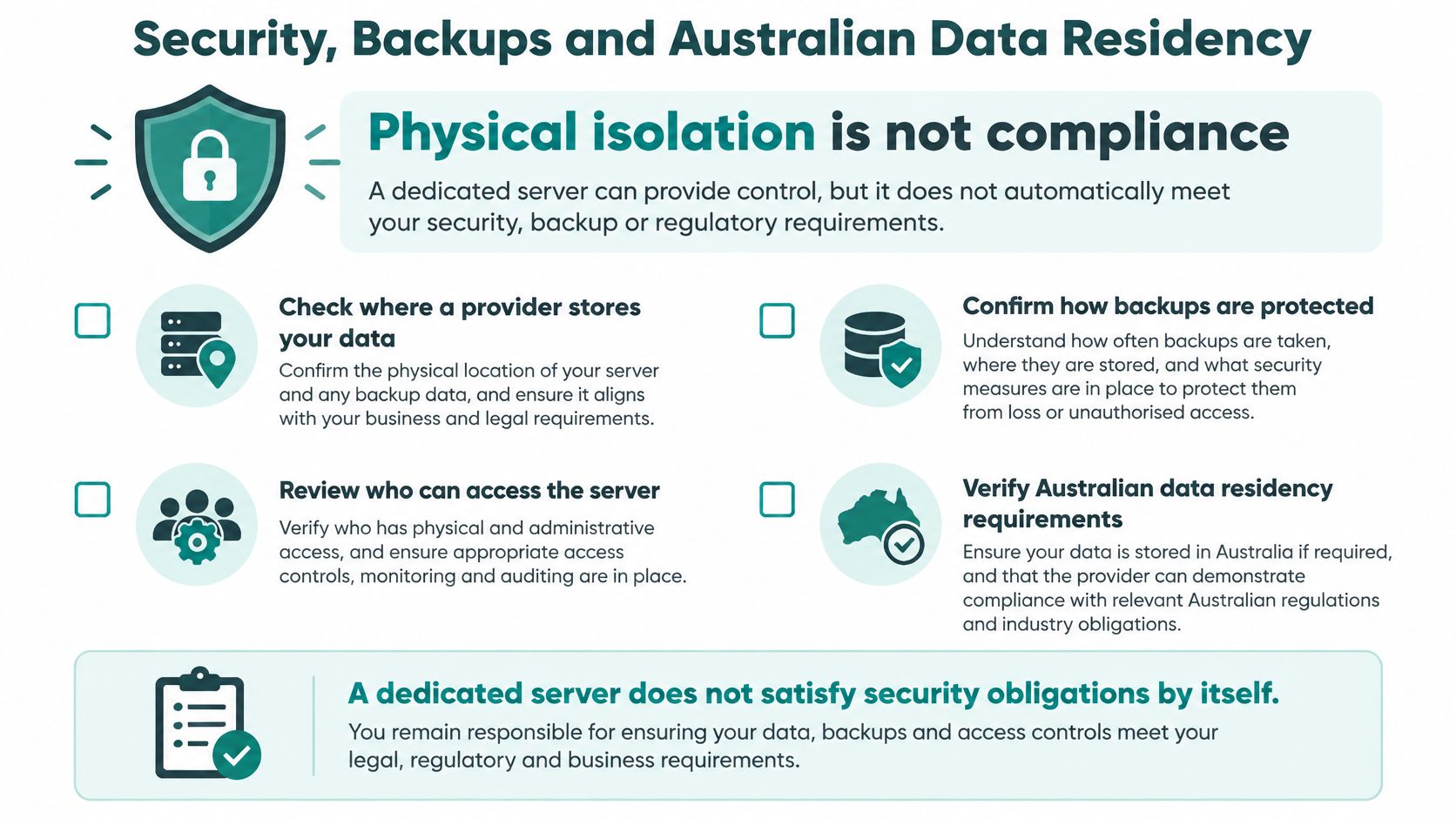
Physical isolation is not compliance. A dedicated server doesn't satisfy security obligations just by excluding other customers from its hardware.
The Australian Cyber Security Centre's small-business handbook recommends checking where providers store and process data, keeping regular backups preferably off-site, and using malware detection, firewalls, encryption, multi-factor authentication or strong passwords, and denial-of-service protection. These are operational controls, not benefits you can infer from a server label.
Verify the complete recovery arrangement
Say a small Melbourne retailer runs WordPress on a VPS. A sound arrangement includes backups held separately from the production server, confirmed malware scanning and firewall controls, and a documented way to recover the shop without relying on the compromised installation.
Work through these questions before approving either model:
- Location: Are production storage, backups and failover copies held in the Australian locations documented in the agreement?
- Recovery: Can the provider demonstrate a tested restore from a backup held separately from the production server?
- Administrative responsibility: Does the agreement identify who patches the operating system and who holds administrator access?
- Network protection: Do the documented firewall and DDoS controls cover the complete service you're buying?
- Website protection: Does the plan include SSL and malware scanning, with responsibility for responding to detections clearly assigned?
Request the provider's knowledge-base articles on backups and restore testing and firewall and DDoS controls. Those documents should explain scope, exclusions and customer responsibilities, not merely state that protection exists.
Confirm geography and recovery independently
Our VPS plans include free SSL certificates. Our Australian hosting offering covers data sovereignty, security policies and compliance with local laws, but the exact arrangement still needs to match your organisation's obligations. Obtain written confirmation of the controls and locations relevant to your service.
The Australian data-sovereignty hosting guide provides context for evaluating those requirements. Australian production storage alone doesn't establish where every backup, support activity or failover process occurs.
Recovery test: Restore into an isolated environment and verify the application, database and required files before declaring the backup usable.
For the retailer, that means checking products, orders and administrative access, not just seeing a homepage load. Record the recovery steps and who can authorise them when the usual administrator is unavailable.
The decisive question is practical: how quickly can the business restore a working service after a compromised login or hardware failure?
Choose the Right Model for Your Business Situation
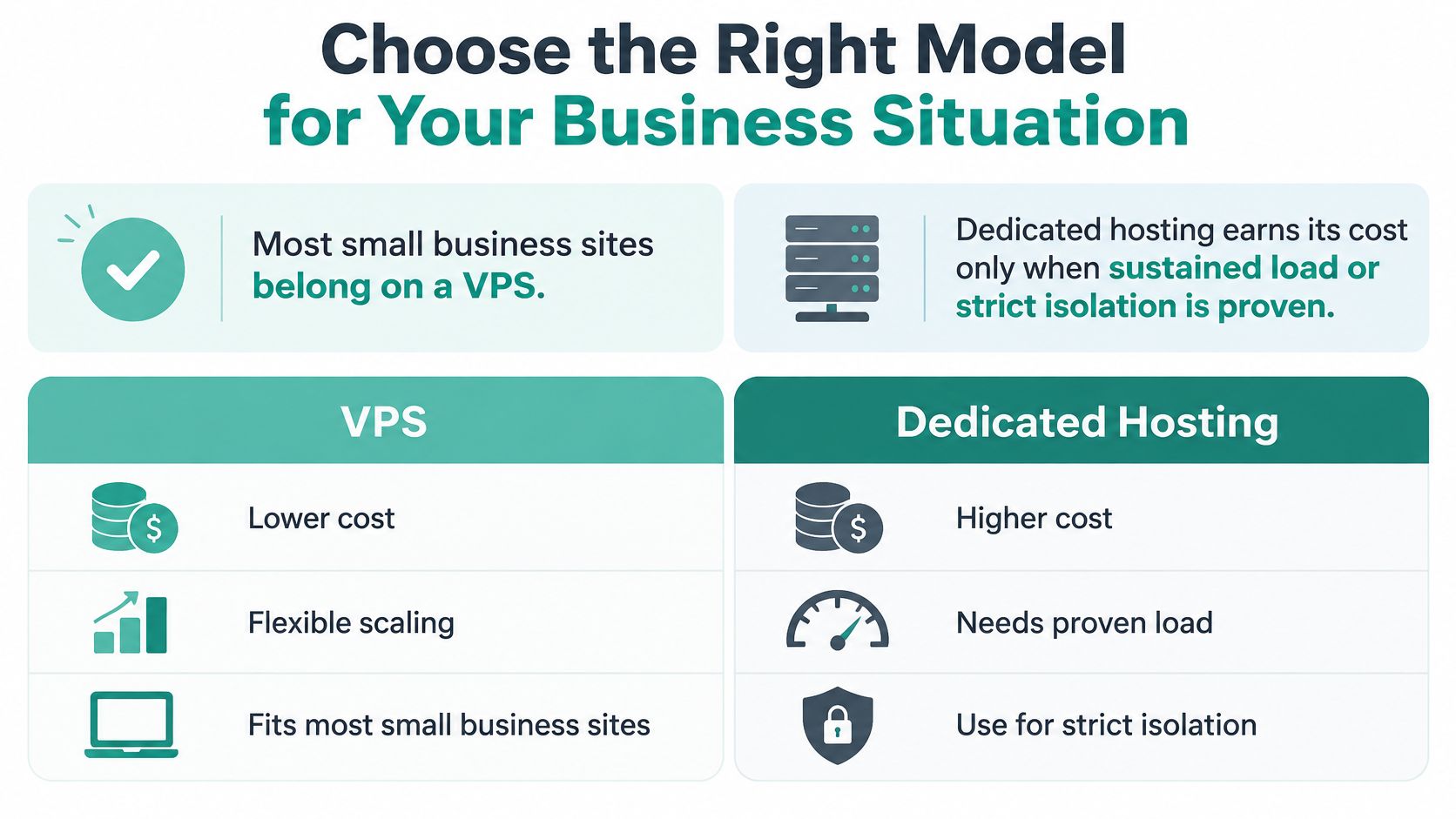
Most small-business sites belong on a VPS; dedicated hosting earns its cost when sustained load or strict isolation is proven. Treat that as a starting recommendation, then apply the requirements of the actual application.
Likely hosting fit by business situation
| Case | Likely fit | Deciding factor | Check before signing |
|---|---|---|---|
| Single brochure or WordPress site with modest traffic | VPS | Lower cost and fast resizing | Backup location and included SSL |
| Several busy sites with heavy plugins | VPS or dedicated | Peak CPU and memory under real load | Resource limits and resize path |
| Sustained database load or MSSQL Windows workloads | Dedicated | Exclusive CPU, RAM and disk | Latency and I/O benchmark from Australian ISPs |
| Client records under Australian privacy obligations | Either, hosted in Australia | Documented residency and failover | Written data-residency and administrator-access terms |
| Government-facing or regulated supplier work | Either, if controls are documented | Evidence of data routing and support access | Certification evidence and backup replication location |
Match the decision to the business risk
For a single WordPress site, paying for idle physical capacity rarely solves the immediate problem. Confirm the backup arrangement and application maintenance instead.
For several busy client sites, test simultaneous activity. Plugin updates, scheduled imports and uncached requests can reveal a capacity problem that monthly visitor totals hide.
Sustained database processing is a stronger dedicated-server case, particularly when predictable disk response and exclusive memory matter. Still, Windows or MSSQL alone doesn't establish that a physical server is necessary; workload measurements should support the move.
Client records and government-facing work require a different purchasing process. Start with documented controls and contractual requirements, then choose infrastructure that can meet them.
Check jurisdiction as well as location
The Cyber and Infrastructure Security Centre's data-storage and access-control guidance warns that foreign governments may compel access to privately held information within their jurisdiction, potentially without customer knowledge or consent. It recommends considering ownership, control and influence alongside facility location.
Obtain written details covering jurisdiction, administrator access, backup geography and incident procedures. Neither virtualisation nor physical exclusivity answers those questions.
Our Managed VPS is an option to assess against this checklist. We also offer Web Hosting Solutions, WordPress Hosting, cPanel Hosting, ASP.NET Hosting and Australian VoIP, so the appropriate service needn't involve managing a standalone server at all. Use the Australian web-hosting review guide to evaluate service fit alongside technical specifications.
This week, contact our local team by phone, ticket or call-back with your workload inventory and recovery requirements. Arrange the one-week performance test before committing to dedicated hardware, and require a clear operational benefit to justify the additional fixed cost.
UpTime Web Hosting offers Australian hosting and managed VPS options for WordPress, client websites and Windows applications. Visit UpTime Web Hosting to discuss your measured workload, server configuration and recovery requirements with the local team before choosing between virtual resources and dedicated capacity.