A finance manager receives an email that appears to come from a familiar supplier. The branding looks right, the invoice number seems plausible, and the message asks for payment to a new bank account. The business pays before anyone verifies the change. Later, the supplier says the request never came from them.
That situation is the practical reason secure business email hosting deserves attention from every Australian business owner, not just the person who manages the website. Email carries invoices, payroll details, customer records, contracts and password-reset messages. If an attacker takes over one mailbox or impersonates a trusted domain, the result can affect cash flow and daily operations at the same time.
Australian data shows that business email compromise, or BEC, is a measurable financial threat. The ACSC reported that BEC represented nearly 7% of cybercrime reports in 2020–21, with reported losses of approximately AU$81.45 million in that financial year. In 2021–22, successful BEC reports fell slightly to 1,514, but self-reported losses rose to more than AU$98 million, with an average loss of more than AU$64,000 per successful incident. These figures come from the ACSC Annual Cyber Threat Report.

This guide starts with the basics, then moves through security controls, Australian governance considerations, provider comparisons and a practical onboarding sequence. If invoice redirection is already a concern, review this business email compromise guidance for Australian businesses before comparing mailbox plans.
Table of Contents
- Introduction Why Secure Email Hosting Matters Right Now
- What Secure Business Email Hosting Really Means
- Essential Security Features Every Business Should Expect
- Australian Compliance Data Residency and Risk Context
- How to Evaluate and Choose a Secure Email Hosting Provider
- Recommended Configuration and Onboarding Checklist
- Next Steps to Secure Your Business Email

Performance you can feel, backed by clients who depend on it. Read how our support and uptime create long‑term customer success.Power Your Business with Better Hosting
Introduction Why Secure Email Hosting Matters Right Now
Email hosting is often purchased as if it were a storage decision. A business owner compares mailbox size, monthly price and the number of accounts, then assumes the security question is solved once the domain works. That approach misses the most expensive part of email risk, namely whether a criminal can convincingly impersonate the business, access a mailbox or alter a payment conversation.
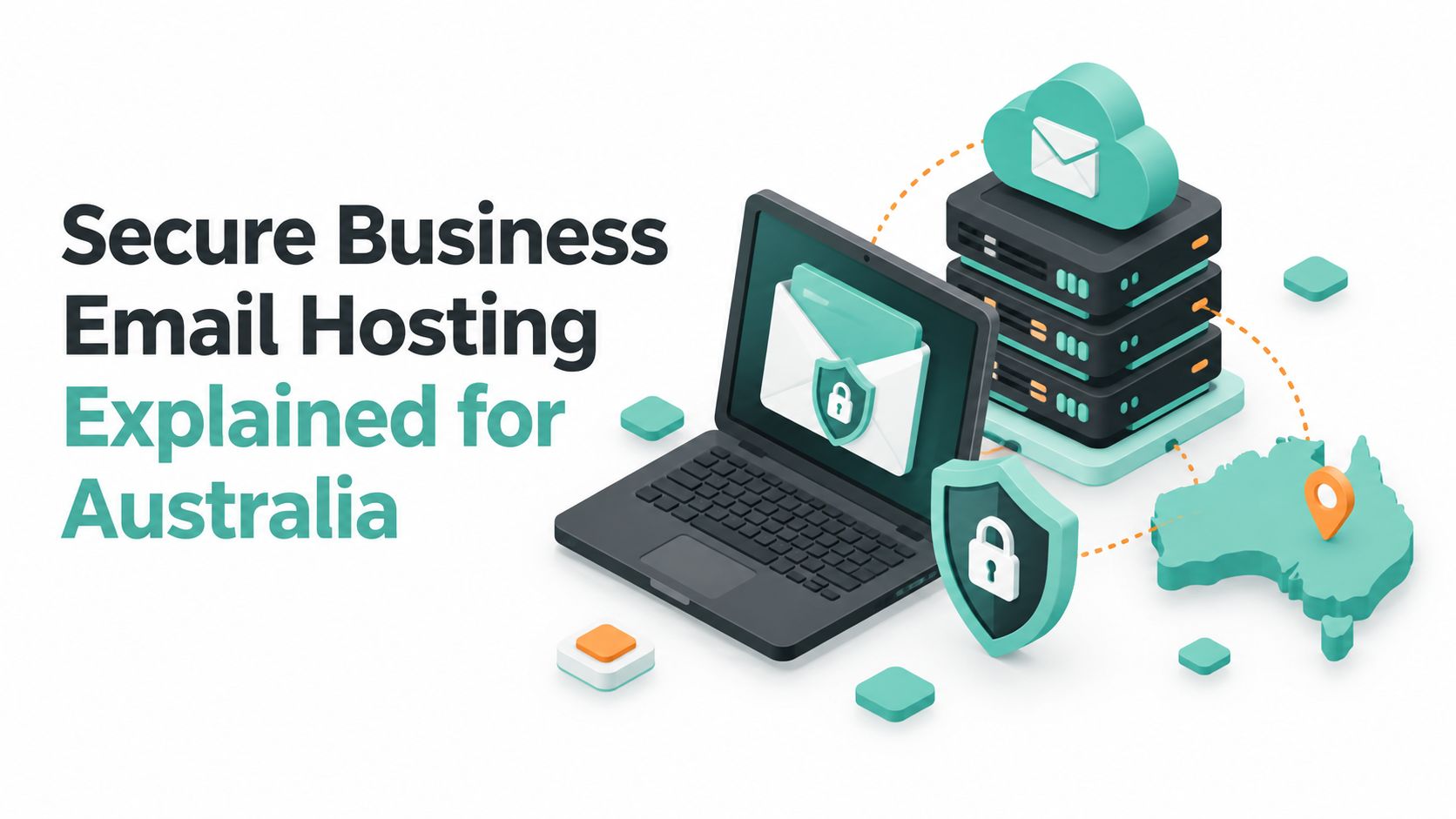
Secure hosting treats email as part of the organisation's operating system. It protects messages while they travel, controls who can sign in, checks whether a sender is authorised, records suspicious activity and gives the business a way to recover when something goes wrong. The provider still matters, but so do the settings your team enables and the procedures people follow.
Consider a small building company with a shared accounts mailbox. An attacker doesn't need to compromise every employee. Access to one finance conversation may be enough to watch supplier discussions, copy invoice formats and send a believable request at the right moment. Filtering may remove obvious spam, but it won't by itself prove that a payment-change request is genuine.
Practical rule: Treat any request to change bank details as a separate verification event, even when it arrives from a familiar address.
The Australian Signals Directorate recommends controls such as multifactor authentication, domain authentication and careful handling of BEC attempts. Those measures make secure email hosting a business continuity choice. A mailbox outage is inconvenient, but an unauthorised payment, lost customer confidence or compromised supplier relationship can disrupt the business far more seriously.
The useful question isn't, “How much email storage do we get?” Ask instead, “How well does this service protect identity, detect abuse and help us restore control?” The following sections answer that question in plain language, with examples that fit Australian small and medium businesses.
What Secure Business Email Hosting Really Means
Start with a simple comparison. Think of ordinary email hosting as a postal network, and secure hosting as a managed postal network with locked mailboxes, verified senders and monitored delivery routes.
Your domain is the business address, such as yourbusiness.com.au. The hosting service stores messages for that domain and lets authorised users access them through webmail or an email application. A mailbox is the locked box assigned to a person or function, such as accounts@yourbusiness.com.au.
The three protection layers
The first layer protects the message while it moves between systems. TLS encryption helps prevent outsiders from casually reading the connection between an email client and the mail server, or between participating mail systems. It's similar to placing a letter inside a protected courier route rather than sending it through an open public channel.
The second layer protects stored information. Encryption at rest, access restrictions, reliable infrastructure and controlled administration reduce the chance that stored messages can be read by unauthorised people. Business mailboxes often contain contracts, customer information and attachments long after a message has been sent.
The third layer verifies identity. SPF, DKIM and DMARC help receiving systems assess whether a message is authorised to use your domain. MFA protects the person signing in. Filtering checks suspicious content, links and attachments. Logging helps identify changes such as forwarding rules or unfamiliar access.

Why free email isn't the same decision
A free consumer mailbox may be suitable for personal communication, but a business needs control over its domain, users, policies and recovery process. If an employee leaves, the business should be able to suspend access, preserve relevant records and redirect work through an authorised process. If a mailbox is compromised, someone should know what happened and how to contain it.
A business hosting service should also make secure connection settings clear. For example, UpTime Web Hosting documents business email setup and secure IMAP and SMTP access in its Australian email hosting service information. The important point isn't a particular control in isolation. Security works as a chain, from the domain and mail route to the user's device and recovery procedure.
Host your website with our 5-star rated, cPanel website hosting plans.
Super fast servers, with security included and hosted in your choice of Australian Data Center.
View cPanel Plans
Essential Security Features Every Business Should Expect
A provider's feature list only becomes useful when each feature is tied to a specific threat. Use the following checklist during a sales call or service review. Ask what the control does, whether it can be enforced and what evidence you'll receive when something unusual happens.

Protecting messages and mailboxes
TLS encryption protects connections between users and mail systems. Confirm that the provider supports encrypted access for webmail and email applications, and ask whether insecure connection methods can be restricted. Encryption at rest is also relevant because messages remain on servers after delivery.
Spam and malware filtering should inspect more than obvious junk. Ask whether the service checks attachments, malicious links, spoofing indicators and suspicious sending behaviour. No filter catches every socially engineered message, so users still need a clear reporting method and a response process.
Backups and retention solve a different problem. Filtering tries to stop a harmful message. Backups help the business recover data after deletion, corruption, an account incident or an operational mistake. Ask how often backups run, how long they're retained, whether they're separated from production systems and how restoration is tested.
Proving who is allowed to send
SPF identifies approved sending services for a domain. DKIM adds a cryptographic signature to outbound messages. DMARC lets a domain owner tell receiving systems how to treat messages that fail authentication and provides reporting signals that can reveal abuse.
Australian government guidance says MFA materially reduces the chance of mailbox takeover and recommends publishing SPF, DKIM and DMARC so receiving systems can authenticate who is allowed to send on behalf of a domain. Read the ACSC guidance on preventing business email compromise when checking whether a provider supports these controls.
Identity controls stop impersonation before storage and convenience become the main conversation.
MTA-STS can add transport policy for participating mail systems. It doesn't replace domain authentication or MFA, but it belongs in a mature email security review. For practical configuration guidance, see email security best practices for business hosting.
Controlling access and responding to change
MFA requires more than a password, which makes stolen passwords less useful to an attacker. Use unique passphrases, avoid shared logins and require MFA for every mailbox that supports it, especially finance, administration and executive accounts.
Logging and alerting help answer questions quickly. Can you see unfamiliar sign-ins, password changes, new forwarding rules and mailbox delegation? Does the provider notify someone when a suspicious change occurs? Also consider the wider hardware lifecycle. Secure IT asset disposition for security can reduce the chance that retired devices retain accessible business data.
Australian Compliance Data Residency and Risk Context
Australian businesses need to assess email hosting through both a security lens and a governance lens. The right choice depends on the information held in mailboxes, the people who can access it, contractual obligations, privacy responsibilities and the organisation's ability to investigate an incident.
Data residency means understanding where messages, backups and logs are stored and where support staff may access them. Local infrastructure can make the arrangement easier to explain to customers and easier to align with internal policies, but “hosted in Australia” should never be treated as a complete security certificate. Ask specifically about primary storage, backup copies, monitoring systems and administrative access.
Privacy obligations also influence retention. Keeping everything forever creates unnecessary exposure, while deleting important records too quickly can make an investigation or business recovery harder. Define what the business needs to retain, who approves deletion and how legal or contractual holds are managed.
The cost of weak email controls
The ACSC's BEC figures show why Australian businesses should plan for prevention and recovery together. In 2020–21, BEC losses reached approximately AU$81.45 million, and the same ACSC reporting recorded losses of more than AU$98 million in 2021–22, with the average successful incident costing more than AU$64,000. These figures are reported in the ACSC cyber threat reporting.
A strong response plan should identify who can disable an account, review mailbox rules, contact affected customers or suppliers, preserve logs and ask for fraudulent domains or messages to be taken down. A provider that offers only a login screen and a generic support ticket may leave the business to coordinate those actions alone.

Local infrastructure and support questions
Australian data centres and local support can simplify communication, escalation and accountability, but ask for specifics rather than relying on a badge or marketing phrase. UpTime Web Hosting describes hosting infrastructure in Sydney, Melbourne, Brisbane and Perth, alongside local support and monitoring. Its Australian data sovereignty hosting information is a useful starting point for questions about location and control.
The broader decision is governance. Secure business email hosting should produce usable records, support recovery and help the organisation demonstrate that it took sensible steps to protect business communication.
How to Evaluate and Choose a Secure Email Hosting Provider
Compare providers by asking what happens before, during and after an email incident. A low-cost mailbox with generous storage may still be poor value if the provider can't explain MFA enforcement, authentication reporting or restoration procedures.
A recent Australian survey-based report found that 76% of surveyed Australian organisations experienced an email security breach in the past 12 months, with an estimated average financial cost of AUD 436,307 per breach. The figures appear in Australian email breach cost reporting. Treat that result as a reason to ask better questions, not as a promise that any particular provider can eliminate risk.
Provider Security Comparison at a Glance
| Capability | What Good Looks Like | Questions to Ask |
|---|---|---|
| Authentication support | SPF, DKIM and DMARC support, with reporting and a path to enforcement | Can you help identify every legitimate sending service? |
| MFA enforcement | MFA available for all users, with administrative control | Can we require MFA rather than merely offer it? |
| Filtering quality | Spam, malware, link, attachment and impersonation checks | How do users report missed threats and false positives? |
| Backup and restore testing | Documented backups, retention and restoration procedures | When was restoration last tested, and what can be restored? |
| Logging and alerting | Visibility into sign-ins, forwarding rules and account changes | Who receives alerts, and how quickly can access be suspended? |
| Australian data centres | Clear information about storage and backup locations | Where are mail, logs and backup copies held? |
| Local support | Australian contact options and defined escalation routes | Can a local technician assist during a suspected compromise? |
Read service pages carefully. “Secure” should lead to specific controls, not just a general statement. Ask for written details about encryption, authentication, backups, support hours, incident handling and data location. A useful vendor-selection reference is CEFCore's vendor selection insights, particularly when several decision-makers need a consistent assessment method.
Also check commercial terms. No-contract flexibility, GST-inclusive pricing and clear fees can help a small business change services without being trapped by an unclear agreement. Those factors don't replace technical controls, but they make ongoing governance easier.
UpTime Web Hosting is one Australian option that provides domain email, mailbox hosting, filtering, encrypted backups and local support. Assess it, or any provider, against the same questions in the table rather than choosing on mailbox size alone.
Register your new domain name at competitive market prices including free domain add-ons like privacy, DNS Hosting, Custom Nameservers and Forwarding.
Always the best price and no nasty renewal price hikes.
Register A Domain Name
Recommended Configuration and Onboarding Checklist
Implementation should follow a controlled sequence. Changing every setting at once can make legitimate mail fail and can leave the team unsure which change caused the problem.

Start with the sending domain
First, list every service that sends mail for the business, including the website, invoicing platform, customer relationship system and marketing tools. Publish SPF for every sending domain and subdomain the organisation manages, then configure DKIM for each approved service. Test normal messages before changing DMARC from monitoring to a stricter enforcement policy.
Australia's national cyber guidance recommends configuring SPF, DKIM, DMARC and MTA-STS DNS records. It also explains that DMARC tells third parties what to do when both SPF and DKIM fail. The ACSC gateway security guidance provides the relevant national context.
Use the cPanel SPF, DKIM and DMARC implementation article as a practical reference when working through the records with your hosting or domain team.
Harden accounts and recovery
Require MFA for all users, beginning with administrators and finance staff. Replace shared accounts with named users where possible, use long unique passphrases and create a documented process for staff departures, lost devices and suspected compromise.
Configure filtering to quarantine suspicious messages without hiding legitimate business mail. Give staff a simple reporting route, then review logs and alerts for unusual sign-ins, forwarding-rule changes, password resets and mailbox delegation.
Make payment changes harder to exploit
Training should use realistic examples rather than generic warnings. Teach staff to pause when an email changes bank details, creates urgency or asks for secrecy. Verify the request through a previously known phone number or another trusted channel, not a number or link supplied in the suspicious message.
AI-generated lures can sound polished and may imitate a supplier's writing style. The verification rule must therefore apply even when the email looks perfect. Backups, retention and an incident contact list complete the onboarding work, because prevention is stronger when the business can recover quickly.
Next Steps to Secure Your Business Email
Secure business email hosting is an identity and recovery system, not a place to store messages. The practical decisions are clear:
- Choose a provider that can explain encryption, filtering, Australian data location, backups, logs and incident support.
- Strengthen authentication with SPF, DKIM, DMARC, MTA-STS where supported and mandatory MFA.
- Prepare for response by monitoring account changes, verifying payment instructions out of band and testing mailbox restoration.
Start by reviewing the domain's current sending services and authentication records. Then enable MFA, remove shared passwords, check forwarding rules and confirm who will respond if a mailbox is compromised. Keep the process small enough to finish, but formal enough that it doesn't depend on one busy administrator remembering every step.
For businesses that want local infrastructure and support, UpTime Web Hosting offers domain email, mailbox services, spam filtering, encrypted off-site backups, monitoring and Australian hosting locations. Visit UpTime Web Hosting to review the available business email and hosting services, then ask for a configuration conversation focused on authentication and recovery rather than storage alone.
Choose UpTime Web Hosting for Australian business email hosting with custom-domain mailboxes, security-focused setup options, monitoring and local support. Review your current email controls today and contact the team to plan MFA, domain authentication and a practical recovery-ready migration.