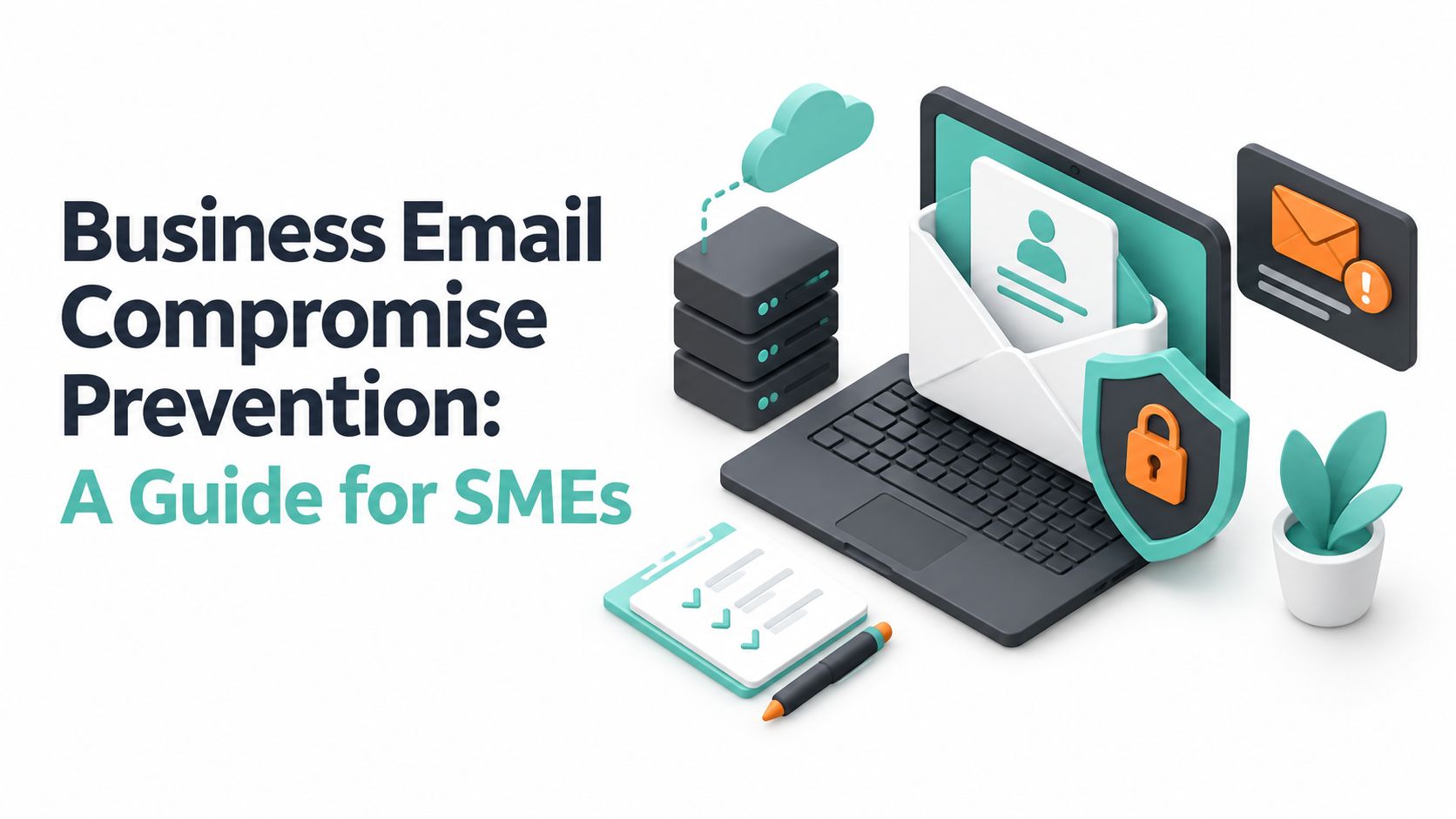
Business email compromise has cost Australian businesses nearly $84 million in recent self-reported losses, and prevention starts with one rule: never approve a payment or change bank details based on email alone. Australian SMEs need layered controls that combine multi-factor authentication, domain protection, secure hosting, employee training and independent payment verification.
The danger isn't limited to large corporations. An attacker may impersonate an owner, supplier, solicitor or payroll contact, then use a believable request to redirect money or obtain sensitive information. The message can arrive during a real billing cycle, use familiar branding and contain no malicious attachment. A filter may allow it through because the fraud depends on trust and process failure rather than obvious malware.
For a small business, one diverted supplier payment can disrupt wages, stock orders and cash flow. The practical response isn't fear or a complicated enterprise programme. It's a short set of controls applied consistently to the accounts, people and payment workflows that matter most.
Table of Contents
- Understanding the Business Email Compromise Threat in Australia
- Setting Up Email Authentication Controls
- Training Employees to Spot and Report Suspicious Emails
- Building a Secure Hosting and Payment Verification Strategy
- Responding to a Business Email Compromise Incident
- Creating an Ongoing Prevention Plan for Your Business

Performance you can feel, backed by clients who depend on it. Read how our support and uptime create long‑term customer success.Power Your Business with Better Hosting
Understanding the Business Email Compromise Threat in Australia
The Australian Cyber Security Centre recorded over 1,400 business email compromise reports to law enforcement that led to financial loss in FY2023–24, with total self-reported losses of almost $84 million. The ACSC Annual Cyber Threat Report for FY2023–24 also reported an average loss of over $55,000 per confirmed incident, while Queensland recorded the largest share of confirmed reports, with 434 cases.
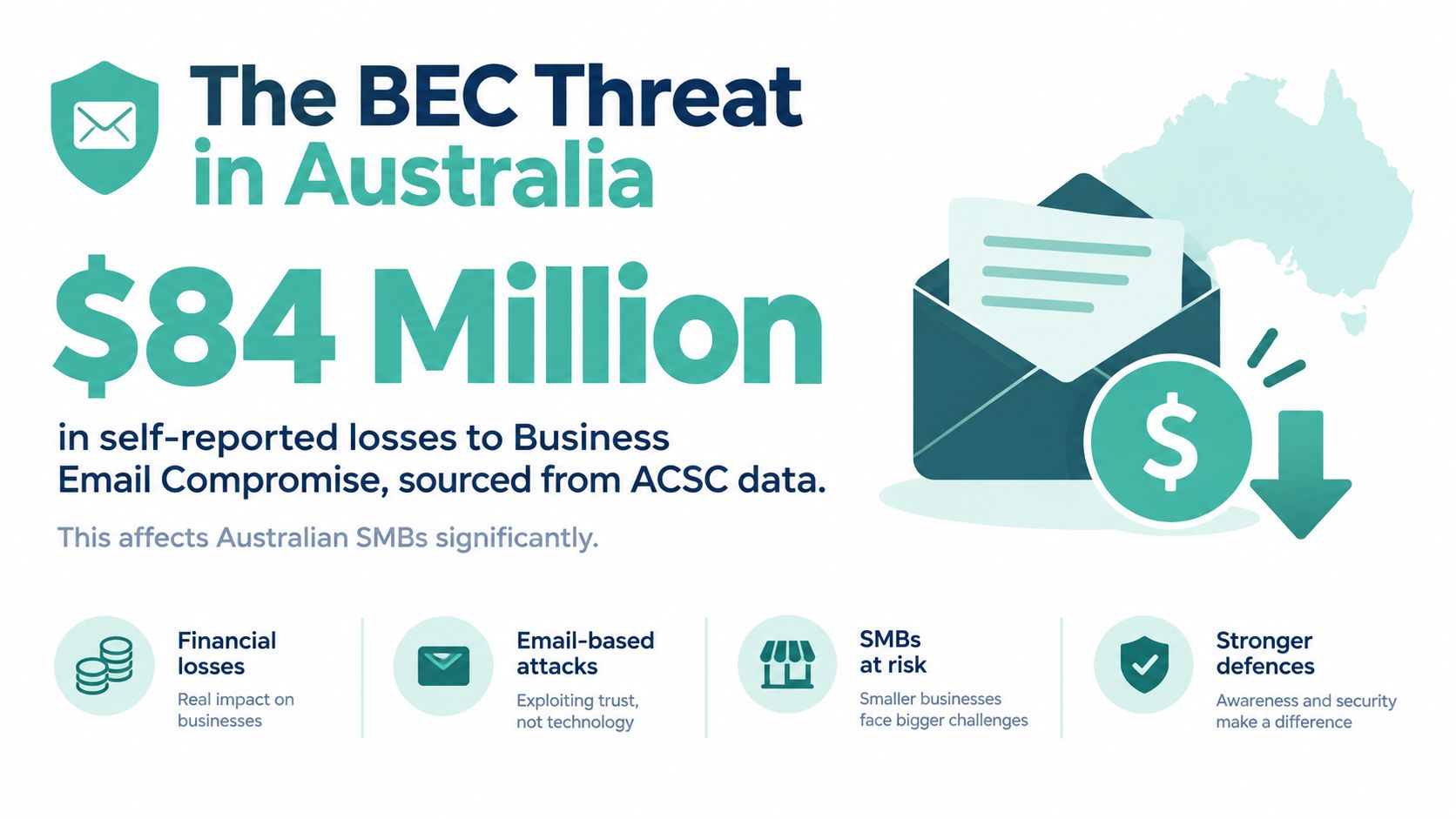
Those figures change the risk conversation for SMEs. BEC isn't a rare nuisance affecting only listed companies. It's a recurring fraud pattern aimed at ordinary processes, including supplier invoices, payroll changes, director requests and customer refunds. Historical Australian reporting reinforces that point. The ACCC's Targeting Scams report on BEC recorded $132 million in BEC losses in 2019. Earlier Scamwatch reporting recorded business losses of $2.8 million in 2018, with an average loss of nearly $30,000, and later reported that small and micro businesses were submitting more scam reports than medium and large businesses in 2020.
Why SMEs attract payment fraud
Attackers favour organisations where one person may manage accounts payable, payroll and supplier communication. That concentration of responsibility creates speed, but it also means a convincing message can reach someone with the authority to change bank details or release funds.
Common scenarios include:
- Executive impersonation: A message appears to come from the owner and requests a confidential transfer.
- Supplier account diversion: A genuine-looking email announces new bank details for a regular vendor.
- Payroll redirection: Someone requests a change to an employee's payment destination.
- Thread hijacking: An attacker enters an existing conversation and continues a legitimate discussion about an invoice.
The weakness usually isn't a lack of intelligence. It's the absence of a required pause. If staff can make a high-risk change from an email reply without a second person or separate channel, the process depends on recognising deception under pressure.
Practical rule: Treat every request to change payment details as untrusted until the requester is verified through a known phone number or another pre-existing channel.
BEC prevention therefore needs two connected layers. Technical controls make account takeover and domain spoofing harder. Process controls stop a legitimate-looking request from becoming an approved payment. Either layer on its own leaves a gap.
Setting Up Email Authentication Controls
Email authentication won't prevent every BEC incident, especially when criminals use a compromised legitimate mailbox. It does, however, make it harder for attackers to send messages pretending to be your domain. The ACSC specifically recommends adding SPF, DKIM and DMARC records, so these controls should be part of the baseline for any Australian business domain. The ACSC guidance on preventing business email compromise explains the recommendation in practical terms.
What each protocol does
SPF identifies the mail services authorised to send email for your domain. DKIM adds a cryptographic signature that helps receiving systems check message integrity and sending authority. DMARC tells receiving systems what to do when a message fails authentication and gives domain owners reporting visibility.
Ask your domain registrar, email administrator or hosting provider to configure the records. Don't copy a record from another organisation, because the authorised senders depend on the services your business uses. Include your Microsoft 365 tenant, website forms, marketing platform and ticketing system only if those services send mail as your domain.
Start DMARC in a monitoring mode while you identify legitimate senders. Review the reports, correct failed authentication and then move towards a stricter enforcement policy. A rushed policy can block your own invoices or contact-form messages, while a permanently permissive policy leaves spoofing exposure.
For businesses using Microsoft 365, guard client data with M365 security offers useful background on protecting identities and cloud accounts alongside domain authentication.
Email Authentication Protocols
| Protocol | Purpose | Implementation Complexity | ACSC Recommendation |
|---|---|---|---|
| SPF | Lists authorised sending services for your domain | Moderate | Recommended as part of domain protection |
| DKIM | Signs outgoing messages and supports integrity checks | Moderate | Recommended as part of domain protection |
| DMARC | Defines handling for authentication failures and provides reporting | Moderate to high | Recommended as part of domain protection |
Authentication is only one part of business email compromise prevention. A valid message from a compromised supplier account can pass SPF, DKIM and DMARC because the message came from an authorised system. Your finance procedure must still require independent verification, and every staff account should use MFA.
The ACSC also advises businesses to use spam and message-scanning services, check the sender's full domain against previous correspondence and never share passwords, PINs, passphrases or security answers with an unverified source. Configure these controls, then test them with a real workflow. Send a legitimate invoice from each approved service and confirm that it reaches the recipient without authentication warnings.
Host your website with our 5-star rated, cPanel website hosting plans.
Super fast servers, with security included and hosted in your choice of Australian Data Center.
View cPanel Plans
Training Employees to Spot and Report Suspicious Emails
A staff member who sees an urgent invoice request needs a clear action, not a long list of abstract warnings. Victorian small-business guidance identifies practical signs such as an unexpected invoice, pressure to pay urgently, authority-figure language, a sender domain that doesn't exactly match the supplier's domain and new bank details. The Victorian guidance on protecting your business from BEC recommends calling a known number obtained independently, such as from the company website.

Replace suspicion with a simple response
Tell employees to stop processing the request, avoid replying to the message and contact the supposed sender using a number already held in your records. They shouldn't use the phone number, signature or link supplied in the suspicious email. Staff can also use this practical guide on how to identify phishing emails as a reference during onboarding and refresher training.
Compare two responses to a supplier email announcing new bank details:
- Weak response: The accounts officer replies to the email, receives confirmation from the same compromised thread and updates the supplier record.
- Strong response: The officer pauses the change, checks the supplier's existing record, calls a known contact and asks a second authorised employee to approve the update.
The second workflow adds friction, but it puts the verification outside the attacker's controlled channel. That trade-off is appropriate for payment changes. Speed matters for routine work, but a short delay is preferable to an irreversible transfer.
Make reporting safe and specific
Employees should know exactly where to forward suspicious messages and who owns the decision. A small business can use a shared security mailbox, a ticket category or a named manager. The policy should state that reporting an honest mistake is useful and won't trigger blame. People who fear punishment are more likely to hide a click or delay reporting, giving an attacker more time.
Short, role-based exercises work better than generic annual slides. Give finance staff invoice-change scenarios, managers executive impersonation examples and payroll staff requests involving employee payment details. Review whether people followed the verification process, not merely whether they identified a suspicious subject line.
A training programme succeeds when employees know what to do next, who to call and when email authority stops.
Building a Secure Hosting and Payment Verification Strategy
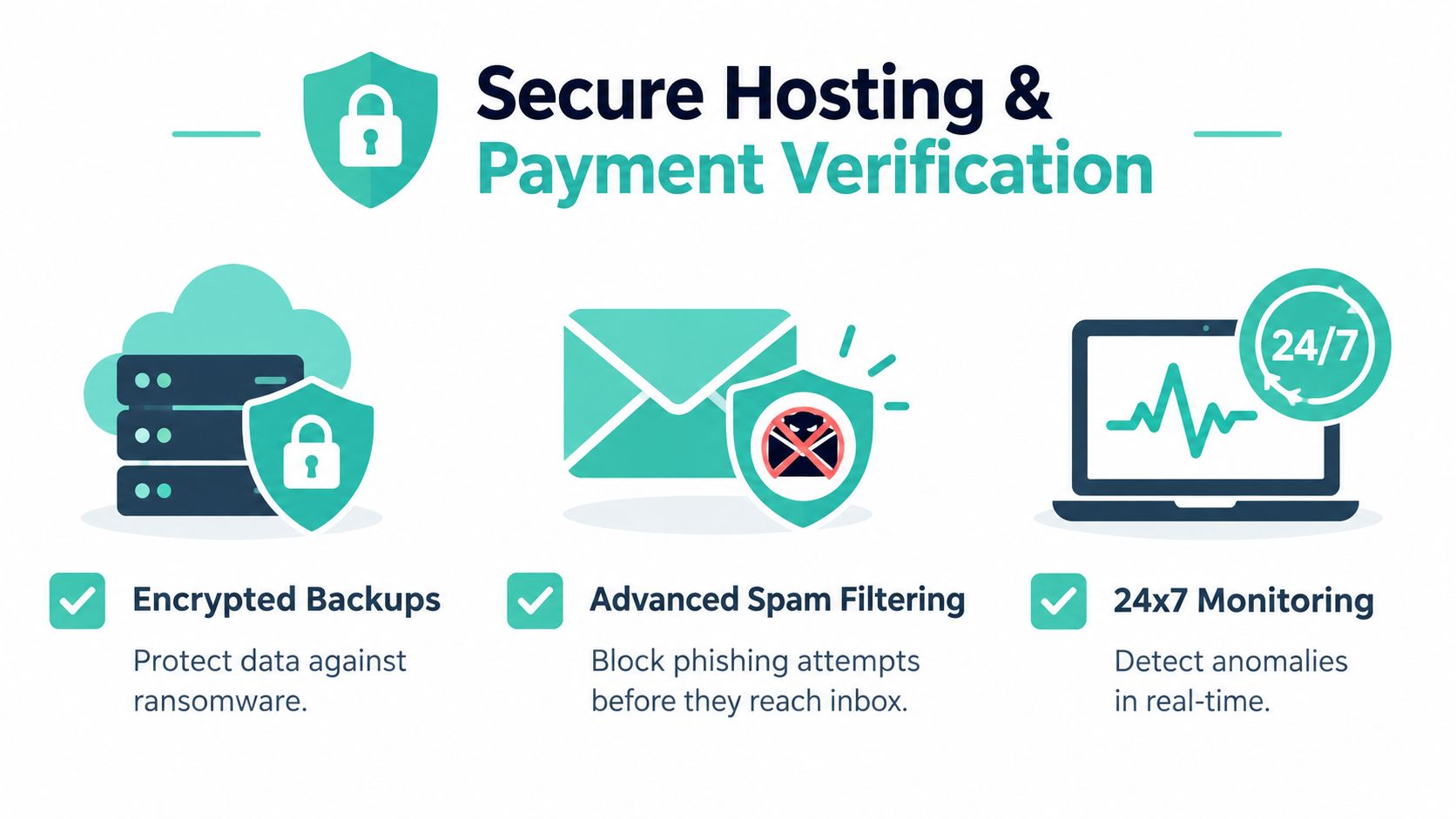
Hosting security supports BEC prevention, but it doesn't replace financial controls. Spam filtering can remove obvious messages, malware protection can reduce dangerous content and monitoring can expose unusual activity. None of those safeguards can authorise a supplier bank change safely. The strongest arrangement connects infrastructure, identity and payment approval into one workflow.
For an Australian SME, ask a hosting or email provider whether the service includes:
- Spam and malware filtering: Messages are assessed before they reach users, reducing avoidable exposure.
- Encryption: Mail and stored data receive protection against unauthorised access.
- Encrypted off-site backups: Recovery copies remain available if an account, website or connected system is damaged.
- Monitoring: Alerts can help identify unusual service behaviour or account activity.
- MFA support: Users must provide an additional factor when signing in.
- Australian support and infrastructure: Local assistance can speed up investigation when a payment or mailbox incident occurs.
The ACSC business guidance on protecting against BEC also recommends spam and message scanning, domain checking and a clear verification process for payments and sensitive information.
Put payment verification into the workflow
Write the payment rule so an employee can follow it under pressure:
- Freeze the change. Don't update supplier or payroll details from an email request.
- Use an independent contact. Call a known number from your supplier database, contract or official website.
- Require dual approval. One employee verifies the request, and another approves the change or payment.
- Record the evidence. Note who confirmed the request, when they confirmed it and which existing contact method was used.
- Reconcile promptly. Compare payment records with approved invoices and supplier details.
This process protects against both external spoofing and a real compromised mailbox. It also addresses a common operational failure: staff may notice an unusual email but still process the payment because the invoice looks familiar.
For businesses assessing local email infrastructure, secure business email hosting is one example of the feature set to compare, including filtering, protection and authentication support. Review the service against your own requirements rather than assuming hosting alone solves BEC.
The best trade-off is selective friction. Don't force a phone call for every low-value internal message. Do require it for bank-detail changes, urgent transfers, payroll updates and requests for sensitive employee or customer data. That keeps the control usable while protecting the decisions that can cause disproportionate harm.
Responding to a Business Email Compromise Incident
Assume a suspected compromise is urgent, but don't improvise. The ACSC recovery guidance recommends changing the password or passphrase, updating recovery details, signing out of other sessions, enabling MFA, checking mailbox rules and third-party app access and reviewing login activity. Its business email compromise recovery guidance should form the basis of your incident checklist.
Stop access and protect funds
Start with the account and the payment channel:
- Contact the bank immediately if money has been transferred or a payment may be imminent. Ask what recall or fraud-response steps are available.
- Change the affected password from a trusted device, then update recovery information.
- Sign out of other sessions so an attacker can't continue using an existing login.
- Enable MFA and confirm that the registered recovery methods belong to the authorized user.
- Tell staff and suppliers through a trusted channel that the mailbox may be compromised.
- Preserve evidence, including suspicious messages, headers, payment records and unusual login notifications.
Don't delete the mailbox or suspicious messages before your administrator or provider has captured the information needed for investigation. If a supplier received fraudulent instructions from the account, contact that supplier directly and identify which messages may be false.
Check persistence, not just the password
A password reset may not remove every foothold. Review mailbox rules for hidden forwarding, automatic deletion or movement of invoice messages. Inspect connected applications and revoke access that the business doesn't recognise. Review sign-in history for unusual locations or times, then check sent items, deleted items and forwarding settings.
Ask your provider or administrator to confirm that the account is secure before normal payment activity resumes. Employees should also check whether the attacker changed signatures, recovery details or delegated access.
Email account recovery guidance can help structure the recovery conversation with a hosting provider. After containment, document the sequence of events and identify which control failed. The purpose isn't blame. It's to strengthen the verification workflow, remove excessive access and make the next response faster.
Register your new domain name at competitive market prices including free domain add-ons like privacy, DNS Hosting, Custom Nameservers and Forwarding.
Always the best price and no nasty renewal price hikes.
Register A Domain Name
Creating an Ongoing Prevention Plan for Your Business
BEC prevention works best as a maintained operating practice, not a one-time DNS change or annual training module. Start with the accounts that can approve payments, change supplier records, manage payroll or access sensitive data. Enforce MFA, configure SPF, DKIM and DMARC, and write the independent-call rule into your finance procedure.
Prioritise the controls that change outcomes
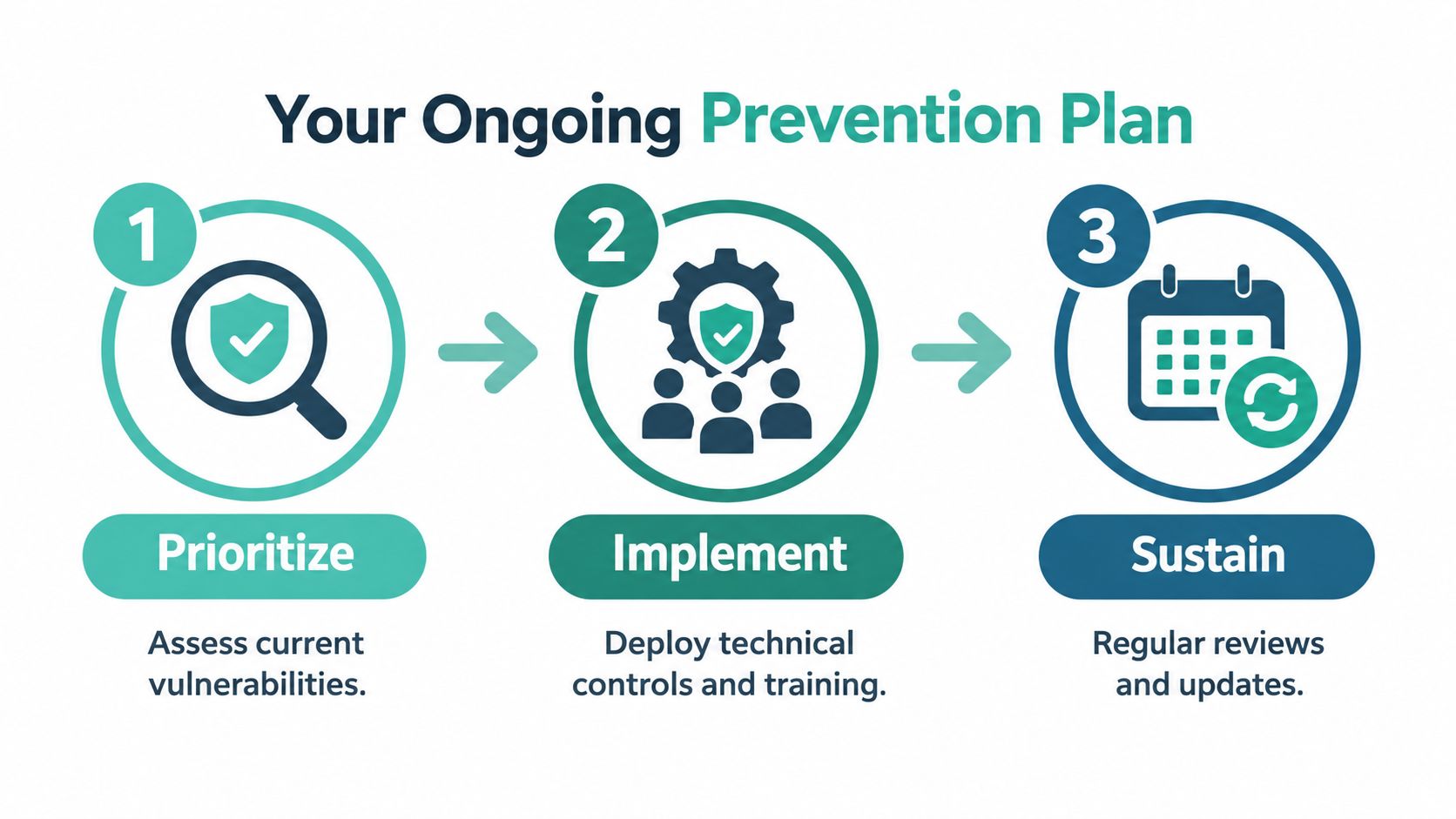
A practical sequence is:
- Prioritise: List finance, payroll, executive and administrator accounts, then check their MFA, recovery details and access permissions.
- Implement: Add authentication records, filtering, mailbox monitoring and dual approval for sensitive payment changes.
- Sustain: Review access, forwarding rules, supplier records and staff reporting habits regularly.
Don't rely on spam filtering alone. Don't treat training completion as proof that employees can handle a live impersonation attempt. Controls must be tested against realistic Australian scenarios, including a familiar supplier requesting new bank details or a director demanding an urgent transfer.
For account-level protection, review two-factor authentication setup with your administrator or hosting provider. The ACSC describes MFA as the most important defence, and it should be the minimum standard for business accounts.
A manageable prevention plan creates a pause before money moves, limits what a compromised account can access and gives staff a trusted route for reporting. Those measures won't make fraud impossible, but they can turn a convincing email into a stopped transaction.
UpTime Web Hosting provides Australian hosting and business email services with spam filtering, malware protection, MFA support, encrypted off-site backups and 24×7 monitoring. Review the available options for your domain and email environment, then visit UpTime Web Hosting to discuss a setup that supports your BEC prevention and recovery procedures.