Forgetting to renew a domain name is probably one of the fastest ways to make your business vanish from the internet. It sounds like a simple admin task, but missing it means your website immediately goes dark and your emails stop working. In an instant, you're cut off from customers and your brand's credibility takes a serious hit.
Why Domain Renewal Is a Critical Business Task
Picture this: a customer in Brisbane tries to find your cafe's menu online, but all they get is an error page. Or a potential client in Sydney tries to email you for a quote, only for the message to bounce right back. This isn't just an inconvenience; it's the immediate, jarring reality when a domain expires.
The fallout goes much deeper. An expired domain can wipe out your hard-earned search engine rankings almost overnight. Google and other search engines will de-index your site, causing you to disappear from search results and cutting off all that valuable organic traffic. All the time and money you've poured into SEO can be undone in a few short days, and clawing your way back is a tough slog.
Letting a domain expire isn't just an IT issue; it's a business continuity risk. It directly impacts sales, customer trust, and brand visibility, turning a small oversight into a significant financial and reputational problem.
The Real-World Consequences for Australian Businesses
The impact ripples through every part of your business. If you run an e-commerce store, it's an immediate stop to all sales. For a service-based business, it means lost leads and the perception that you're unreliable or, worse, out of business.
Just think about these direct consequences:
- Loss of Revenue: Your website is your 24/7 salesperson. When it's down, you're officially closed for business online.
- Brand Damage: A broken website looks unprofessional. It makes customers wonder if you've shut down for good.
- Security Risks: Once your domain is released back to the public, it’s fair game. A competitor could snatch it up, or even worse, a malicious actor could use it for phishing scams, wrecking your brand's reputation.
Proactively managing your domain renewal is just a fundamental part of protecting your online assets. It’s why getting your head around the whole process, from first registering to staying on top of renewals, is so important. If you're new to this, our guide on registering a domain name in Australia is a great place to start.
Of course, your domain is only one piece of the puzzle. Choosing the right web host is just as crucial for keeping your site online and running smoothly, which makes reading an ultimate web hosting comparison a really smart move. The key is to start treating your domain renewal like the crucial business task it is, not just some minor technical chore. That's the first real step to securing your digital presence for the long haul.

Performance you can feel, backed by clients who depend on it. Read how our support and uptime create long‑term customer success.Power Your Business with Better Hosting
The Domain Expiry Timeline and What It Means
Understanding the clock ticking on your domain is the first step to preventing a digital disaster. The moment your domain passes its expiry date, a predictable chain of events kicks off, and each stage comes with different costs and consequences.
Missing that one crucial email and failing to renew a domain name on time can quickly spiral from a simple admin fix into a seriously expensive recovery mission.
It all starts long before the final date. Most registrars, including us here at UpTime Web Hosting, will start sending you renewal reminders around 90 days before your domain is due to expire. These are your early warnings, and you can't afford to miss them.
Make sure your contact details are current so these vital emails actually land in your inbox. We've got a detailed guide on how to update your domain contact information to help you get that sorted.
What Happens After the Expiry Date?
So, you’ve missed the deadline. What now? Thankfully, your domain doesn't just vanish into thin air. A multi-stage process begins, governed by the domain registry. For .au domains, the lifecycle is quite specific, and it pays to know what to expect.
Here’s a breakdown of what happens to your .au domain from the first missed payment to the moment it becomes available for anyone to grab.
The .au Domain Name Expiry Lifecycle
| Stage | Typical Duration | What It Means for You | Action Required |
|---|---|---|---|
| Expiry & Server Hold | 30 days | Your website and emails go offline immediately. The domain is suspended but not deleted. | Renew your domain at the standard price. No extra fees apply. |
| Redemption Period | 30 days | Your domain is deactivated and held by the registry. Your website and emails remain offline. | Recover the domain by paying a significant redemption fee (often $100+) on top of the renewal cost. |
| Pending Delete | 1 day | The domain is locked. It cannot be recovered or renewed by anyone. | Nothing. At this stage, it's too late to get the domain back. |
| Publicly Released | N/A | The domain is deleted from the registry and becomes available for anyone to register. | Race to re-register it before someone else does. |
As you can see, the first 30 days are your last easy chance to fix things. After that, it gets complicated and costly.
The Immediate Impact of an Expired Domain
Once that expiry date passes, your domain enters what’s known as the Renewal Grace Period or, for .au domains, a Server Hold status. This typically lasts for 30 days.
During this window, the most immediate and painful consequence is that your website and email will stop working. This isn't just a minor hiccup; it's a major disruption that can have cascading effects on your business.
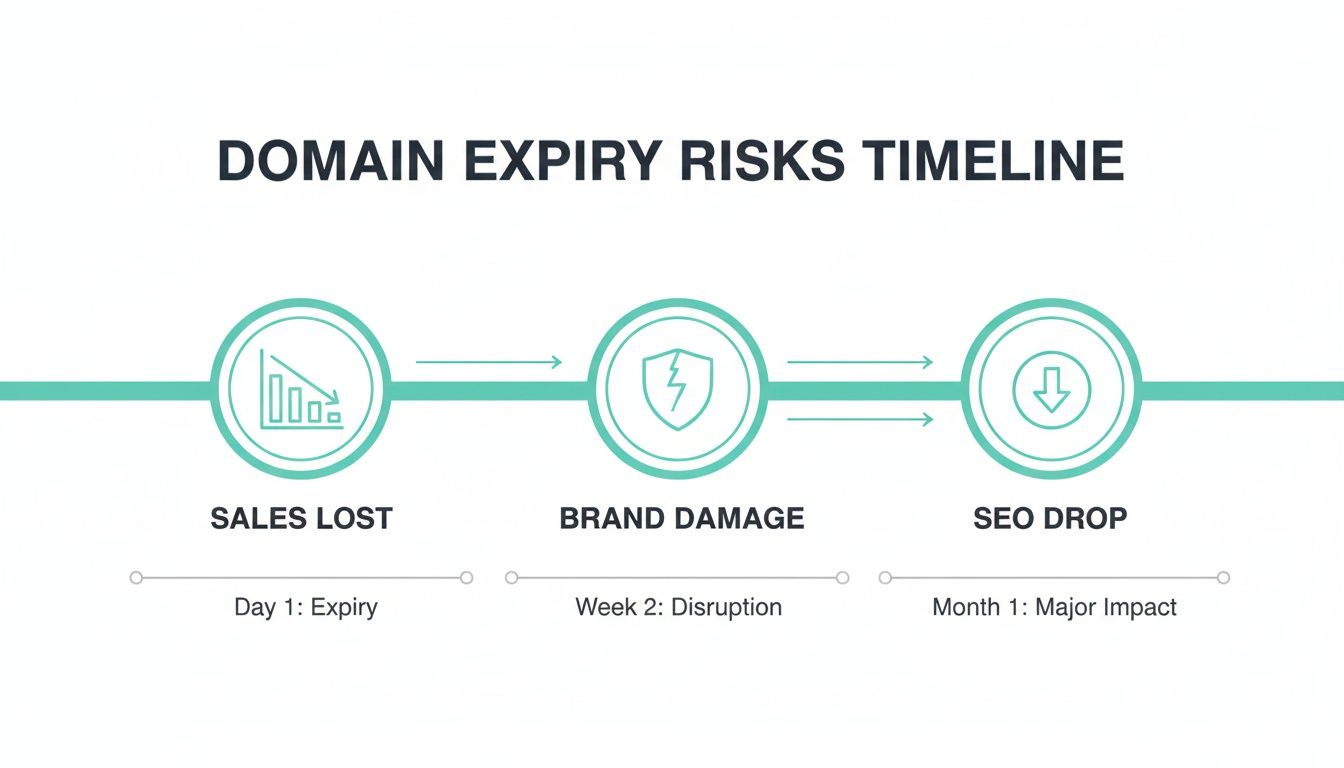
The good news? You can still renew your domain at the standard price during this period. It’s a straightforward process without any penalties, just like a normal renewal.
The Redemption Period: Your Expensive Last Chance
If you miss that 30-day grace window, things get serious. Your domain now enters the Redemption Period, another 30-day phase where it's effectively held in quarantine by the registry.
The most important thing to know about the Redemption Period is the cost. Recovering a domain from redemption involves a hefty fee, often well over $100, on top of the standard renewal price. This isn't a registrar penalty; it's a registry-level fee they charge for the complex recovery process.
To get your domain back, you have to pay this fee through your registrar, who then works with the registry to restore it. Be warned: this isn't an instant process and can take several days to complete.
Pending Delete and Public Release: The Point of No Return
After the 30-day Redemption Period ends, your domain moves into its final, irreversible phase: Pending Delete. This stage is short, usually lasting only a day or so. At this point, the domain is completely locked. It is impossible for you or even your registrar to recover it. There are absolutely no exceptions.
Once Pending Delete is over, the domain is released back to the public. It becomes available for anyone to register on a first-come, first-served basis. This is the ultimate worst-case scenario. A competitor, a domain squatter, or a completely random person could register your brand name, leaving you with very few, if any, options to get it back.
Renewing Your Domain Name: A Practical Walkthrough
Now that you understand the stakes, let’s get practical. Knowing you need to renew a domain name is one thing; knowing exactly how to do it is another.
While every provider's dashboard looks a little different, the core process is remarkably consistent across the board. Think of it like renewing your car registration. You log in to the right portal, find your domain, choose how long you want to renew for, and pay the bill. The buttons might be in different places, but the steps are universal.
This section will guide you through that process in two parts. First, we'll cover the general steps that apply to most domain registrars. Then, we’ll walk you through the specific steps for renewing your domain right here with UpTime Web Hosting.
The General Process for Renewing Your Domain
No matter where your domain is registered, the renewal journey will almost always follow the same key actions. You don’t need a “Step 1, Step 2” guide, but rather a sequence of logical tasks.
First up, you’ll need to sign in to your registrar's client portal or account dashboard. This is the central hub where all your services are managed. Once you're in, your primary goal is to find the "Domains" or "My Domains" section, which lists every domain name you own.
From there, find the domain that's getting close to its expiry date. You'll usually see options next to it like "Manage," "Settings," or "Renew." Clicking the right button will take you to the renewal page, where you'll make two important choices.
- Select Your Renewal Term: You’ll be presented with options to renew for one or more years. For .au domains, this is typically between one and five years.
- Complete the Payment: After choosing your term, you’ll proceed to the checkout. Here, you'll confirm your payment details and finalise the transaction to secure your domain.
This general framework will get you through the process with most providers. For a deeper dive into what makes a good registrar, check out our guide on finding the best domain name registrar in Australia.
Renewing Your Domain with UpTime Web Hosting
For UpTime Web Hosting customers, we've made the process as simple and transparent as possible. We’ll show you exactly how to navigate our client area to get your renewal sorted in just a few clicks.
Start by heading to the UpTime Web Hosting client login page and entering your details.
This secure login portal is your command centre for managing all your domains, hosting, and billing information in one place.
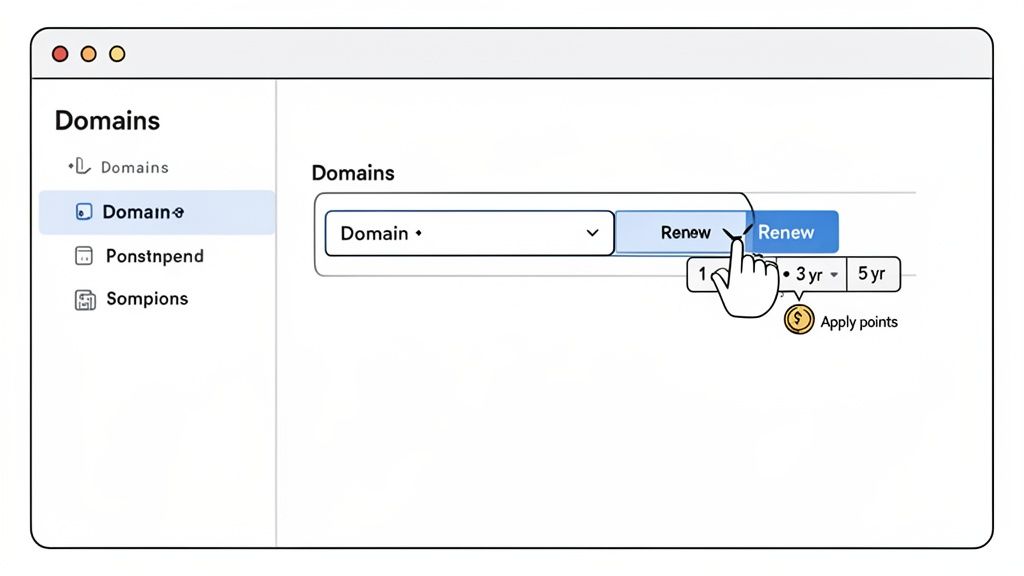
Once you’re logged in, go to the "Domains" tab in the main menu and select "Renew Domains" from the dropdown. This will show you a list of all domains in your account that are due for renewal.
Find the domain you want to renew and use the dropdown menu next to it to select how long you want to renew it for. For .au domains, you can choose from 1 to 5 years.
A neat perk at UpTime Web Hosting is our loyalty rewards program. If you've collected any reward points, you'll see an option to apply them to your renewal invoice for an instant discount before you finalise the payment.
After selecting your term and applying any credits, a new invoice will be created. Just follow the prompts to complete the payment using your preferred method. And if you ever get stuck, our knowledge base has a detailed article on how to renew your domain name that you can reference anytime.
Host your website with our 5-star rated, cPanel website hosting plans.
Super fast servers, with security included and hosted in your choice of Australian Data Center.
View cPanel Plans
How to Automate Your Domain Renewals
Manually tracking expiry dates is a recipe for anxiety, especially when you’re juggling more than one domain. Let's be honest, you've got better things to do. The simplest way to avoid the stress and risk that comes with forgetting to renew a domain name is to automate the whole process.
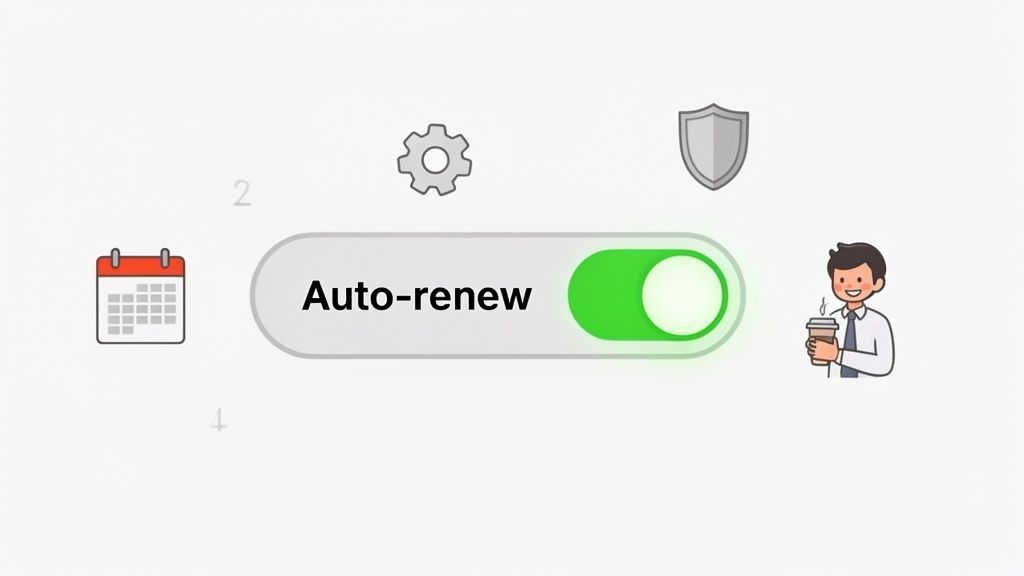
Setting your domain to auto-renew is the ultimate 'set and forget' strategy.
This one simple action protects your business continuity, helps you sidestep expensive late fees, and delivers genuine peace of mind. Your website and emails stay online without you ever having to circle a date on the calendar, ensuring your digital presence is never accidentally switched off.
Enabling Auto-Renewal in the UpTime Client Area
Here at UpTime Web Hosting, we’ve made turning on this feature incredibly straightforward.
Once you’re logged into your client area, head over to the "Domains" section and click on "My Domains". You'll see a list of all the domains registered in your account.
Beside each domain, you’ll find its current auto-renewal status. All you need to do is click the status to toggle it. If it’s green and says "Enabled," you’re all set. We’ll automatically attempt to renew the domain for you before it expires. Easy.
Imagine a busy Melbourne marketing agency managing dozens of client domains. For them, auto-renewal isn't just a convenience; it's an essential tool. It protects their professional reputation by guaranteeing that a client's website never goes down due to an administrative oversight.
Keeping Your Automated Renewals on Track
Of course, for auto-renewal to work its magic, your payment details need to be current. An expired credit card is the number one reason we see automated renewals fail.
To stop this from happening, make it a habit to:
- Review Your Payment Method: Jump into your UpTime account every six months and just double-check that your saved credit card details are still valid.
- Enable Billing Notifications: Make sure you’re subscribed to our billing alerts. We’ll email you if a payment ever fails, giving you plenty of time to update your details and sort out the renewal manually.
Auto-renewal is designed to be a safety net, not something to ignore completely. While it handles the heavy lifting, a quick check-in every now and then ensures the system runs smoothly.
On the other hand, there might be times you decide not to hang on to a particular domain. If that's the case, you'll need to disable auto-renewal to prevent any unwanted charges. You can find out more by checking our guide on how to cancel a domain renewal in your client area.
Troubleshooting Common Domain Renewal Issues
Even with auto-renew switched on and the best of intentions, things can sometimes go sideways with a domain renewal. Maybe a credit card expires right before the due date, a critical email alert gets lost in your spam folder, or a rare technical glitch pops up. When you hit a snag trying to renew a domain name, knowing what to do can save you a world of stress and costly downtime.
Think of this section as your first-aid kit for the most common renewal headaches. We’ll give you practical, real-world advice to get everything back on track, fast.
Tackling Failed Payments and Expired Cards
One of the most frequent culprits behind a failed domain renewal—especially an automated one—is a simple payment issue. Nine times out of ten, an expired credit card is to blame. The moment you realise a payment has failed, don’t panic, but do act quickly.
Your first move should be to log in to your registrar’s client portal. At UpTime Web Hosting, you can head straight to the billing section, update your credit card details, and then manually pay the outstanding renewal invoice.
It's a straightforward fix, but time is of the essence here. Sorting it out during the 30-day grace period is crucial if you want to avoid extra costs. If you let it slide past that window, you'll find yourself dealing with a much bigger (and more expensive) problem.
When Your Domain Is Stuck in Redemption
So, what happens if you miss the grace period entirely? Your domain enters what’s called the Redemption Period, and this is where things get a lot more complicated and costly. By this point, your website and emails are already offline, and now you’re facing a significant fee to get them back.
Recovering a domain from redemption involves a lot more than just paying the standard renewal fee.
You’ll be looking at a registry-imposed redemption fee, which can often be $100 or more, on top of your normal renewal cost. This isn't a penalty from your registrar; it's a fee charged by the domain registry itself for the complex restoration process.
To kick off the recovery, you need to contact your registrar immediately. For UpTime customers, the best plan of action is to get in touch with our 24/7 local support team. We can walk you through the payment and start the restoration process with the registry on your behalf. It’s not an instant fix, so the sooner you act, the better. You can find more details in our guide on what happens when a domain name has expired.
Resolving Website and Email Downtime Post-Renewal
You’ve successfully renewed the domain, breathed a sigh of relief, but... your website and emails are still offline. What gives? This is often a Domain Name System (DNS) issue. If the domain was suspended during the grace period, its DNS settings might have been temporarily parked or changed. After renewal, it can take a little while for the correct settings to "propagate" across the global internet.
If your services aren't back online within a few hours of renewal, here’s what you can do:
- Check Your DNS Settings: First, make sure your domain's nameservers are pointing correctly to your hosting provider. You can usually check this right inside your domain management panel.
- Contact Support: DNS can be tricky, so don't be afraid to ask for help. Our UpTime support team can quickly figure out if it’s a nameserver problem or another technical issue and get your services running again.
When you run into complex renewal problems, having an expert to call on is invaluable. Our Australian-based team is always here to lend a hand and make sure your business stays online.
Your Domain Renewal Questions Answered
Working out the details of domain renewals can feel a bit confusing, but getting clear answers makes all the difference. We’ve pulled together the most common questions we hear from Australian business owners to help you feel confident when you need to renew a domain name.
Getting this right helps you sidestep simple mistakes that could seriously disrupt your business.
Can I Renew My Domain for More Than One Year?
Absolutely. For .au domains, you can usually renew for a term of up to five years. If you have a common international domain like .com, you can often lock it in for up to ten years at a time.
This is a genuinely smart business move. A multi-year renewal cuts down your annual admin and shields you from any future price hikes. At UpTime Web Hosting, we make this a straightforward option right at checkout.
What Happens If Someone Else Registers My Expired Domain?
This is the nightmare scenario every business owner wants to avoid. If you don't renew your domain and it goes through the full expiry, grace, and redemption cycle, it's released back to the public.
If a competitor or a domain squatter snaps it up, your legal options are incredibly limited unless you hold a registered trademark for that exact name.
They are under zero obligation to sell it back to you. And if they do offer, you can bet it will be at a massively inflated price. This is precisely why preventing expiry in the first place is so critical for protecting your brand.
Why Is My Renewal Price Different From the First-Year Registration Price?
It’s a common tactic in the industry for registrars to offer a tempting, low introductory price for the first year to get you in the door. The higher price you see at renewal time is actually the standard, ongoing cost for the domain.
Our approach at UpTime Web Hosting is different; we focus on long-term value. We offer loyalty reward points on many of our services, which you can apply as a credit towards future invoices—including your domain renewals—as our way of saying thanks for sticking with us.
Can I Transfer and Renew My Domain at the Same Time?
Yes, and it’s a great way to get your services all in one place. When you kick off a domain transfer to UpTime Web Hosting, the process automatically includes a one-year renewal. This year is added on top of your domain's current expiry date, so you don't lose a single day you've already paid for.
To get started, you'll just need an EPP code (also called an Authorisation Code) from your current registrar. Our friendly support team can guide you through every step, and you can find more detail in our domain transfer knowledge base article.
Ready to simplify your domain management with reliable, local support? UpTime Web Hosting makes it easy to register, transfer, and renew your domains, all backed by our expert Australian team. Secure your online presence today at https://uptimewebhosting.com.au.