A Brisbane sole trader starts her Monday at a login screen she cannot get past. The hosting control panel rejects her password, the business mailbox wants the same credential, and the only written copy is in a notebook that went missing months ago. She reused one password across hosting, WordPress admin, and email, changed it once after a warning, and never updated what she'd written down. Nothing has been breached. The business is offline, and the fix will take an hour she hadn't budgeted for.
That's the gap a password generator fills and doesn't fill. It handles creation in about a second. Storage, recovery, and the habit of giving every service its own credential decide whether the new password still works next quarter. Pickr reported Talker Research data showing 46% of Australians surveyed in 2024 said they had experienced a compromised password during the previous year.
The tools below are judged on where their output ends up. A standalone page that generates and forgets is a different product from a generator wired into a paid vault, and Australian businesses need to know which one they're buying. Some entries are the quick option. Others are the start of a credential system for hosting, email, WordPress and client accounts.
Table of Contents
- 1. Strong Password Generator
- 2. Bitwarden Password Generator
- 3. Proton Pass Password Generator
- 4. Avast Random Password Generator
- 5. Dashlane Password Generator
- 6. NordPass Password Generator
- 7. Keeper Password Generator
- 8. 1Password Strong Password Generator
- 9. LastPass Password Generator
- 10. Google Password Manager
- 11. RANDOM.ORG Password Generator
- How the leading password generators compare on storage, passphrases and best-fit use
- Generate Well, Store Well, and Review Regularly

Performance you can feel, backed by clients who depend on it. Read how our support and uptime create long‑term customer success.Power Your Business with Better Hosting
1. Strong Password Generator
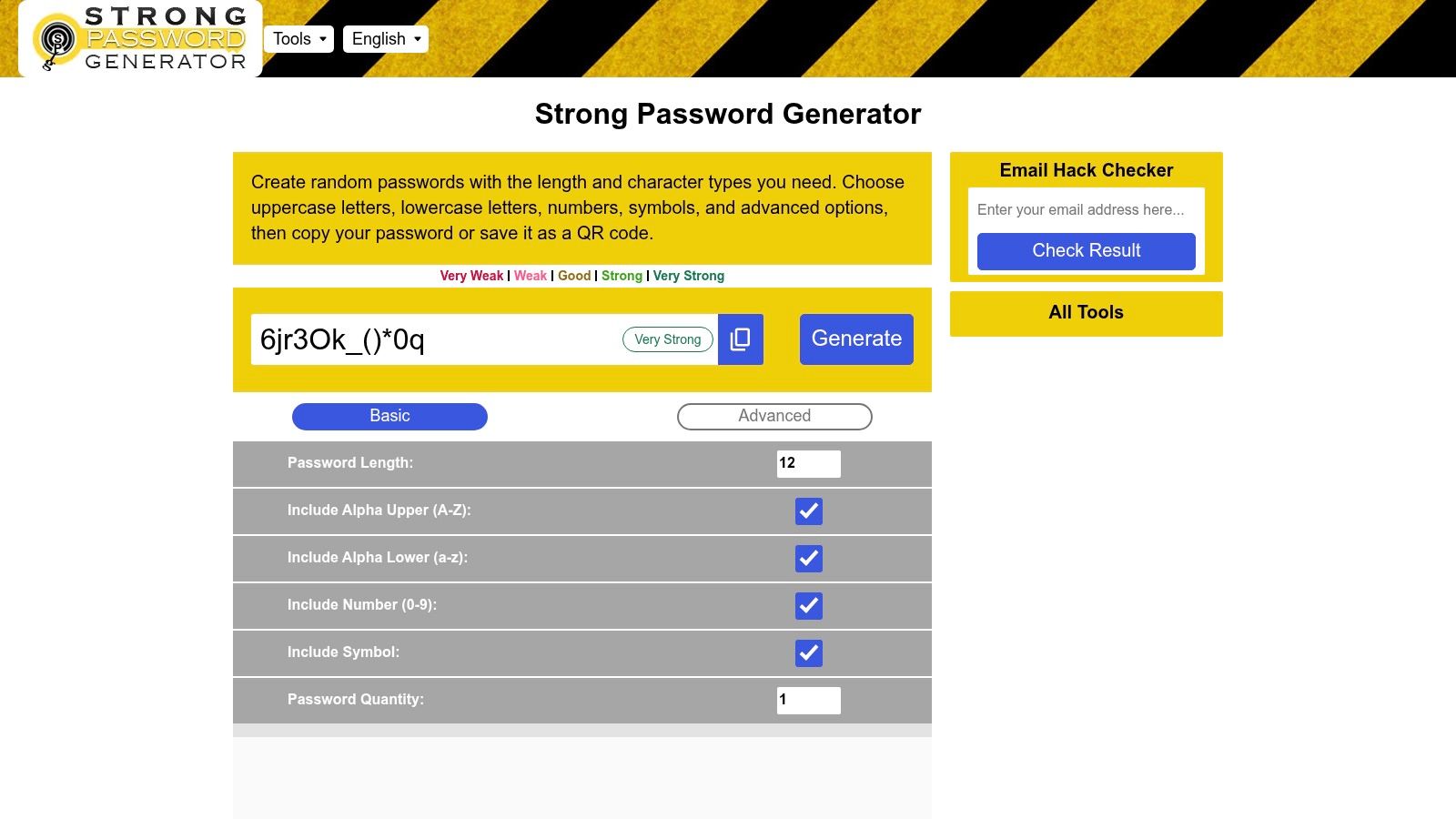
Strong Password Generator is a free browser-based service for creating random passwords with configurable length, character types and formatting rules. It sits firmly in the standalone camp, meaning the page creates a credential, you copy it, and the page forgets it. That distinction matters more than any slider on the screen, because the password is only as safe as the vault, notebook or manager it lands in.
The practical case for this one is rule compliance. Say a Brisbane web developer is setting up a domain registrar, a cPanel account, an email administrator login and an accounting platform for one client in a single afternoon. Each service states different requirements, one refuses symbols, one demands two digits, one caps the field at 16 characters. A generator with granular controls handles that variation without workarounds.
Controls beyond length
- Character sets and quantities: uppercase, lowercase, numbers and configurable symbols, with the option to set how many of each type appear instead of leaving distribution to chance.
- Composition rules: starting-character preferences, included keywords, exclusion of visually similar characters such as l and 1, and a switch to prevent duplicate characters.
- Batch output: set a quantity when a developer needs separate credentials for several accounts in one sitting, then store each one properly.
Output can be copied or displayed as a QR code, which is the sensible way to move a long string from a desktop screen to a phone without retyping it. Companion utilities on the same site cover a strength checker, an email breach checker, random PINs and MD5, SHA-1, SHA-256 and SHA-512 hash generation, and the service states that generated passwords are not saved.
Practical rule: a generator page that forgets its output is the right tool only when a vault is already open in the next tab.
Australian adoption of the storage half lags badly. A GetApp survey of Australian respondents found only 14% used a password-manager application, and other Australian research cited in that survey reported roughly two-thirds of people reuse the same password or a close variation across accounts. Generation is the easy part. Anything that adds friction between creating a password and saving it pushes people straight back to one memorable credential used everywhere.
2. Bitwarden Password Generator
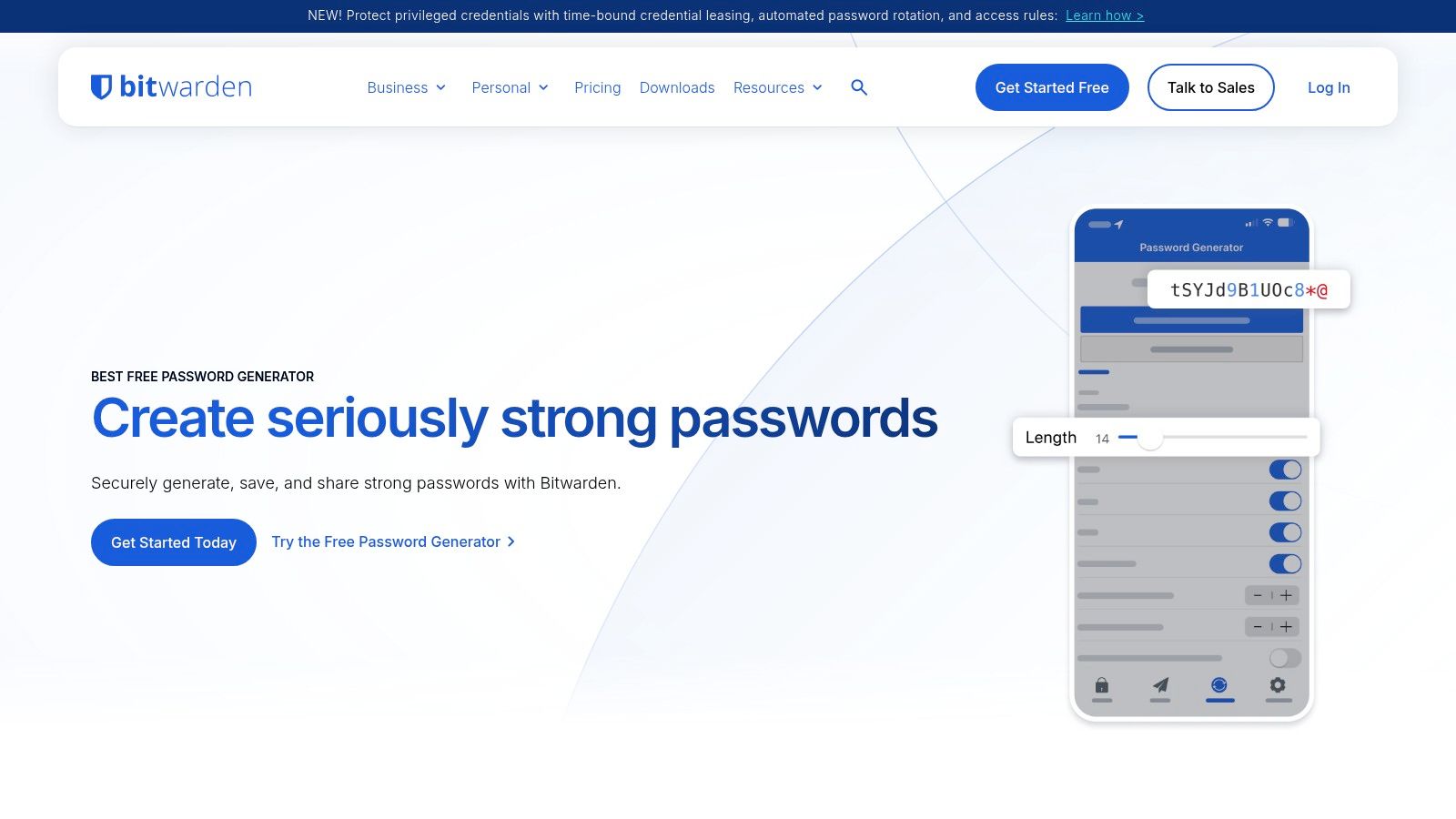
Bitwarden separates the two jobs better than most free tools. The Bitwarden password generator runs on the web without an account and produces either a random character string or a word-based passphrase, with length, character types and separator settings exposed, plus a strength indicator and estimated crack time. The same generator is built into the Bitwarden apps, so a credential can be created and saved to the vault in one action instead of two.
Passwords still carry most Australian logins, which is why improving them reaches so far. The Australian Institute of Criminology's 2021 identity crime survey, which polled 9,987 respondents, found 80% (7,989 people) used passwords frequently as an information-security measure, while 93% (9,243) were willing to use them in future. A control people already accept is easier to strengthen than a replacement they haven't adopted.
Where it falls short is the handoff. A password generated on the web page and never saved to a vault is just a stronger password nobody can find again. The free interface is plain, and someone who wants a string and a copy button will find the settings heavier than they need.
Who it suits: households and small teams that want a free vault rather than another annual subscription.
Host your website with our 5-star rated, cPanel website hosting plans.
Super fast servers, with security included and hosted in your choice of Australian Data Center.
View cPanel Plans
3. Proton Pass Password Generator
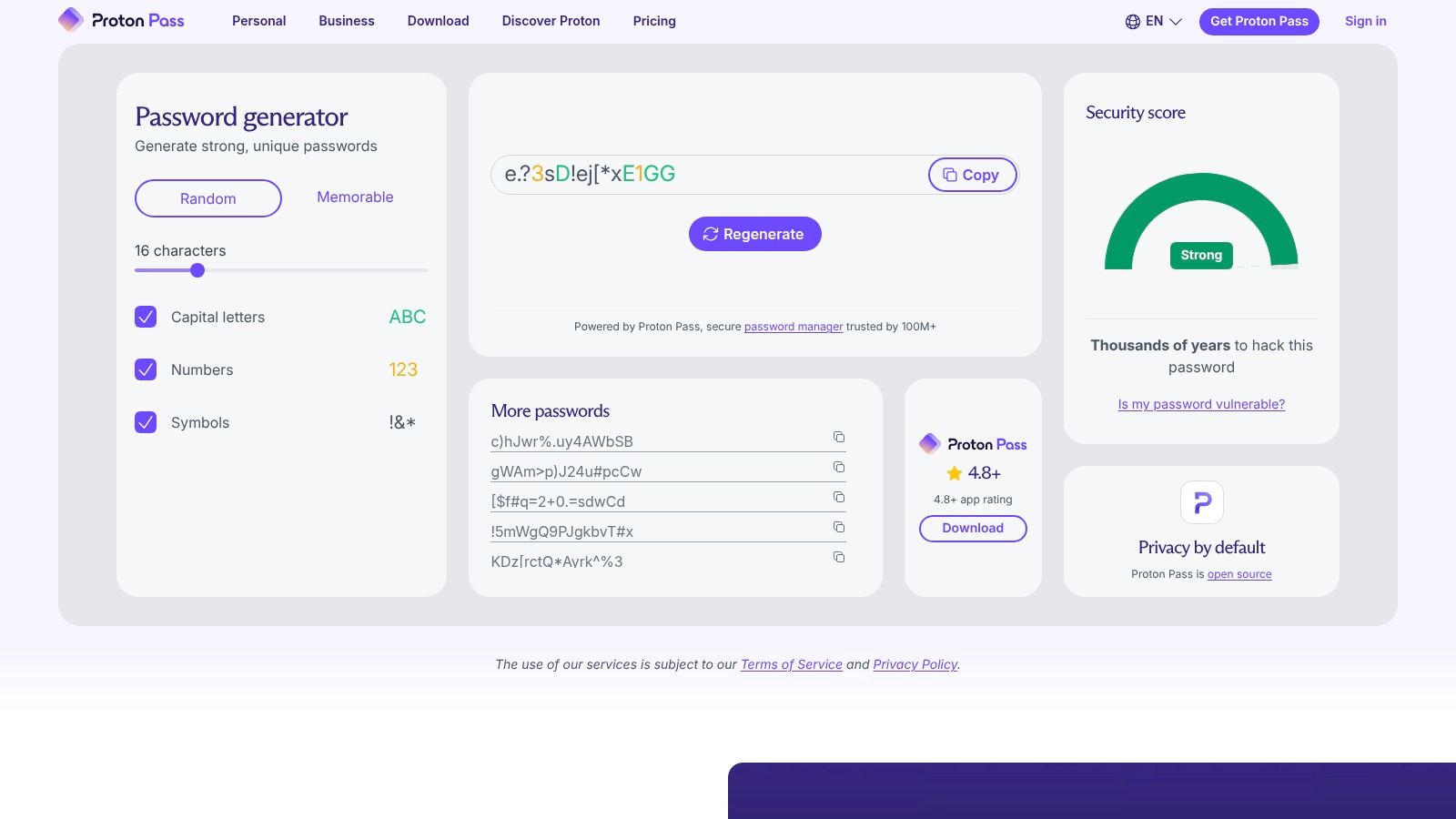
The Proton Pass password generator produces random passwords or memorable passphrases, with character sets toggled on or off and length set to whatever a service will accept. It's also the entry point to Proton Pass, which stores and autofills credentials across browser, phone and desktop. The free plan covers the generator and unlimited logins, while secure sharing and built-in two-factor codes sit behind the paid tier.
The passkey question
Australian authentication is shifting, and that changes what a generator is for. A 2026 Australian survey of 150 employees and decision-makers found 93% were familiar with passkeys; among those who had used them, 82% used synchronised passkeys and 34% used hardware passkeys. The same survey found 27% used a password manager to log in to work accounts, and only 15% considered traditional username-and-password authentication the most secure option.
For an Australian small business, judge this tool on interoperability rather than output alone. A generator that sits inside a service able to hold passkeys later, and to store recovery codes for accounts that don't support them, saves a migration. Proton Pass is strongest for a household already using Proton Mail, and weaker for a Windows-based web team that needs shared client credentials with role-based access.
4. Avast Random Password Generator
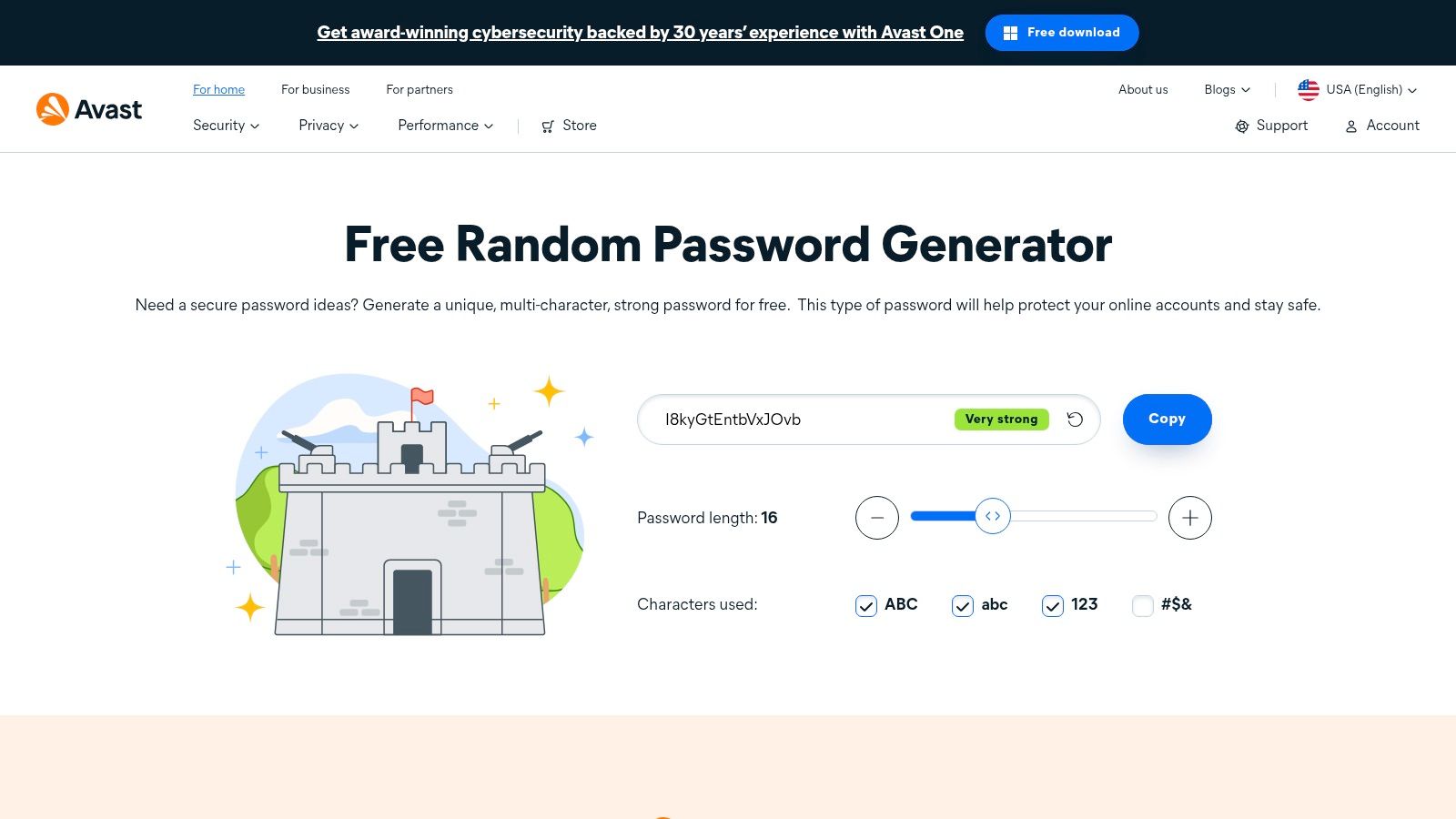
The Avast random password generator is a length slider, four character-group toggles and a copy button. That's the whole tool, and on a borrowed laptop where no manager is installed, it's enough. Avast says generated passwords are created in the browser and are not stored or transmitted, which is the right answer for a free page and also the reason the next step is entirely yours.
What happens after the copy
Most password problems start at that moment. The OAIC's guide to securing personal information asks organisations to assess whether password controls enforce complexity, minimum length, regular changes, reuse blocking and secure storage, and names hashing, salting and encryption as appropriate ways to protect stored passwords rather than keeping them in clear text.
- Good use: generating a fresh credential for a supplier portal during a phone call, then pasting it into a manager before closing the tab.
- Bad use: pasting a 24-character string into a shared document, a synced notes app or a text message to a colleague.
- Australian example: a bookkeeper who generates separate passwords for the accounting platform, the tax portal, the practice mailbox and the client file share, then stores all four in one unencrypted document, has created four strong passwords and one large exposure.
Generation without secure storage just moves the risk. The Protecting My Personal Information guide covers what should and shouldn't sit in a hosting account's files and email, and it's worth reading alongside any password workflow.
5. Dashlane Password Generator
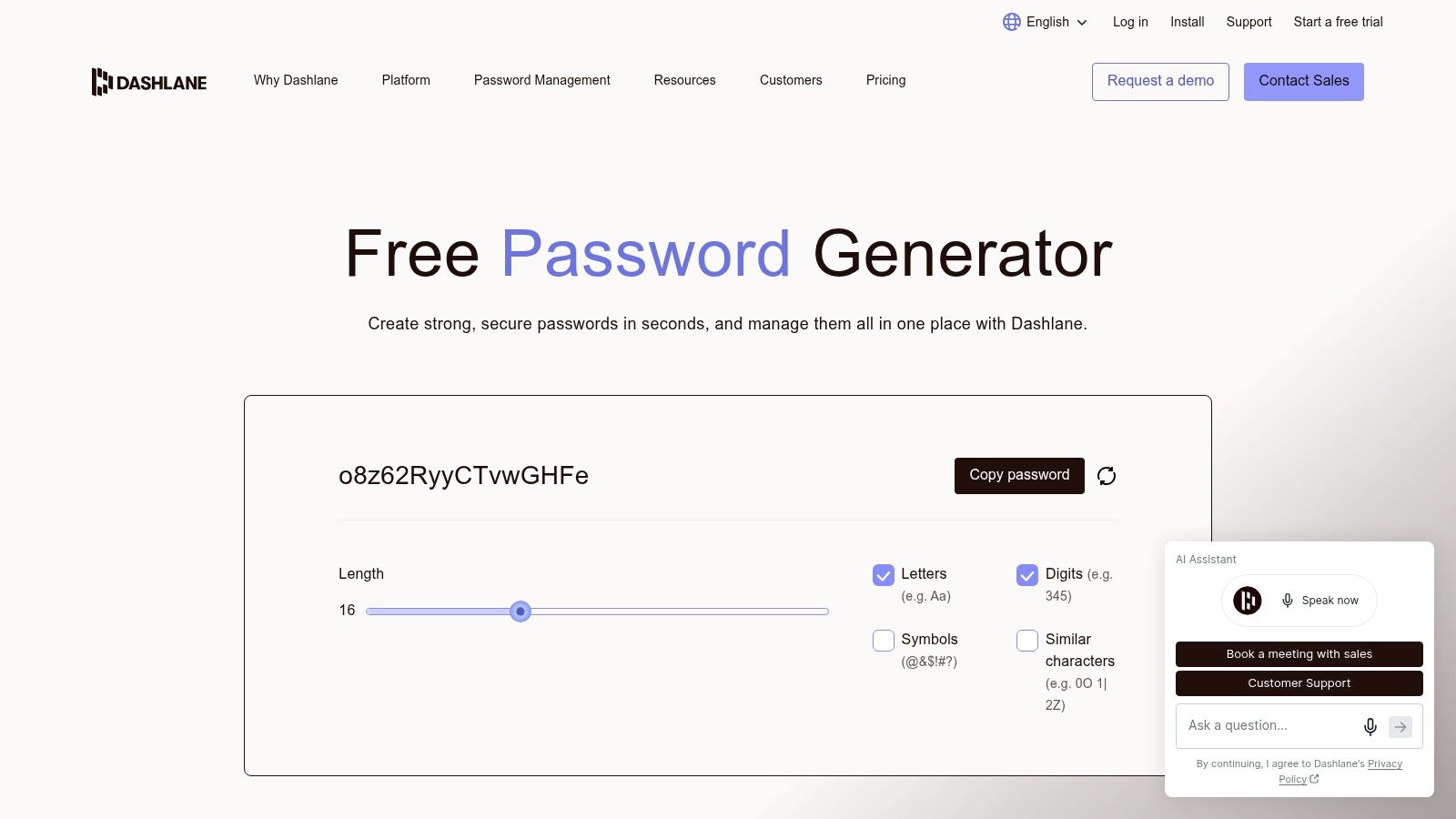
A new password is only useful if it survives the move from the generator page into secure storage. The Dashlane password generator allows length up to 40 characters and lets you exclude lookalike characters, which matters when a string will be retyped or read over the phone. Dashlane says its personal-plan generator creates passwords locally on the device.
That makes the tool useful for a small business or household that needs a long, unique credential quickly. The practical weak point is what happens next. A generated string left in a browser tab, shared document or email draft can undo the value of the randomness. If the password is going into a paid manager, saving and syncing across devices often depends on the current plan limits, so check those limits before making the manager the only place the credential lives.
Australian readers should treat password controls as part of a wider access process. OAIC guidance drawing on ACSC advice, published under preventing data breaches, recommends increasing password length and complexity to make brute-force attacks harder, locking accounts after multiple failed attempts, resetting compromised credentials promptly, discouraging reuse between critical and non-critical services, and avoiding dictionary words, personal information or recognisable patterns.
The pattern warning catches people who think they're being clever. A sequence like "Company2025!" followed by "Company2026!" feels like rotation and behaves like a single password that anyone can extrapolate from the calendar.
A generated password only reduces risk when the account next door has a different one.
Two trade-offs stand out. The standalone page stores nothing, so the output needs a home immediately. A manager-linked generator is easier when the credential must be saved, reused across devices and protected by two-factor authentication. Businesses cleaning up after an exposure will find the compromised account login prevention guidance a practical companion to any reset process.
Register your new domain name at competitive market prices including free domain add-ons like privacy, DNS Hosting, Custom Nameservers and Forwarding.
Always the best price and no nasty renewal price hikes.
Register A Domain Name
6. NordPass Password Generator
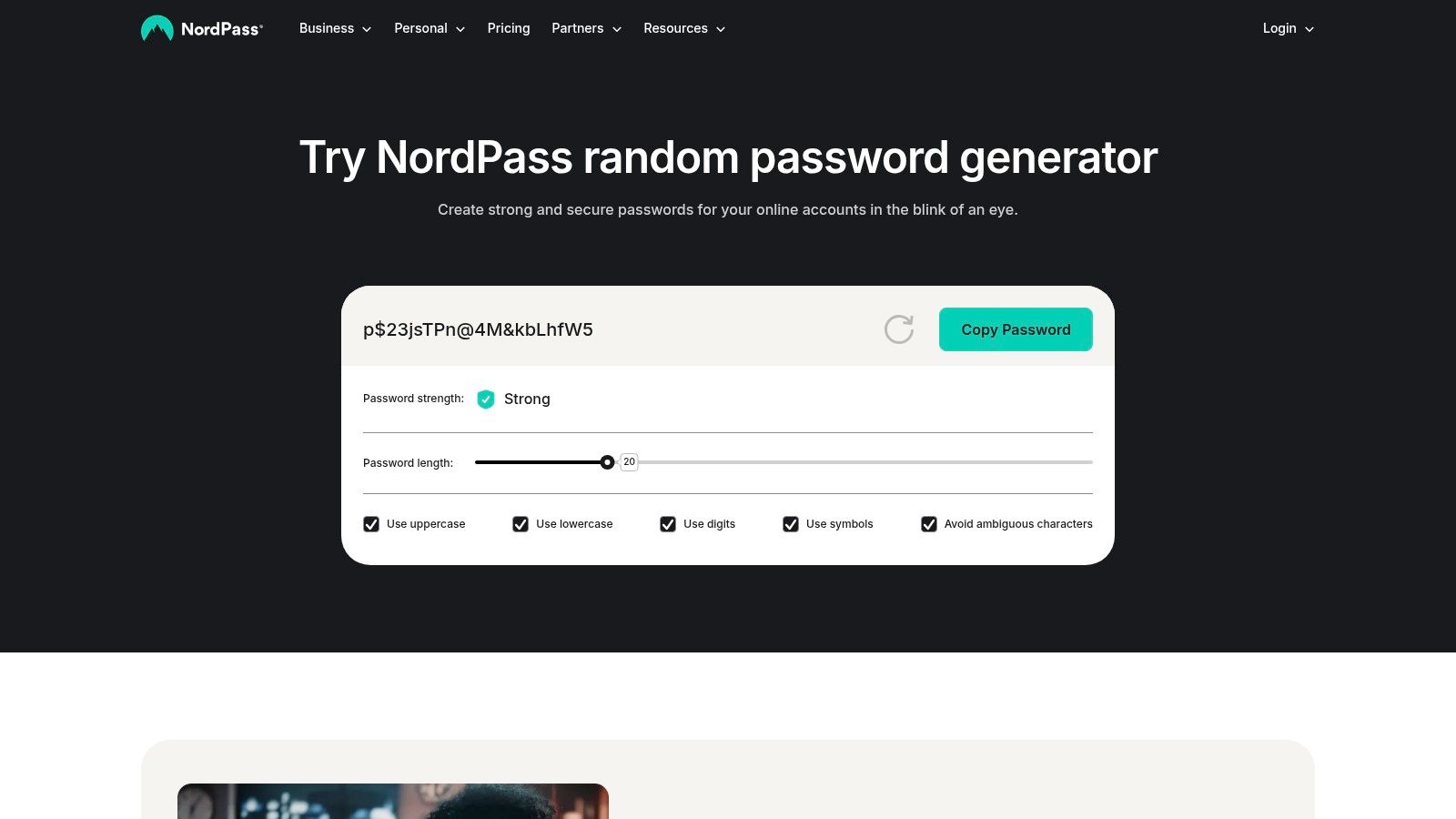
NordPass keeps its controls plain: length, four character types, and a switch to avoid ambiguous characters. For an Australian business fighting an old mail platform or supplier portal that demands "8 to 16 characters, no symbols", that's the fastest route to a compliant credential. The same generator appears in the NordPass password generator app and browser extension, where output can drop straight into a vault.
The recommended pattern is documented. ACSC password guidance recommends using a password manager when passkeys aren't available, because it can generate and store long, unpredictable and unique passwords, and it specifies at least 15 characters. It also recommends protecting the manager itself with a strong, unique master password and multi-factor authentication.
A workable setup for an Australian small business takes one afternoon. Generate a different 20-character password for the domain registrar, the hosting control panel, the email administrator and the accounting platform. Store all four in the manager, turn on two-factor for each account that allows it, and keep the master password out of every one of those systems.
The limitation sits in the free web page: no vault, no sharing, no audit trail. Manager features depend on the NordPass plan you hold. Businesses running Microsoft 365 mailboxes or cPanel email should pair the generator with the email security best practices already published for Australian hosting accounts, since a strong mailbox password doesn't stop a spoofed sender.
7. Keeper Password Generator
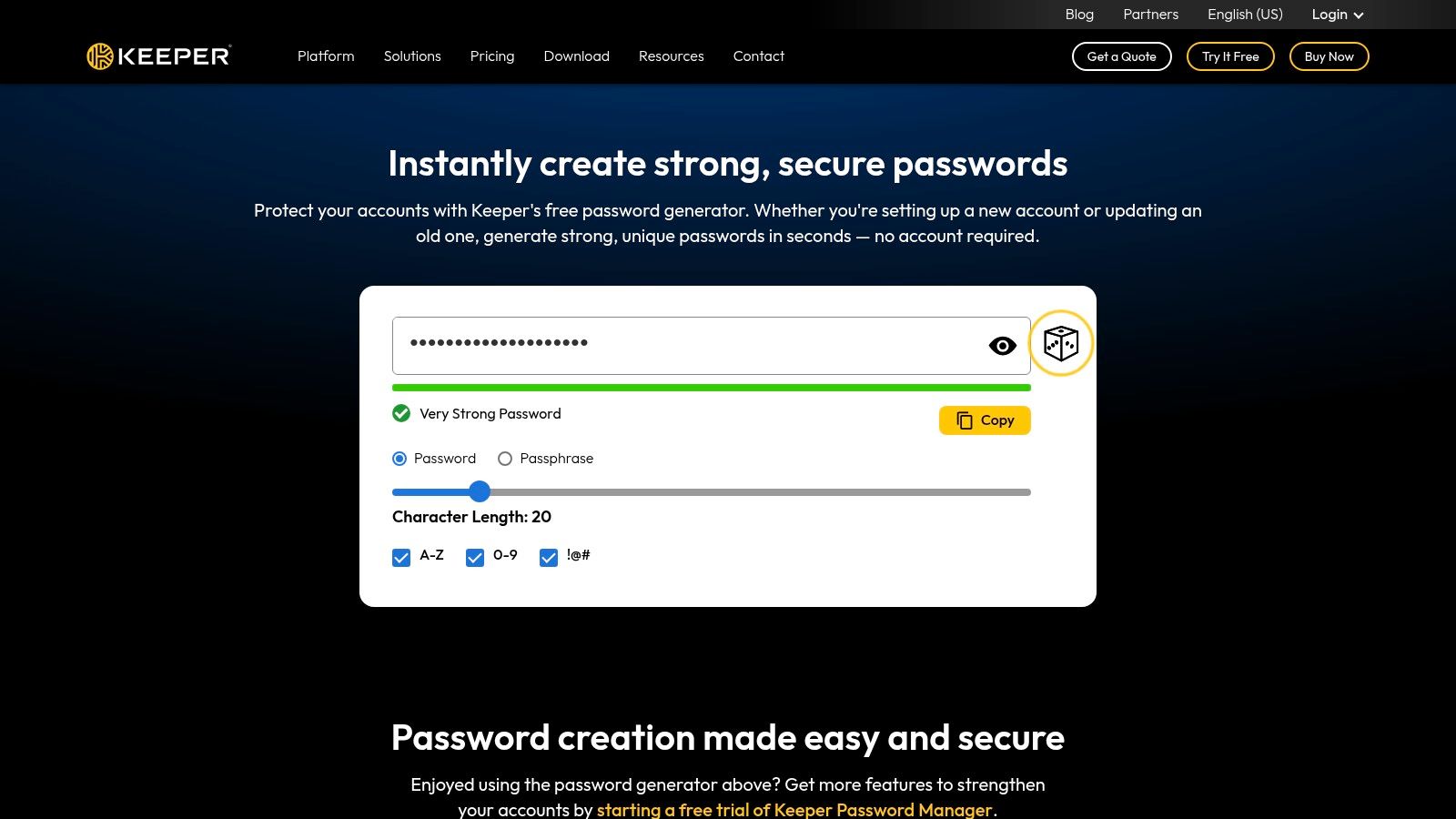
Some passwords have to be typed by a human from memory, and that's where a random string becomes a liability. The Keeper password generator produces random passwords or multi-word passphrases without an account, with length, complexity and word-count settings. Inside Keeper's manager, a history of recently generated credentials rescues the case where someone generated a password, pasted it into a form and closed the tab.
The passphrase format has a published definition. ACSC small business security guidance describes a passphrase as four or more random words and says it should be at least 15 characters long. A workable example is something like "harbour-lantern-orbit-meadow", used for one account only, with the words never replaced by a business name, suburb, birth date or predictable pattern. The same guidance advises turning on multi-factor authentication where possible and using a manager to create and store unique passwords or passphrases.
When a passphrase beats a string
- Vault master password: it must be memorised, so length and word-based structure win over symbol soup.
- Recovery credentials: account recovery on a domain registrar or hosting panel often gets typed on a phone, and a passphrase is faster to enter accurately.
- Legacy panels: an older cPanel or FTP login that blocks paste on some devices still accepts a long passphrase.
The trade-off is unchanged. A passphrase generated on the free page and not stored anywhere is still a credential waiting to be lost. History and wider management features live inside Keeper's paid product, which is the honest dividing line between the free tool and the service.
Experience Microsoft 365 Business Standard for free for 30 days.
Up to 25 users with full access to email, OneDrive and Teams. Includes full versions of desktop apps of Outlook, Word, Excel, PowerPoint and more.
Try Microsoft 365
8. 1Password Strong Password Generator
Australian breach reporting puts credential risk in plain numbers. The OAIC's notifiable data breaches report for April to June 2019 recorded 151 notified breaches caused by malicious or criminal attacks, representing 62% of all breaches that quarter, and found that 79% of the cyber incidents behind them were linked to compromised credentials.
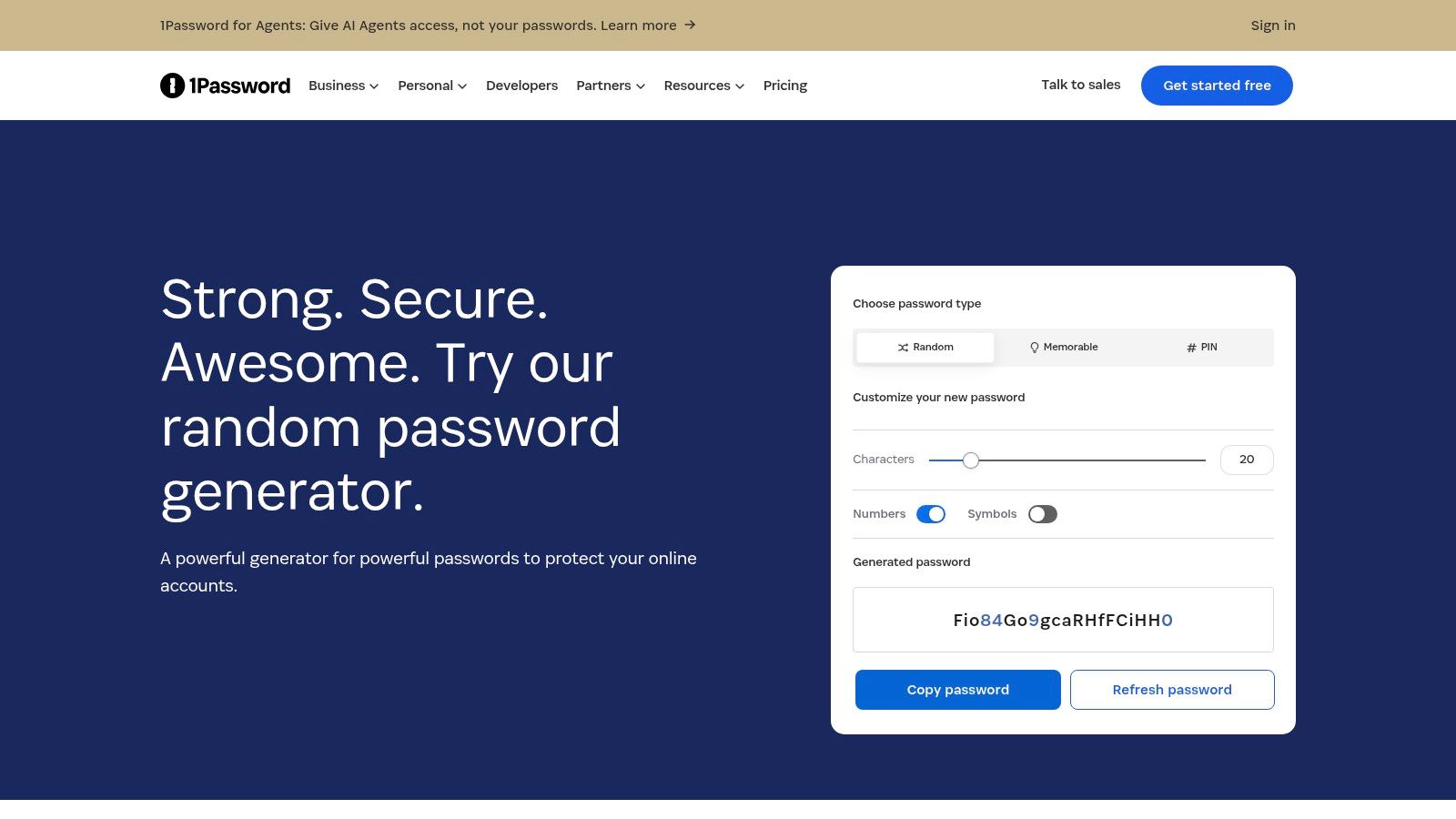
That's the case for paying for storage rather than generating for free. The 1Password password generator exists as a standalone web page, but its real value appears in the apps and browser extension, where a new login on a client's WordPress site or a shared hosting panel gets a generated password and a vault entry in a single step. Generation happens while the account is being created, which is when most weak passwords are invented.
1Password is paid only, with no ongoing free personal plan, so saving and syncing requires an account. For households and small teams already sharing a 1Password vault, that cost buys shared vaults for client access, recovery options and a workflow that doesn't depend on anyone remembering the last password.
A vault earns its fee at the exact moment a credential is created, not when someone remembers to file it afterwards.
Australian web teams handling multiple client sites should pair a shared vault with a documented storage standard rather than letting each developer choose. The secure password repository guidance sets out what a defensible client credential record looks like, from ownership to rotation.
9. LastPass Password Generator
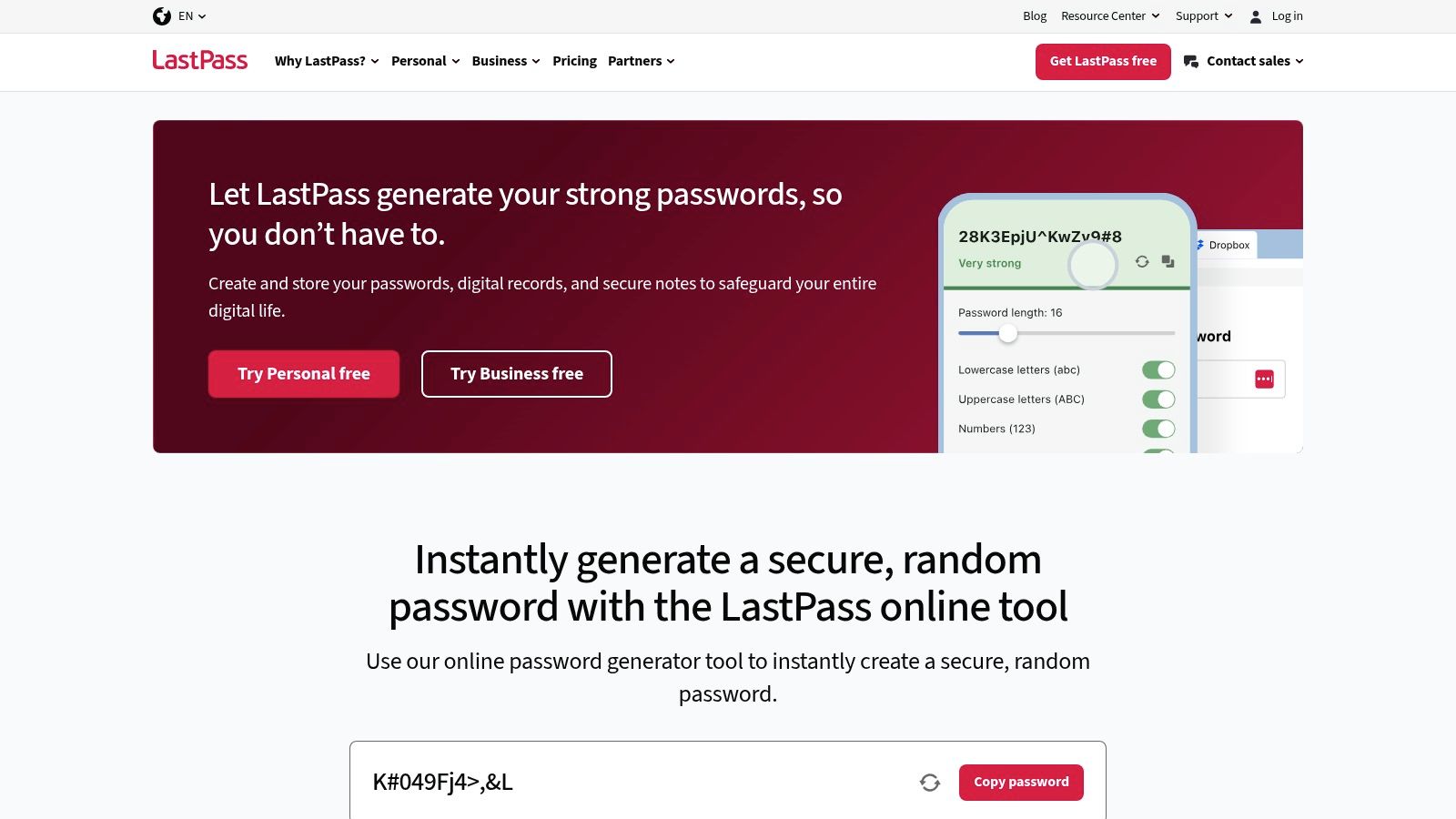
The LastPass password generator gives you length and character-type controls, then places the result into a manager that works across supported browsers and devices. There are business plans for organisations managing staff credentials. The generator itself is straightforward. That is fine, because the decision with LastPass has never really been about the slider or the symbol toggles.
The decision is storage. LastPass has had publicised security incidents in the past, so buyers should check its current vault protection and recovery policies before storing business credentials. A household generating a password for a streaming service can treat that risk lightly. An Australian business about to place hosting, domain and email administrator credentials in one vault needs a harder look at account controls and recovery.
What to check before committing: recovery options if the master password is lost, whether the full vault can be exported, multi-factor authentication on the vault account itself, and whether the paid plan still matches the features described when the account was opened.
For a small business, the practical question is where a generated password lands after the copy button is clicked. If it goes into a vault with clear ownership, recovery rules and staff offboarding, the generator becomes part of a workable credential process. If it lands in a browser note, a spreadsheet or someone's messages, the strength of the generated password barely matters.
I would spend more evaluation time on recovery, export, administrator controls and user removal than on generator options. Length and character rules are now commodity features. The expensive mistakes happen later, when a former staff member still has access, a master password cannot be recovered, or a critical hosting login has no documented owner.
10. Google Password Manager
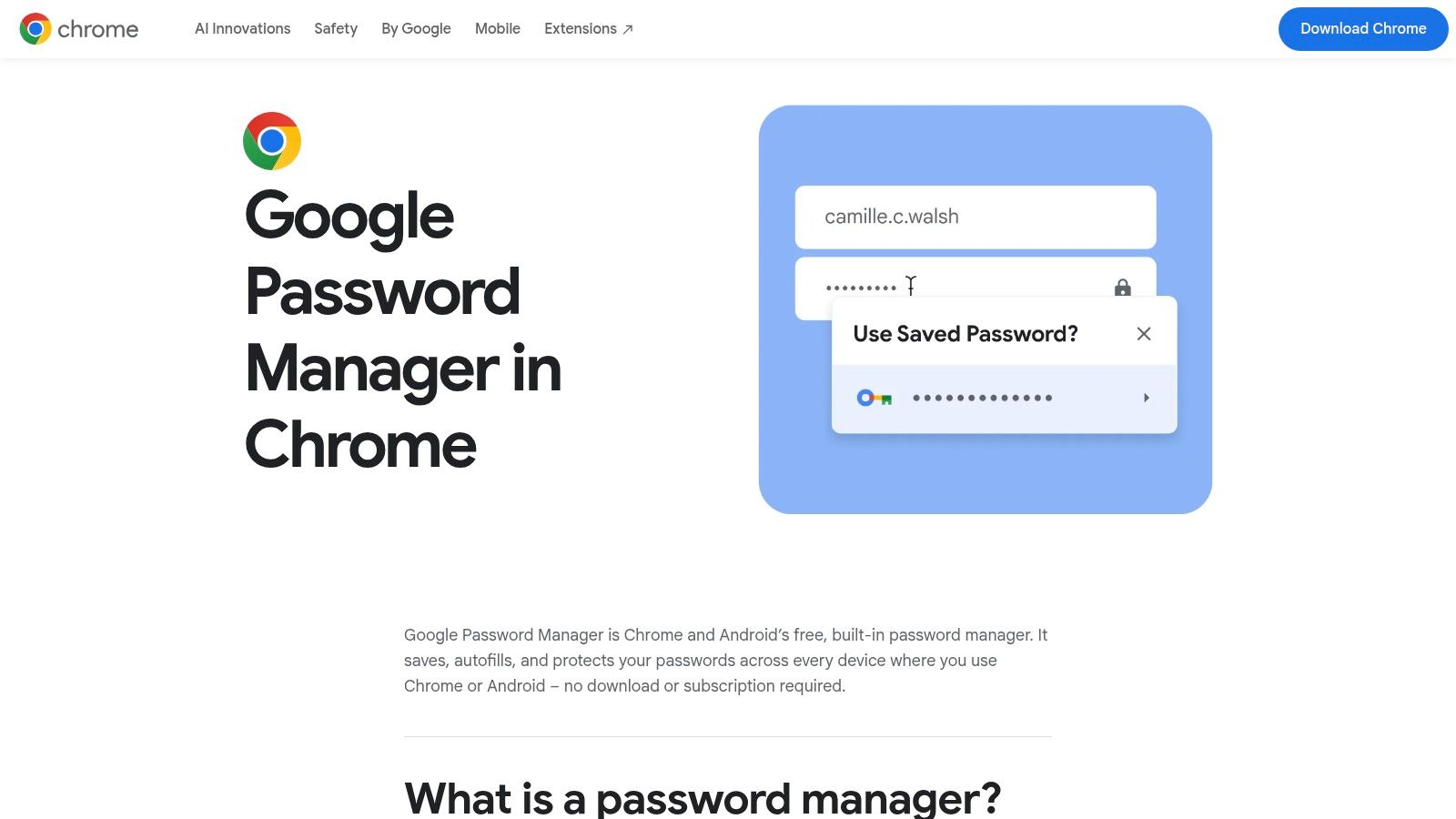
The Google Password Manager suggests a strong password during sign-up in Chrome and saves it to the Google Account, and it handles passkeys alongside passwords. Nothing to install, no subscription, and for a household already signed into Chrome, the friction is close to zero, which is exactly why it gets used.
The constraints show up for anyone managing client infrastructure. It's most useful inside Google's browser and account ecosystem, so a developer working across Firefox, Safari and a Windows remote desktop session will find it thin. There's also no separation between the vault and the identity that opens it, which means the Google account becomes the single point of failure and needs its own strong protection.
- Best fit: sole traders and households that already live in Chrome and need somewhere to start today.
- Poor fit: agencies needing shared, role-based access to client hosting credentials.
- Non-negotiable: two-factor authentication on the Google account itself before anything important goes in.
The two-factor authentication setup guide covers the client area and control panel steps that matter once the password is stored.
11. RANDOM.ORG Password Generator
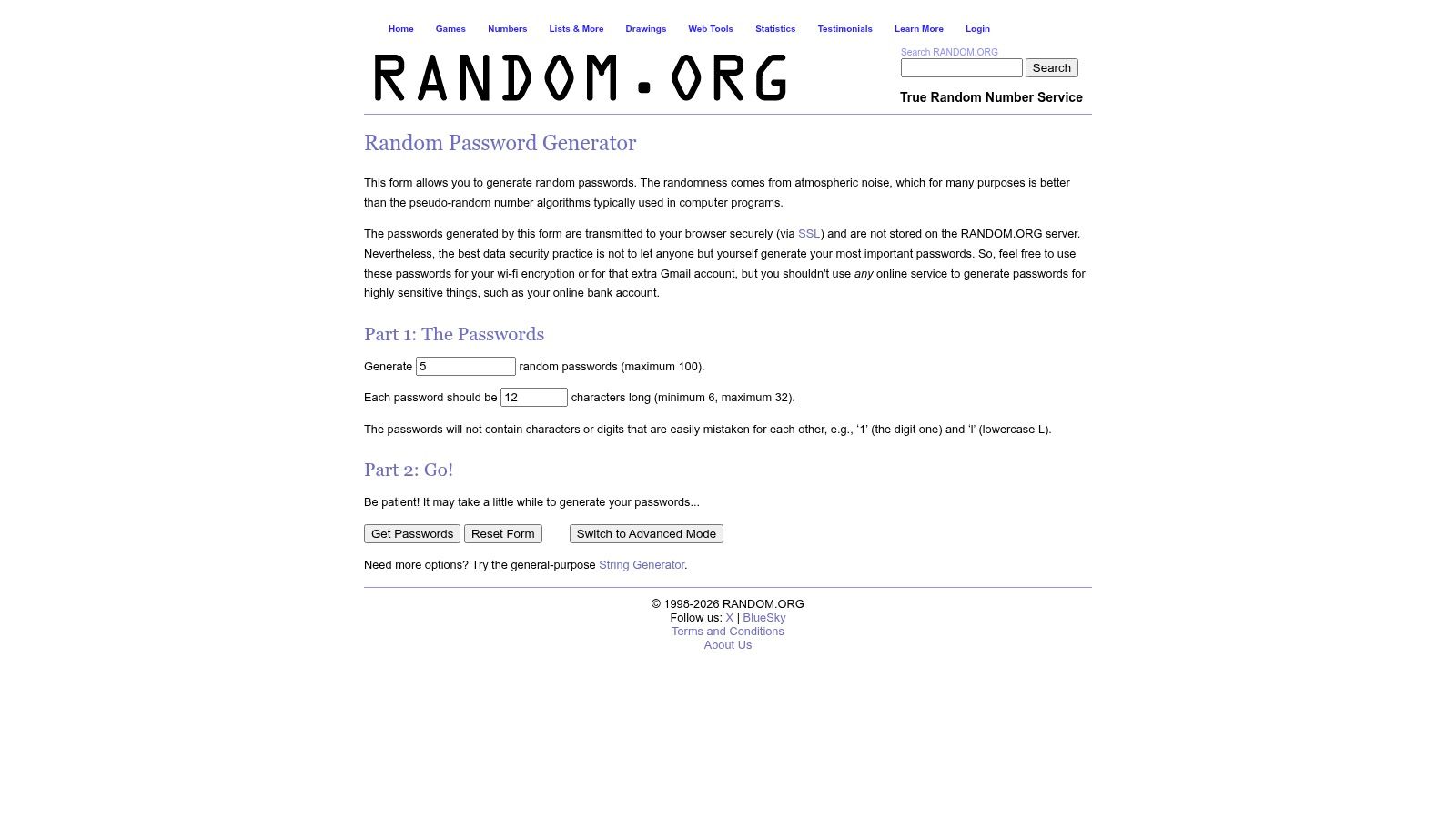
RANDOM.ORG's password generator draws its randomness from atmospheric noise rather than a browser's pseudo-random number generator, which is a genuine point of difference when someone has to explain entropy to an auditor. It produces up to 100 passwords per request, with lengths from 6 to 32 characters, and it avoids easily confused characters such as 1 and l.
The caveats are as distinctive as the method. Length is capped at 32 characters, and the service itself cautions against using its online tool for the most sensitive passwords. There's no vault, so anything generated is a string on a screen until someone stores it. That makes it a provisioning tool, not a daily one.
Where it helps is bulk work. A developer standing up 30 mailboxes and a dozen databases on a new hosting account can generate a batch in one request and paste each credential into a vault as the accounts are created, rather than reusing one string across the lot because the alternative is tedious.
Batching also makes a documentation habit easier. Generate the batch, label each credential by service and owner, and record when it was last changed. That routine does more for an Australian business than any single feature on this list.
How the leading password generators compare on storage, passphrases and best-fit use
| Item | Standalone Use | Passphrase Option | Needs a Password Manager to Store | Best For |
|---|---|---|---|---|
| Strong Password Generator | Yes; online tool | Not specified | Yes; it does not store passwords | Detailed password customization and related security checks |
| Bitwarden Password Generator | Yes; no account required | Yes | Optional; Bitwarden vault supports storage and autofill | Free generation with the option to use Bitwarden for storage |
| Proton Pass Password Generator | Yes; generator page or apps | Yes | Optional; Proton Pass provides storage and autofill | Generating and managing credentials across devices |
| Avast Random Password Generator | Yes; browser-based | Not specified | Yes; it has no vault | Quick generation with simple settings |
| Dashlane Password Generator | Yes; web generator | Yes | Optional; Dashlane provides storage on paid plans | Custom passwords, including options to avoid lookalike characters |
| NordPass Password Generator | Yes; online tool | Not specified | Optional; NordPass provides storage and autofill | Simple generation for accounts with specific character rules |
| Keeper Password Generator | Yes; no account required | Yes | Optional; Keeper provides vault storage | Generating passwords or memorable passphrases |
| 1Password Strong Password Generator | Yes; web generator | Not specified | Optional; saving and syncing requires a 1Password account | People, households, or teams already using 1Password |
| LastPass Password Generator | Yes; online tool | Not specified | Optional; LastPass provides password storage | Existing LastPass users and organizations |
| Google Password Manager | Limited; mainly through Chrome sign-up | Not specified | No separate manager; saves to a Google Account | Chrome users who want passwords generated and saved during sign-up |
| RANDOM.ORG Password Generator | Yes; online tool | Not specified | Yes; it has no vault | Generating password batches and avoiding confusing characters |
Generate Well, Store Well, and Review Regularly
A generated password is raw material, not a finished control. The list above splits into two groups for that reason. Standalone pages create and forget, which suits a household changing one password on a Saturday. Generators attached to a vault create and keep, which suits an Australian business when a staff member leaves with hosting and mailbox credentials in their head.
Choose the tool that fits the workflow you already have rather than the one with the most sliders. A developer rotating credentials across fifteen client cPanel accounts needs batch generation plus a shared, access-controlled vault. A sole trader needs one place where the domain, hosting, WordPress administrator, email and accounting logins are stored, recoverable and protected by something other than memory.
Where passkeys are supported, they should come first. The ACSC's small business cyber security handbook describes passkeys as more secure than passwords and recommends them wherever they're available, with unique generated passwords as the fallback for services that don't support them. It also points to managers, passphrases of at least 15 characters and multi-factor authentication. Pushing for maximum complexity on every account can backfire when staff write strings on whiteboards or lose access altogether, so the sensible order is passkeys where possible, generated unique passwords everywhere else, and a long memorable passphrase for the vault itself.
Storage and recovery deserve the same weight as generation. Save every business login in a vault rather than a browser profile you can't export, and turn on two-factor authentication on hosting, control panels and email before adding another tool. A generator can't compensate for phishing, an infected laptop or a shared administrator login.
UpTime Web Hosting recommends changing account passwords at least once every three months and configuring two-factor authentication on both the client account and the control panel. Brute-force protection using Fail2Ban and CAPTCHA verification sits alongside two-factor protection in the Client Area and Control Panel.
Start with the three logins that would stop the business on a Monday: the hosting control panel, the primary mailbox and the domain registrar. Generate a fresh password for each one, store it in the vault you've chosen, and switch on two-factor authentication before you close the tab. UpTime Web Hosting provides Australian hosting accounts for cPanel and Windows workloads, including single WordPress sites, client portfolios and ASP.NET applications. Review its hosting and email security features before your next password rotation, especially if those logins are shared or have been saved outside a vault.