You've built the site, written the pages, and now your phone's quiet because Google still hasn't caught up. That's the usual point where WordPress SEO plugins stop being optional and start being part of the job, especially for Aussie businesses competing in local search, where clean setup, schema, redirects, and internal linking all matter. If you're running WordPress on fast local infrastructure like UpTime Web Hosting's LiteSpeed-based platform, the key question isn't whether to use a plugin, it's which one adds SEO control without making the site feel heavy. For broader small-business growth context, you can also find small business growth strategies.
Table of Contents
- 1. Yoast SEO Premium
- 2. Rank Math
- 3. All in One SEO AIOSEO
- 4. SEOPress
- 5. The SEO Framework
- 6. Slim SEO
- 7. Squirrly SEO
- 8. WP Meta SEO JoomUnited
- 9. SmartCrawl WPMU DEV
- 10. Ahrefs SEO WordPress Plugin
- Top 10 WordPress SEO Plugins, Feature & Performance Comparison
- Making Your Final Choice and Getting Started

Performance you can feel, backed by clients who depend on it. Read how our support and uptime create long‑term customer success.Power Your Business with Better Hosting
1. Yoast SEO Premium
Yoast SEO Premium is the safest starting point for Australian businesses that want a mature, all-in-one SEO suite with familiar controls. Independent tracking reports 1,991,891 active customers for Yoast SEO Premium, measured through monthly crawling of 50M+ domains technologychecker.io. That kind of adoption usually means agencies already know how to configure it, handovers are easier, and documentation is easier to find when something needs fixing.
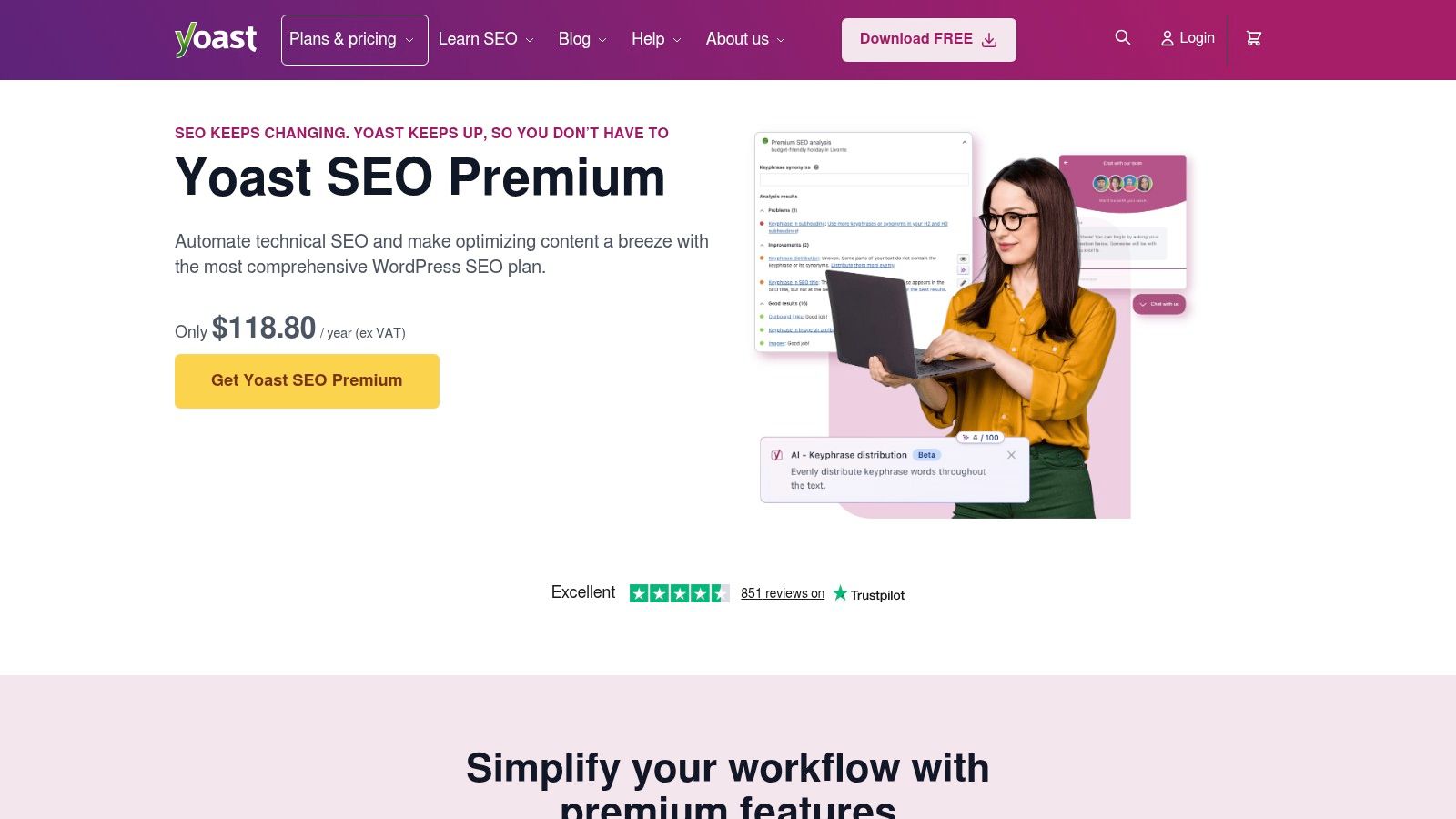
The paid version suits businesses that need AI-assisted titles and meta descriptions, a redirect manager, internal linking suggestions, and bundled Local SEO, Video SEO, and News SEO features. That makes it a practical fit for a plumber with multiple service areas, a tradie publishing location pages, or an eCommerce store that needs structured content without hiring a specialist for every adjustment. You get one central workflow instead of juggling separate plugins for each task. The official product page is Yoast SEO Premium for WordPress.
Practical rule: if your team wants predictable setup more than endless tweaking, Yoast is hard to beat.
Where Yoast fits best
Yoast works well when you want a plugin that covers the basics cleanly and gives marketers room to improve pages without touching code. It's also the easiest of the large suites to justify when a client or staff member needs a familiar interface and consistent support. The downside is cost at scale, because it's licensed per site, so agencies and multi-site owners can feel the billing creep quickly.
The other trade-off is weight. On a minimal install, Yoast can feel like a lot of interface for a small site that only needs titles, descriptions, and redirects. For Australian businesses on lean hosting, that's not a deal-breaker, but it does mean you should avoid stacking it with overlapping SEO add-ons that duplicate the same job.
2. Rank Math
Rank Math is usually the first choice for operators who want a feature-dense SEO suite with a strong free tier. It's one of the tools repeatedly identified as a top option in current usage reviews, and that lines up with what agencies like about it, broad feature coverage without forcing a separate plugin for every SEO task. On Australian hosting, that matters because your SEO stack has to work hard without becoming a maintenance burden.
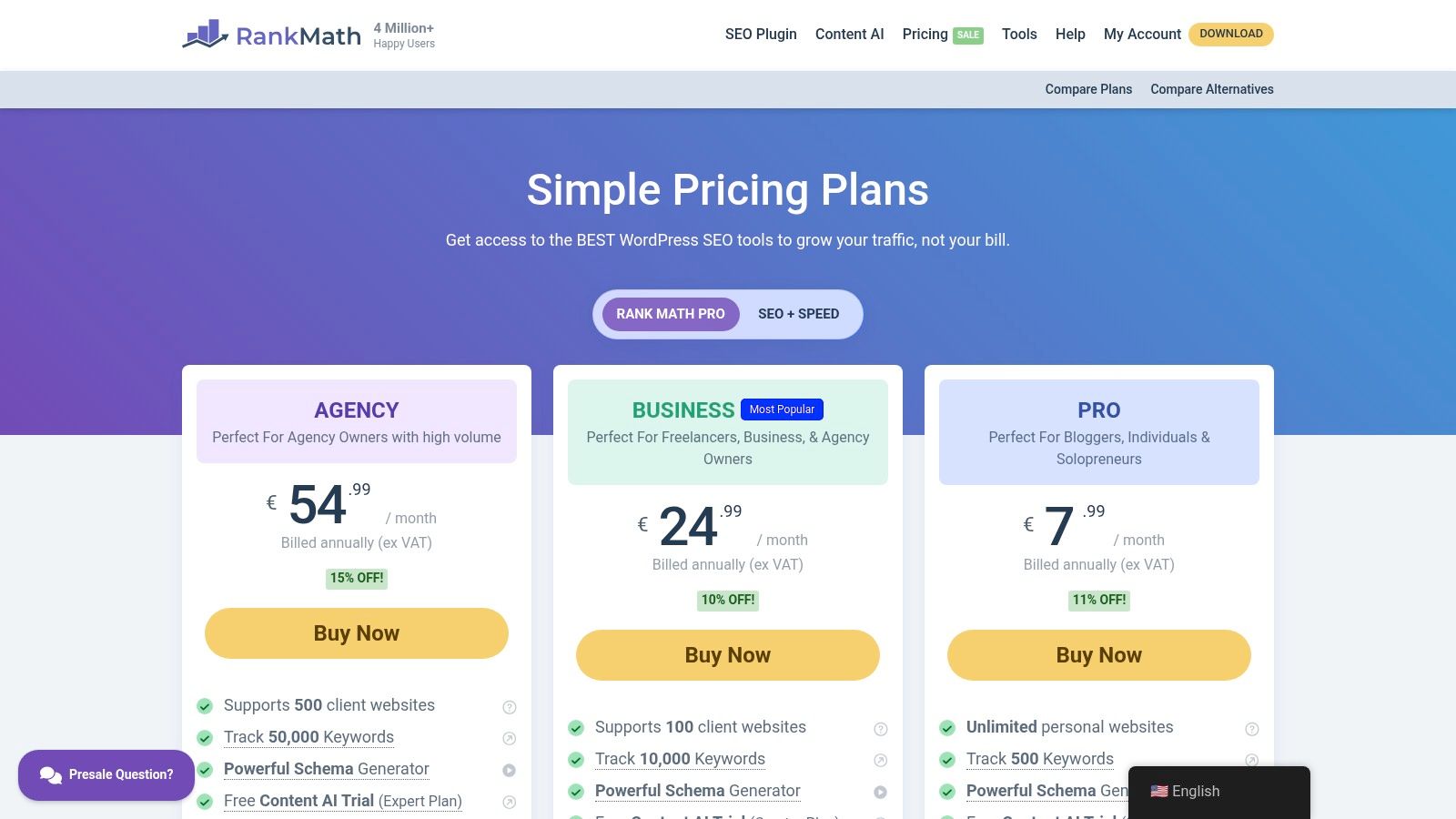
The standout is the schema builder with 800+ schema types, plus Local SEO and WooCommerce SEO modules, rank tracking, Google data imports, AI Link Genius, and a broken link checker. For an Australian retailer, that means you can support product pages, service pages, and local visibility without stitching together a patchwork of tools. For agencies, the multi-site tiers are also easier to justify than many premium plugins because the workflow is built for portfolio management. Review the current plans on Rank Math pricing.
What to watch before you install it
Rank Math's interface can feel crowded to beginners. The upside is power, but the downside is that a new site owner may turn on more than they need and create clutter that never helps rankings. If you want a lean configuration, start with only the essentials and keep the advanced modules off until they earn their place.
For agencies, the bigger issue is plan changes over time. That's not unique to Rank Math, but it matters when you're renewing multiple client sites and need stable costs. On the technical side, Rank Math is well suited to Australian operators who need schema, local pages, and WooCommerce support in one place, especially if the team already understands basic SEO and doesn't need hand-holding.
Host your website with our 5-star rated, cPanel website hosting plans.
Super fast servers, with security included and hosted in your choice of Australian Data Center.
View cPanel Plans
3. All in One SEO AIOSEO
All in One SEO, usually called AIOSEO, suits SMBs that are moving from basic SEO into a more managed workflow. It has a clearer onboarding path than some denser suites, and its modular setup lets you switch on features only when you need them. For Australian businesses, that matters when staff change often and you want a plugin that does not rely on one SEO-savvy person to keep it working.

Its core strengths are TruSEO on-page analysis, Link Assistant with actionable suggestions, Local SEO, WooCommerce SEO, sitemaps, Google Search Console verification, and Search Statistics. That mix is handy when a business wants to improve internal linking and indexation without bouncing between separate dashboard tools. The product page is AIOSEO pricing.
AIOSEO also connects directly with site structure decisions. If you are managing crawl paths, redirects, and technical access on a WordPress site, the plugin works best alongside a clean robots.txt strategy, which is why the practical setup guide at robots.txt guidance for WordPress sites is worth keeping open while you configure it.
Where it helps and where it slows you down
AIOSEO is strong when you need guided SEO operations across a larger site. It is less appealing if you want the lightest possible footprint, because the feature set can feel broad before you have used even half of it. For some Australian businesses, that trade-off is fine, especially if the site includes service pages, blogs, and product pages under one roof.
The other drawback is pricing at renewal. Entry offers are easy to start with, but the cost can rise once you move past the basic tier. If you are a small business with one main website, it can still make sense. If you are running a portfolio of sites on local Australian hosting, compare the renewal path before you commit.
If your hosting stack already includes caching, consider reviewing our guide on how to improve WordPress speed with a cache plugin before duplicating those functions inside the SEO plugin.
4. SEOPress
SEOPress is the quiet achiever in this list. It's built for site owners and agencies that care about clean control, white-labeling, and not loading the dashboard with unnecessary clutter. That makes it a sensible fit for Australian freelancers reselling SEO maintenance or for agencies that want a client-friendly interface that doesn't show every layer of their workflow.
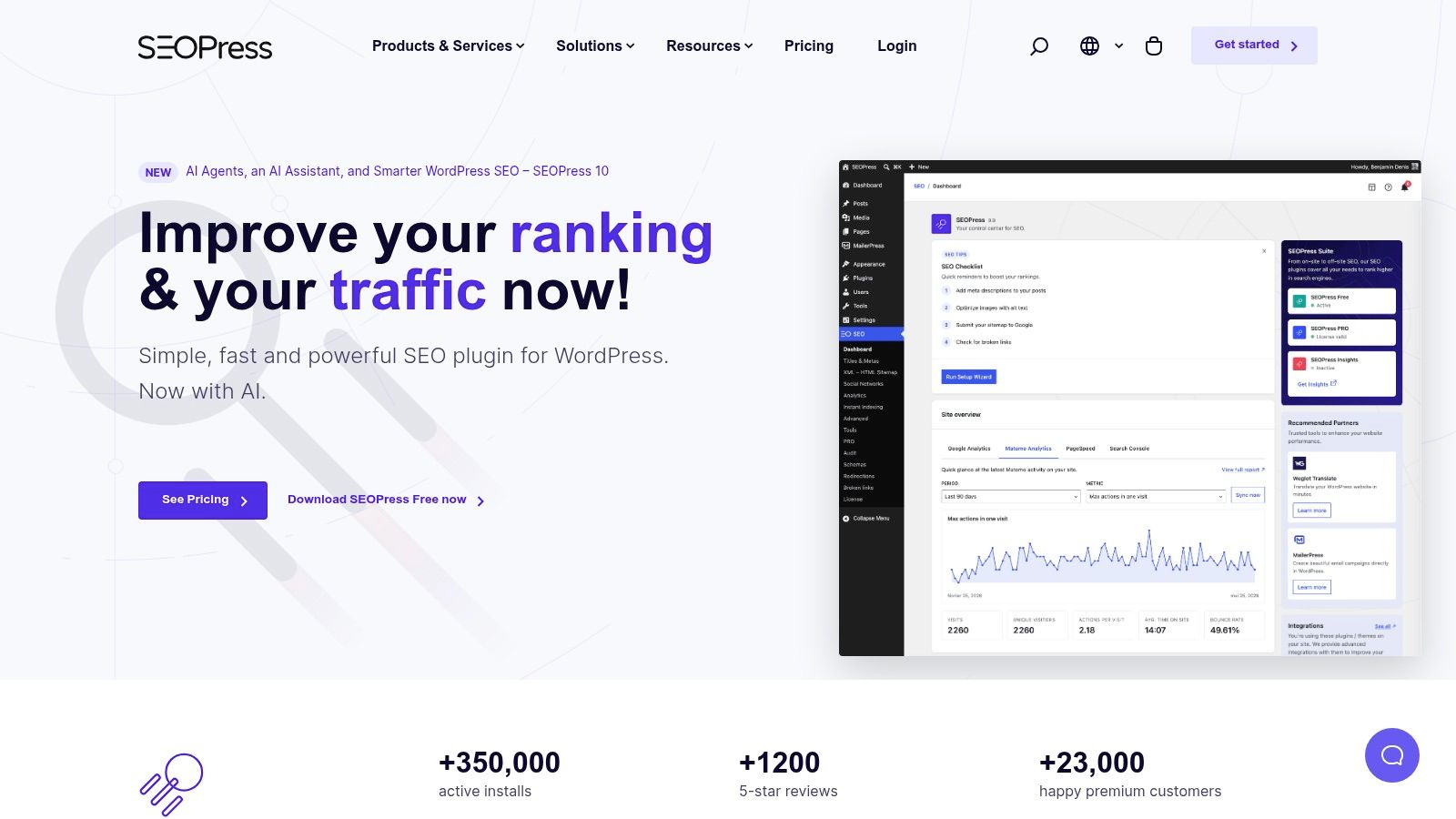
The useful parts are straightforward, schema types, breadcrumb support, redirections, 404 monitoring, and white-label mode. There's also an Insights add-on for rank and backlink visibility, which can be useful if you need some reporting depth without moving to a heavier all-in-one suite. See the plugin details on SEOPress.
SEOPress works best when you want the SEO plugin to stay out of the way until you need it.
That restraint matters on performance-sensitive sites. If your Australian hosting stack already includes caching or image handling at the server level, there's no point duplicating those jobs inside the SEO plugin. SEOPress is a better fit when you want technical SEO controls, not a giant marketing console. It pairs well with a hosting environment where speed is already handled elsewhere, leaving the plugin to focus on metadata, structured data, and redirects.
Best use cases
SEOPress is strong for agencies, maintenance plans, and smaller publishers who don't need a massive feature ecosystem. The UI is clean, bulk editing is practical, and the pricing is generally more agency-friendly than many large suites. The trade-off is ecosystem size. You won't always find as many tutorials or community shortcuts as you will with the biggest names, so teams that want lots of hand-holding may prefer a more common plugin.
For Australian businesses, that's often still a good trade. If you value control, minimal overlap, and a tool that doesn't crowd the editor, SEOPress is one of the best-balanced options on this list.
5. The SEO Framework
The SEO Framework is the best fit here for owners who care about speed first and want the plugin to do the technical grunt work with minimal fuss. It's ad-free, lightweight, and built for developers or hands-on site managers who don't want a wall of prompts every time they open a page. On local Australian hosting, that kind of restraint can be a real advantage.
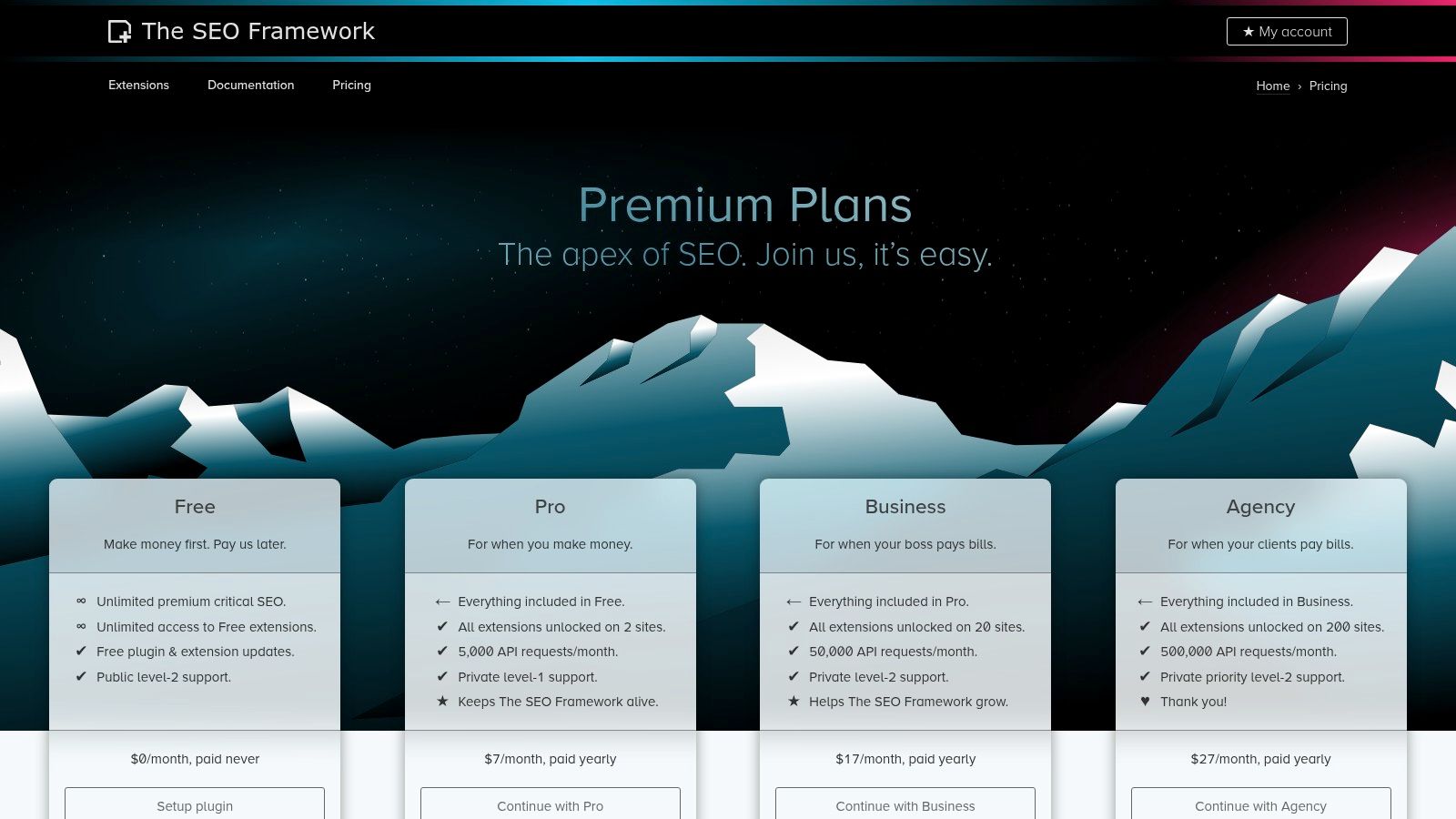
The core appeal is automated technical SEO with minimal bloat, plus extensions that add synonyms and inflections, local geodata, and other extras through an API-based Extension Manager. The plugin also supports staging-friendly licensing, which is helpful for agencies and developers who test changes before pushing them live. Pricing and extensions are on The SEO Framework pricing page.
Why it suits performance-sensitive sites
The SEO Framework is the kind of plugin you choose when you'd rather avoid duplicate functions. It generates technical foundations cleanly, then gets out of the way. That's valuable for Australian SMEs on hosting where every extra layer matters, especially when the site already has caching, image optimisation, and backups handled elsewhere.
Its weakness is UX depth. You won't get the same hand-holding or assistant-style prompts you'd find in larger suites, so new users may feel less guided. For seasoned operators, that's often a plus. For beginners who want a plugin to explain every next step, it can feel too quiet.
If your hosting stack already covers speed and security, TSF is often enough SEO plugin and not much else.
That's exactly why developers like it. It respects a lean build, which makes it one of the safest options for sites that need technical SEO without dragging performance or admin usability down.
Register your new domain name at competitive market prices including free domain add-ons like privacy, DNS Hosting, Custom Nameservers and Forwarding.
Always the best price and no nasty renewal price hikes.
Register A Domain Name
6. Slim SEO
Slim SEO is for business owners who want something fast, quiet, and mostly automatic. It's the closest thing on this list to a “set it and forget it” plugin, which is useful when your site is small, your time is limited, and you care more about avoiding mistakes than fine-tuning every field.
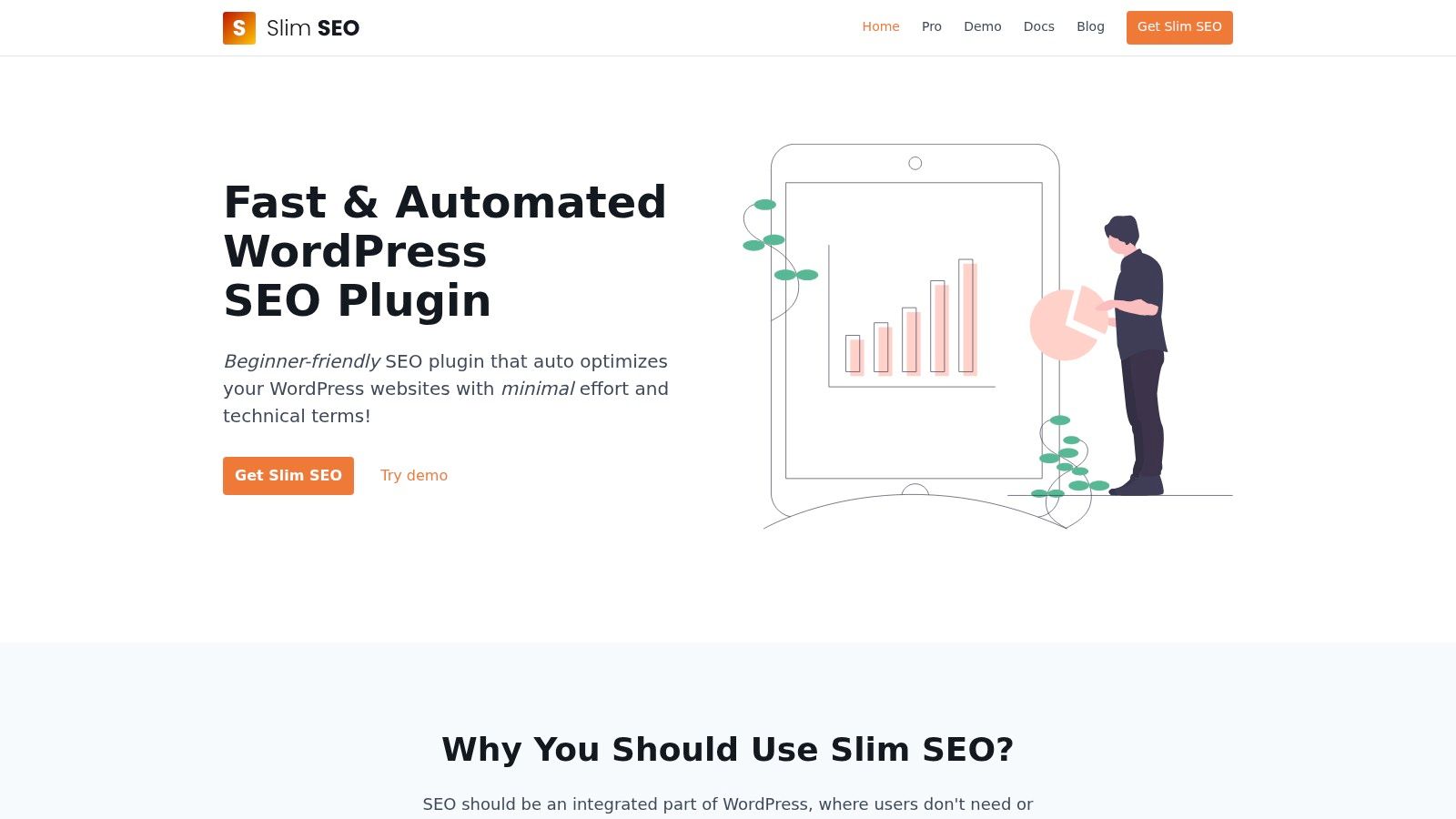
The plugin automatically handles meta tags, Open Graph and Twitter support, XML sitemaps, and breadcrumbs. The Pro version adds a visual schema builder plus internal link building and monitoring. That makes it a neat fit for Australian SMBs that want sensible defaults without a lot of setup time. Visit Slim SEO for the product details.
Slim SEO is also a strong option when your hosting already gives you speed features and you don't want plugin overlap. If you're already using a cache layer or server-side performance tools, keep the SEO plugin simple and let it stay focused on search-facing output.
When Slim SEO makes sense
Use Slim SEO when the site owner is the same person who has to update content, check pages, and approve changes. It reduces the chance of configuration drift because there's less to configure in the first place. That can be useful for service businesses, consultants, and local shops that publish content irregularly but still want the site technically tidy.
The trade-off is control. If you need detailed content analysis, deeper workflow tools, or a lot of hands-on schema options, Slim SEO won't give you the same depth as Yoast, Rank Math, or AIOSEO. Its Pro set is narrower by design, so it's a better fit for teams that value speed and simplicity over feature volume.
The practical setup guide on how to improve website speed is especially relevant if you're pairing Slim SEO with a lean Australian hosting stack.
7. Squirrly SEO
Squirrly SEO stands out because it mixes a WordPress plugin with a connected cloud app. That makes it a good fit for content-heavy teams that want SEO guidance baked into the workflow, not just a collection of technical controls. If your staff writes regularly but doesn't live and breathe SEO, the coaching style can keep work moving.
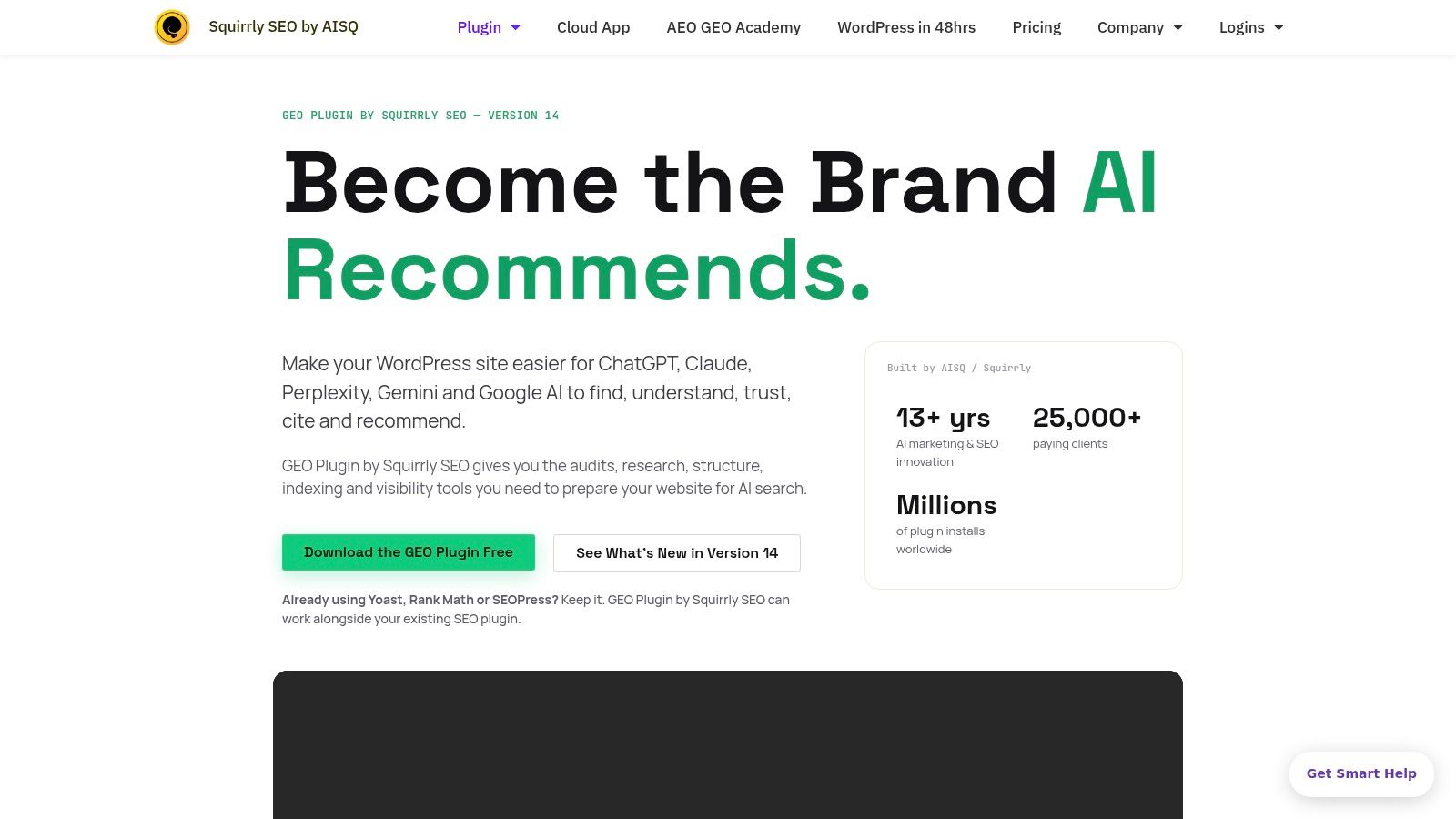
The plugin provides a daily SEO roadmap, AI-assisted keyword and content optimisation, and a cloud/plugin dual setup for audits and tracking. It's designed to keep people on task without requiring them to understand every technical detail up front. The product site is Squirrly SEO.
For Australian businesses, that can be a real advantage if the person updating the site is also handling social posts, service updates, and basic marketing. A guided workflow can be easier to maintain than a heavyweight toolkit that sits unused because nobody wants to open it.
Good fit, bad fit
Squirrly works when you want coaching and content prompts. It's less comfortable if you already know your technical SEO stack and don't want an opinionated assistant telling you what to do next. Some experienced SEOs will find the learning curve and the extra layer of cloud features unnecessary.
The plugin's broader promise is useful, though. It doesn't just handle metadata. It tries to keep content production, keyword work, and tracking in the same place, which can help small teams avoid scattered notes and half-finished optimisations. For businesses on Australian hosting, that means you can focus on creating content while keeping the technical layer manageable.
The local SEO guide at local SEO in Australia is a practical companion if your Squirrly setup is aimed at service-area pages and city-based landing pages.
Experience Microsoft 365 Business Standard for free for 30 days.
Up to 25 users with full access to email, OneDrive and Teams. Includes full versions of desktop apps of Outlook, Word, Excel, PowerPoint and more.
Try Microsoft 365
8. WP Meta SEO JoomUnited
WP Meta SEO is built for bulk work. If your website has years of accumulated pages, weak metadata, or messy image handling, this plugin is useful because it treats SEO as a cleanup job rather than a branding exercise. That makes it appealing for Australian sites that have grown quickly and need structure fast.
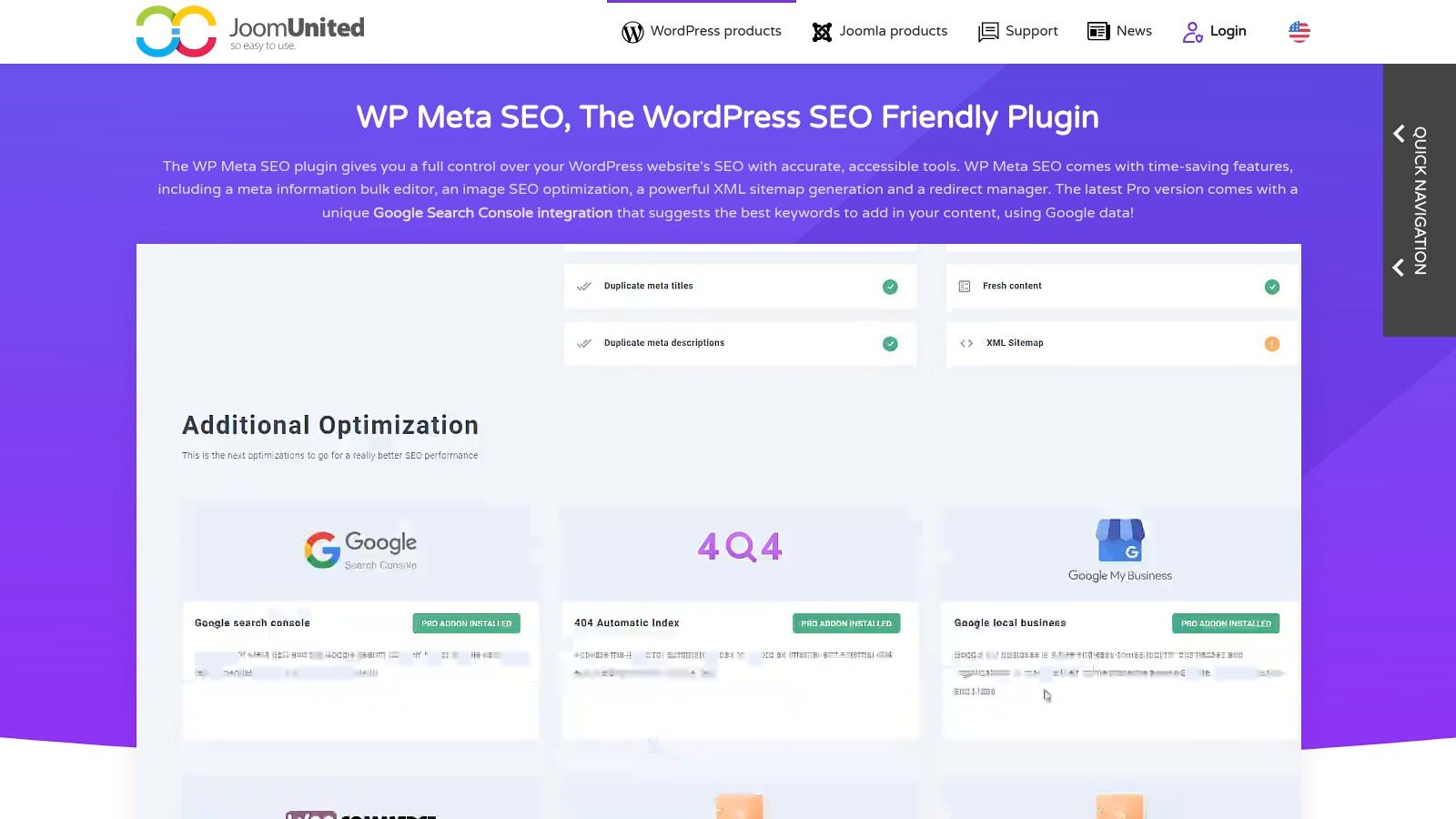
Its strengths are the bulk meta editor, image SEO tools, 404 and redirect manager with reports, and Google Search Console keyword suggestions inside the editor. It's especially handy for teams that need to fix titles and descriptions across a lot of pages without opening each post one by one. The product page is WP Meta SEO by JoomUnited.
Where it saves time
This plugin is practical for service businesses, agencies, and eCommerce teams that have inherited a site with inconsistent metadata. It also integrates with major page builders and WooCommerce, which matters if your content is already built in tools like Elementor or Divi. The workflow is more about efficiency than elegance, and that's exactly why some teams prefer it.
The trade-off is scope. WP Meta SEO doesn't try to be the most complete SEO suite on the market, and its UI doesn't follow the same conventions as Yoast or Rank Math. That means there's a small learning gap if your team is used to the more common layout, but the bulk-edit speed can easily outweigh that.
For Australian businesses, this is a “get it fixed” plugin more than a strategic content platform. If your site needs quick metadata clean-up and image repair, it does the job well. If you want an all-purpose SEO cockpit, look higher up the list.
9. SmartCrawl WPMU DEV
SmartCrawl is a sensible choice for agencies already working inside the WPMU DEV ecosystem. It brings together SEO crawls, schema helpers, automatic keyword linking, and reporting, while also fitting neatly beside tools like Smush and Defender. That stack can be attractive if you manage multiple client sites and want one membership model rather than a pile of separate subscriptions.
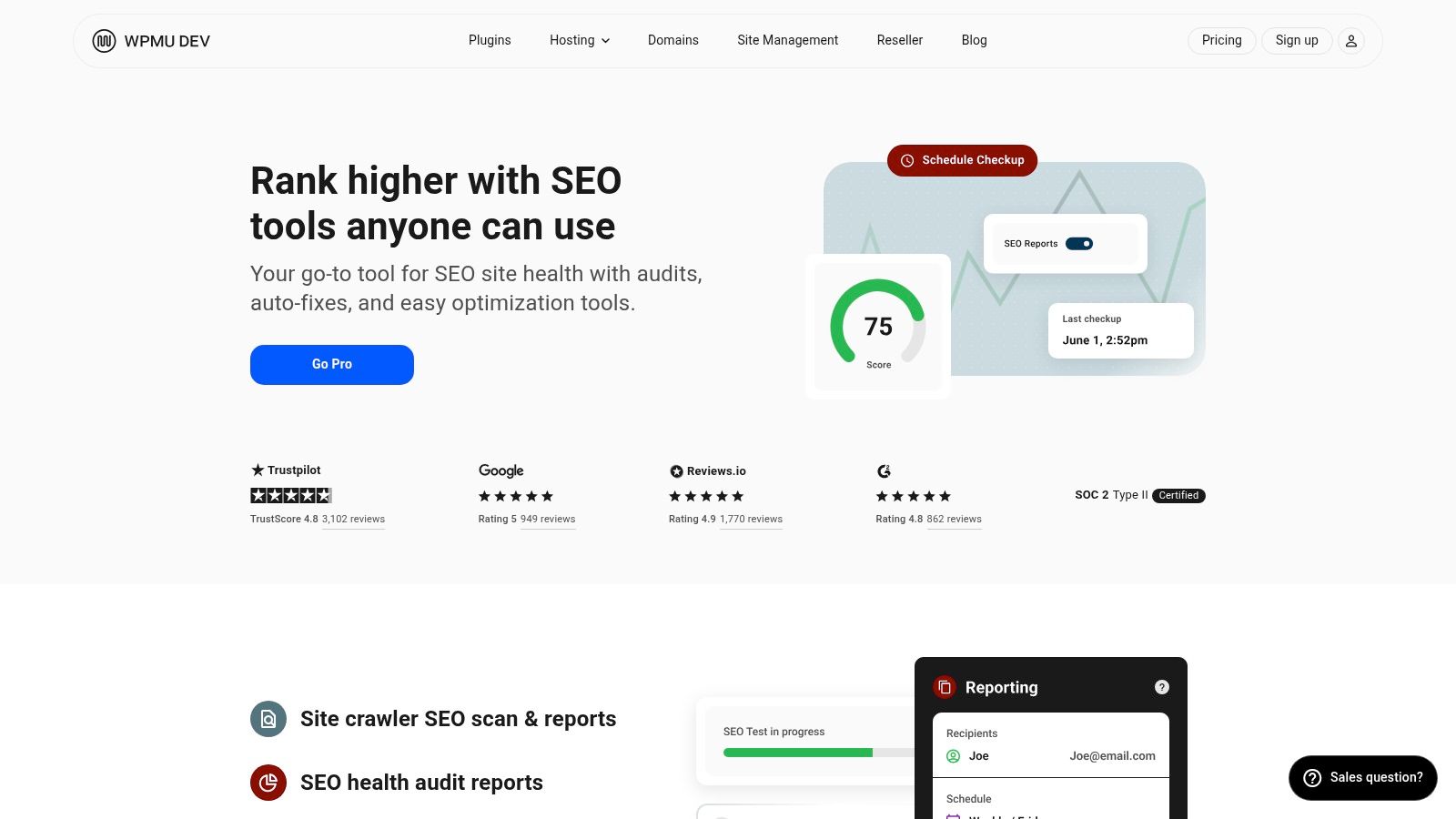
The plugin is also useful for centralized site management through the WPMU DEV Hub. For agencies, that can make reporting, maintenance, and issue detection much easier to standardise. You can read the product details on SmartCrawl by WPMU DEV.
What it does well
SmartCrawl does the practical SEO basics without trying to dominate your workflow. It's good at giving you a central place to monitor technical health, which helps when you're looking after a stack of client websites. The automatic keyword linking and schema helpers are useful, especially when you need to make small wins across lots of pages.
The downside is that it's sold through the broader membership rather than as a clean standalone decision. That makes it less convenient if you only want one plugin and nothing else. Community feedback is also more mixed than the biggest names, so it's best suited to agencies that already trust the broader WPMU DEV setup.
For Australian operators, the value is consistency. If your business already uses the WPMU DEV ecosystem, SmartCrawl reduces fragmentation and keeps SEO, security, and image optimisation under one roof.
10. Ahrefs SEO WordPress Plugin
Ahrefs SEO WordPress Plugin is not a full suite, and that's the point. It focuses on automated content audit suggestions and improvement opportunities, so it works best as a companion to an existing SEO plugin rather than a replacement. For publishers, blogs, and content-led Australian businesses, that makes it a useful layer for keeping pages fresh.
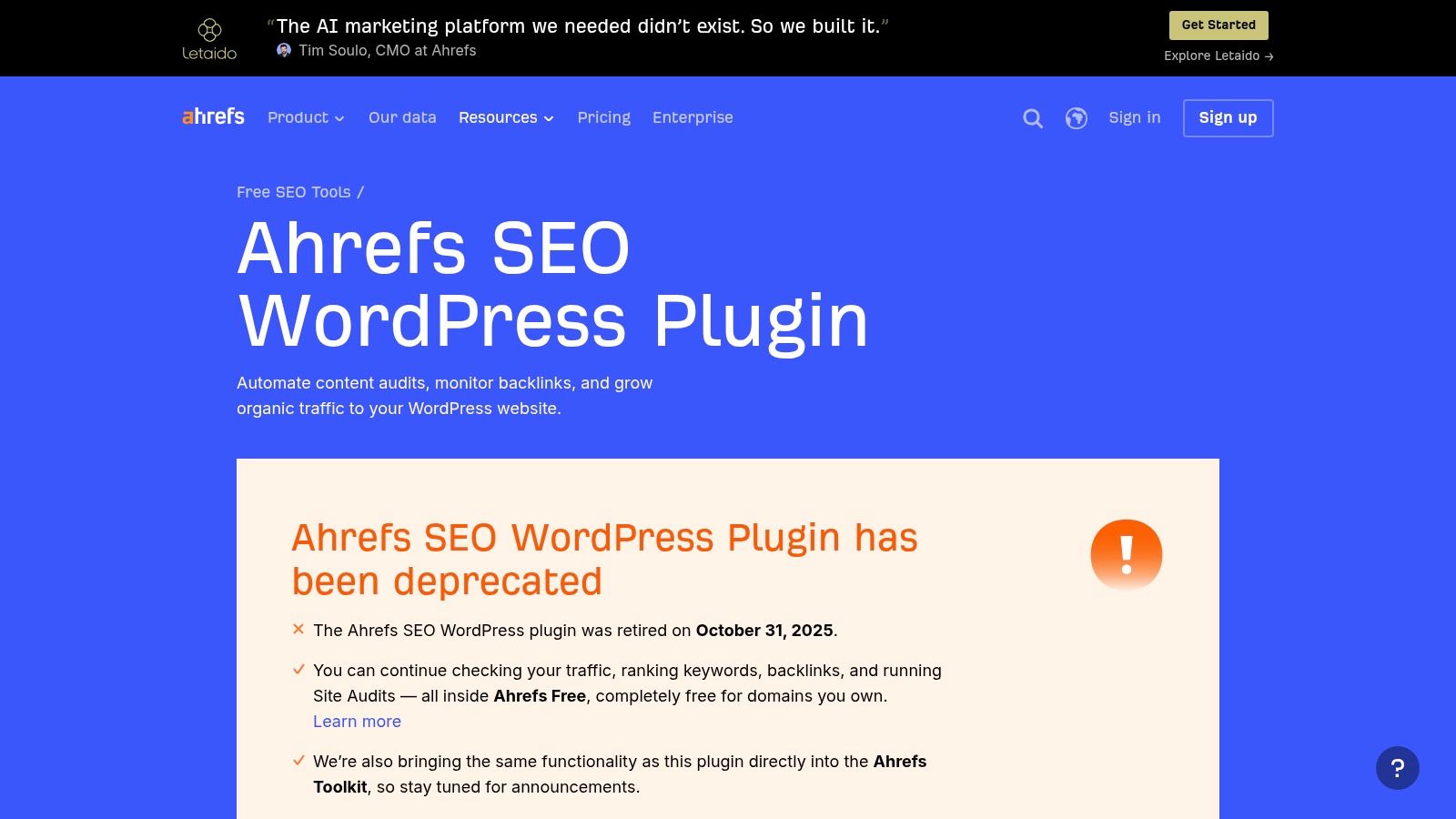
Because it's lightweight, it adds very little overhead and plays nicely beside other tools. It's especially useful when you already have metadata, redirects, and schema covered elsewhere, but want reminders about content that could be improved. See the plugin at Ahrefs SEO WordPress Plugin.
The best way to think about it is as a content quality assistant. It helps identify pages that need work, but it doesn't try to own the whole SEO stack. For a small Australian site, that can be enough if you already trust your main plugin and just want a second opinion on content maintenance.
When not to use it alone
Don't rely on Ahrefs as your only SEO plugin if you need technical controls like title tags, redirects, or sitemap management. It isn't designed to replace a main SEO suite, and that's where some site owners misjudge it. Used properly, though, it can save time by surfacing pages that deserve attention before they stagnate.
If you're running WordPress on performance-focused Australian hosting, that minimal footprint is a plus. You get content guidance without dragging the site into a heavier admin setup. For a practical host-side companion, the search engine optimisation guide is worth pairing with it.
Top 10 WordPress SEO Plugins, Feature & Performance Comparison
| Plugin | Core features | Target audience | Unique selling point | Pricing / Value |
|---|---|---|---|---|
| Yoast SEO Premium | AI title/meta suggestions, redirect manager, internal linking, Local/Video/News SEO | Australian SMBs needing rich results and local visibility | Mature, all‑in‑one suite with bundled specialist addons | Paid, per‑site license, powerful but can be costly for agencies |
| Rank Math | 800+ schema types, Local & WooCommerce modules, rank tracker, AI linking | Agencies and multi‑site managers | Deep schema support and scalable agency tiers | Strong free tier; paid plans scale for agencies (pricing evolves) |
| All in One SEO (AIOSEO) | TruSEO on‑page analysis, Link Assistant, sitemaps, GSC stats | SMBs moving from basic to intermediate SEO | Clear UI with actionable internal linking workflow | Paid plans; intro discounts renew at full price; some features tier‑gated |
| SEOPress | White‑label, schema & breadcrumbs, redirects, 404 monitoring | Agencies reselling SEO/maintenance | Lightweight, privacy‑minded with white‑label options | Competitive agency pricing; some advanced features via add‑ons |
| The SEO Framework | Automated technical SEO, extensions via API, staging‑friendly licensing | Developers and performance‑focused sites | Very lightweight, ad‑free, performance‑first approach | Extension Manager subscription; simple pricing but API quotas apply |
| Slim SEO | Automatic meta tags, OG/Twitter, XML sitemaps, Pro schema & link tools | SMBs wanting speed and minimal setup | Near‑zero configuration with sensible defaults | Free core; Pro paid for visual schema and link monitoring |
| Squirrly SEO | Daily SEO roadmap/checklists, AI content tools, cloud audits | Content teams wanting guided SEO workflows | Coaching‑style UX with task roadmap and cloud audits | Subscription plans; broad toolset but can be pricier than basics |
| WP Meta SEO (JoomUnited) | Bulk meta editor, image SEO tools, redirect manager, GSC suggestions | Sites needing large‑scale metadata fixes (e.g., catalogs) | Fast bulk editing and visual dashboards for mass fixes | Paid product; efficient for metadata cleanup but narrower scope |
| SmartCrawl (WPMU DEV) | Site crawls, schema helpers, automatic linking, reporting | Agencies using WPMU DEV Hub and plugin stack | Centralized reporting and smooth integration with WPMU DEV tools | Available via WPMU DEV membership (not standalone pricing) |
| Ahrefs SEO WordPress Plugin | Automated content audits, update opportunities, lightweight | Publishers and blogs focused on content freshness | Leverages Ahrefs data to surface content improvement chances | Free plugin but best value when paired with paid Ahrefs account |
Making Your Final Choice and Getting Started
Choosing the right WordPress SEO plugin depends on your business needs, technical confidence, and budget. For an all-in-one solution with strong local SEO features, Yoast or Rank Math are the clearest contenders. If you prioritise speed and simplicity, The SEO Framework or Slim SEO are the better lightweight choices for Australian sites that already have caching, image optimisation, and security handled elsewhere.
The decision comes down to how much control you want. If you need a familiar interface, broad documentation, and support that's easy to operationalise across multiple sites, Yoast is a steady pick. If you want advanced schema, local modules, and strong multi-site flexibility, Rank Math is harder to ignore. If your priority is keeping the admin lean and avoiding plugin overlap on local hosting, The SEO Framework and Slim SEO are both strong options.
Once you've made your decision, install the plugin from your WordPress dashboard, activate it, and run the setup wizard. Keep the first pass simple. Set your titles, metadata, XML sitemap, redirects, and schema basics before you start adding extras, because too many overlapping features can create clutter and slow troubleshooting later. If your host already handles caching, image compression, or redirects, don't duplicate those jobs inside the plugin.
For detailed configuration help on the UpTime Web Hosting platform, use the knowledge base articles linked throughout this guide and match the plugin to the way your site works. UpTime Web Hosting's Australian WordPress hosting includes performance-focused features such as LiteSpeed and AccelerateWP, which gives your SEO plugin a faster foundation to work from. A lean setup, paired with reliable local hosting, is usually the best place to start for an Aussie business that wants rankings to improve without making the site harder to maintain.
UpTime Web Hosting gives Australian businesses local WordPress hosting with performance-focused infrastructure, plus the tools needed to keep SEO setups practical and manageable. If you want a faster base for your SEO plugin and a hosting team that understands local site needs, visit UpTime Web Hosting and see how it fits your WordPress stack.