In short
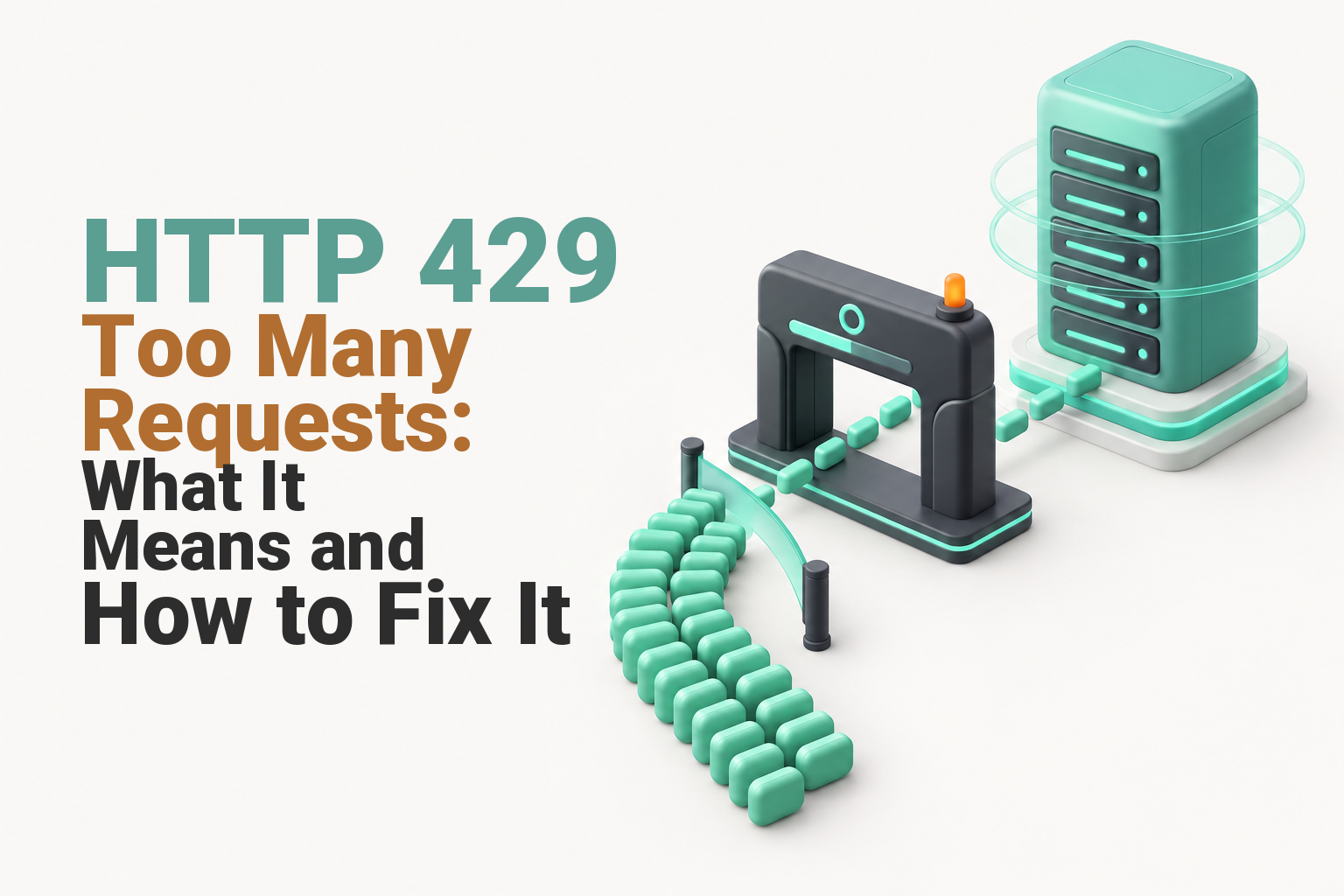
HTTP 429 Too Many Requests means a server, application or security layer has received more requests than its current rule allows. Stop refreshing, inspect the response headers and logs, identify which client or endpoint triggered the limit, then reduce or delay requests rather than disabling protection or raising limits without evidence.
Key takeaways
- HTTP 429 is a rate-limiting response, so clearing a browser cache or changing DNS rarely fixes the actual cause.
- A
Retry-Afterheader can tell a client to wait for a number of seconds or until a stated HTTP date. - Access and security logs should reveal the affected endpoint, request source and timing before any limit is changed.
- WordPress sites should be checked for plugin loops, WP-Cron activity and automated requests to login, XML-RPC, REST or AJAX endpoints.
- If legitimate visitors are blocked, adjust the narrowest responsible rule rather than disabling sitewide security.
Contents
- What does HTTP 429 mean?
- What should you check first when a website returns 429?
- What commonly causes HTTP 429 on websites?
- How do you fix HTTP 429 on WordPress?
- How should an API client retry after HTTP 429?
- How do you stop 429 errors from coming back?
- When should you contact your hosting provider?
- Frequently asked questions
- What should you do next?
A 429 response is useful evidence. It confirms that an HTTP request reached a component capable of counting or restricting requests, even though the status alone does not identify that component.
What does HTTP 429 mean?
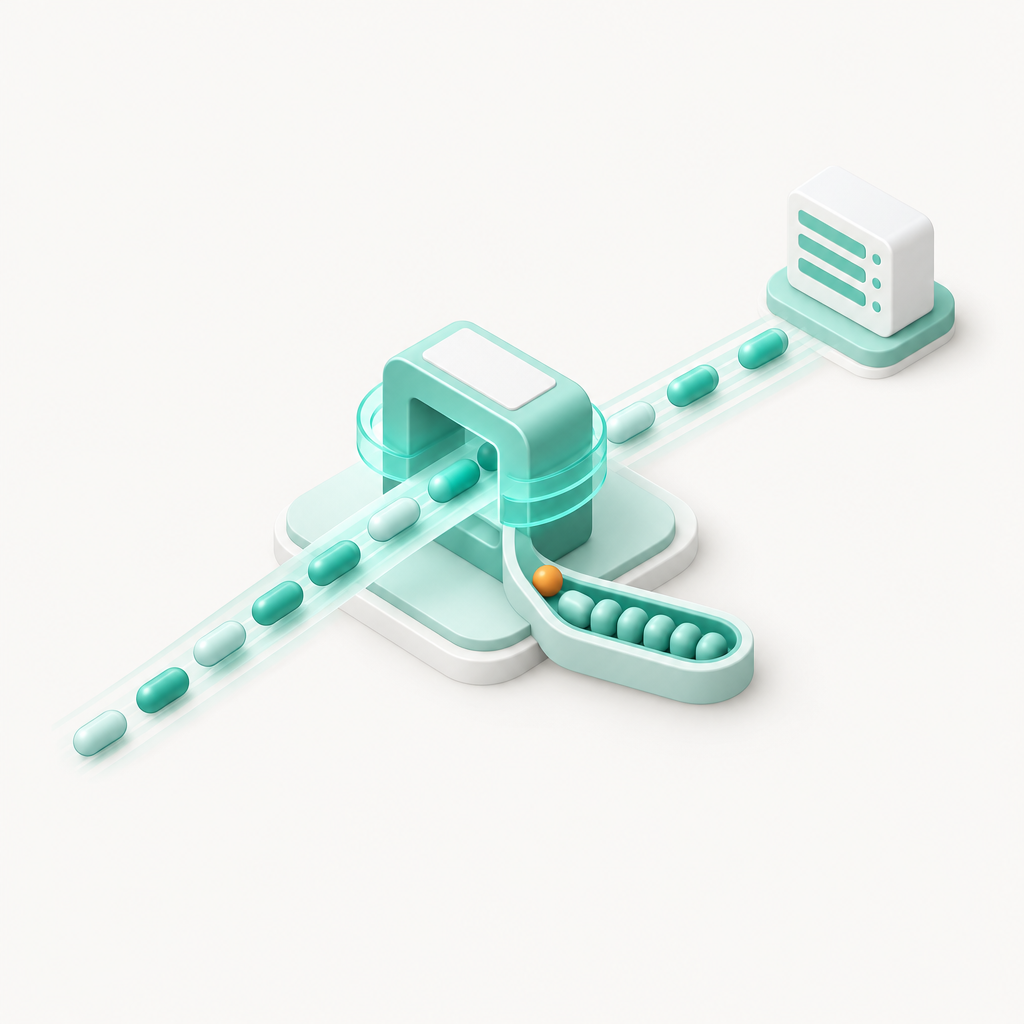
HTTP 429 means the requester has sent too many requests within the period allowed by a rate-limiting rule. The HTTP standard does not set a universal request count, time window or method for identifying the requester.
The IETF's 2012 RFC 6585 defines the code and explains that a server may count requests per resource, across a server or across several servers. It may identify the requester through credentials, cookies or another implementation-specific key. (rfc-editor.org)
The requester is not necessarily a person pressing refresh. It could be:
- a browser or mobile application;
- a WordPress plugin making background calls;
- an API integration using a token or account;
- an uptime monitor or crawler;
- a login bot or scraper;
- several people sharing one office, VPN or carrier IP address.
What a 429 response looks like
A response may include a waiting instruction:
“http HTTP/1.1 429 Too Many Requests Retry-After: 120 Content-Type: application/json “
In this example, the client is being asked to wait 120 seconds before trying again. RFC 6585 permits the server to include Retry-After, but the header is not guaranteed to be present. (rfc-editor.org)
A genuine 429 also differs from a DNS or connection failure. If the browser never receives an HTTP status and instead reports a connection problem, use the broader guide to this site can't be reached before changing rate limits. (uptimewebhosting.com.au)
HTTP 429 confirms that a request reached a rate-limiting decision, so diagnose the rule that answered instead of treating it as a DNS or browser fault.

Performance you can feel, backed by clients who depend on it. Read how our support and uptime create long‑term customer success.Power Your Business with Better Hosting
What should you check first when a website returns 429?
Stop repeated requests and capture one complete response before changing anything. The response headers, affected URL, timing and matching logs are more useful than the error page alone.
Use this five-step diagnosis
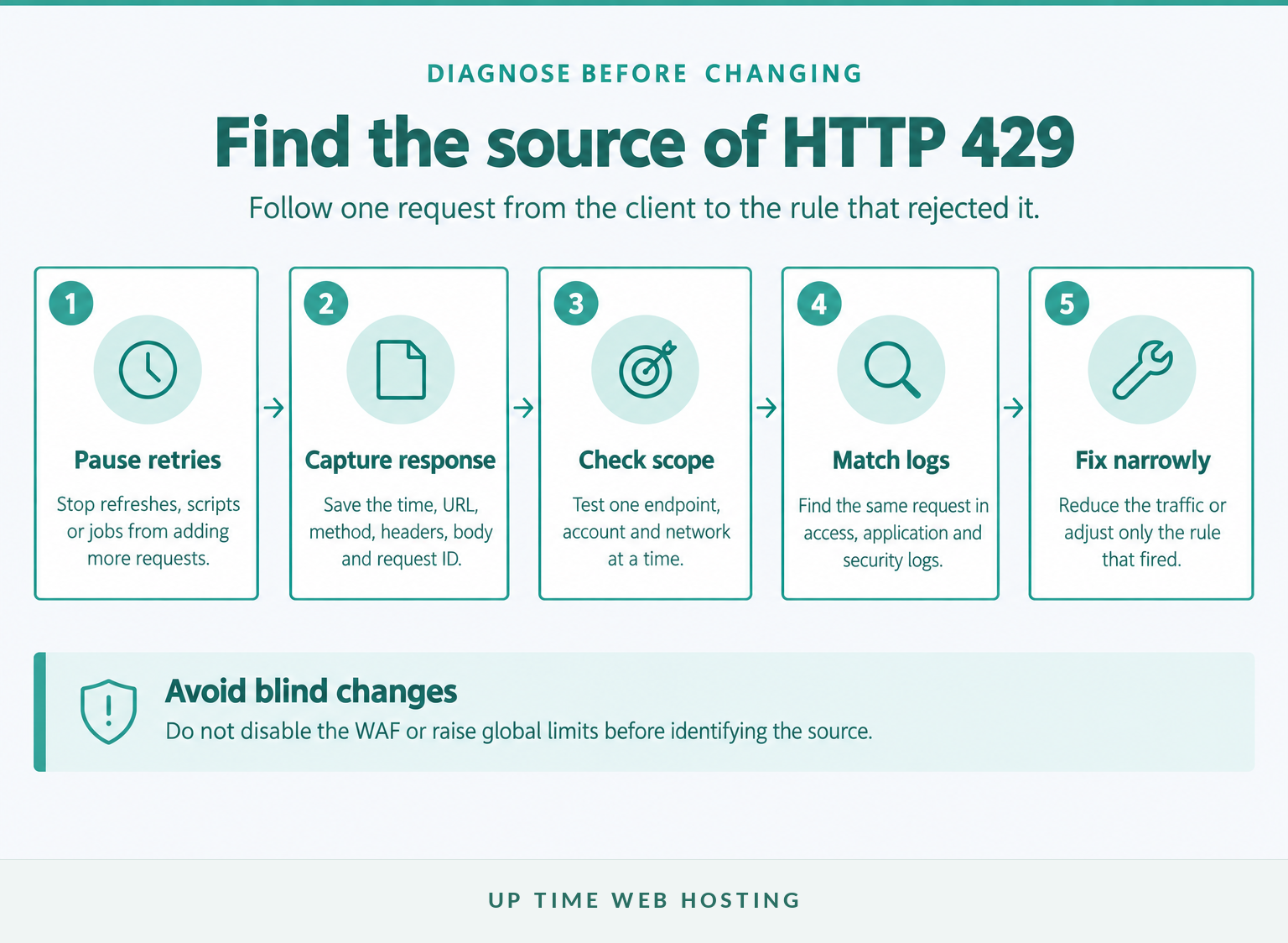
- Pause the request source. Stop refreshing, pause the scheduled job or halt the script so it does not extend the block or fill the logs with more noise.
- Record the evidence. Save the exact time and UTC offset, URL, HTTP method, response body, headers, request ID and the public IP or API account involved.
- Inspect the headers. Browser developer tools can show the Network response. At a command line,
curl -idisplays the status, headers and body together. The official curl tutorial also documents-Ifor a header-only request and-Dfor saving headers. (curl.se) - Test the scope once. Check whether the problem affects one URL or the whole site, one account or every account, one network or several networks, and automated clients or ordinary browsers.
- Match the request to logs. Look for the same timestamp, path, IP, user agent, account and status code in access, application and security logs.
For a cPanel account, the Raw Access documentation updated in July 2026 explains that downloadable logs show website visitors and the content they requested. Availability depends on the hosting provider's configuration. (docs.cpanel.net)
If the browser receives a 429 but the request does not appear in the origin access log, that usually points towards an upstream proxy, WAF or other gateway. If it appears in the access log but not the application log, the web server or security layer may have stopped it before the application ran.
Do not begin with a DNS flush, a full browser reset or a sitewide firewall shutdown. Those actions remove useful variables without identifying who counted the requests.
The quickest diagnosis comes from matching one complete 429 response to the same request in the relevant logs.
What commonly causes HTTP 429 on websites?
HTTP 429 commonly results from an API quota, an automated traffic burst, a login defence, a request loop or a rule that is too broad for normal traffic. The pattern of affected users and endpoints usually reveals which cause is most likely.
Match the pattern to the likely source
- One API key or account fails: the application or external API has probably reached an account, token or operation limit. Reduce concurrency and inspect the service's documented quota.
- One office, VPN or mobile network fails: a per-IP rule may be counting several legitimate users under one public address. Test from a second network before requesting a rule change.
- Only a login or form endpoint fails: a security rule may be throttling repeated submissions. Check for failed logins, bots, form spam and an overly strict threshold.
- Requests repeat against
wp-cron.php,admin-ajax.phpor a REST endpoint: a plugin, scheduled task or integration may be creating a loop or polling too often. - The whole site fails after a sharp traffic rise: inspect the WAF, reverse proxy and origin server separately. The 429 may be protecting capacity rather than reporting that the server is already offline.
- Normal visitors fail while bots continue: the rule may use the wrong key, trust the wrong proxy header or apply one global threshold to very different endpoints.
A 429 is not proof that a website has malware. Unknown scripts, unfamiliar user agents or unexplained requests can justify a malware investigation, but ordinary configuration errors and legitimate automation can produce the same status.
Rate limiting is also only one part of traffic protection. Web application firewalls can inspect and filter application requests, while broader DDoS protection addresses traffic conditions that may not be handled by an HTTP response at all. RFC 6585 notes that a server under attack may drop connections instead of spending resources returning a 429 to every request. (uptimewebhosting.com.au)
The affected endpoint, client and network are stronger clues than the words on the error page.
Host your website with our 5-star rated, cPanel website hosting plans.
Super fast servers, with security included and hosted in your choice of Australian Data Center.
View cPanel Plans
How do you fix HTTP 429 on WordPress?
A WordPress 429 error is often triggered by repeated background requests, automated login traffic or a security rule reacting to those requests. Find the busy endpoint before disabling plugins or security controls.
Start with a current backup and use a staging site where possible. Then work through these checks:
- Review the access and security logs. Count repeated requests to
wp-login.php,xmlrpc.php,wp-cron.php,admin-ajax.php,/wp-json/and any plugin-specific endpoint. - Pause external automation. Temporarily stop importers, feed readers, inventory synchronisation, monitoring, backup jobs and marketing integrations that call the site.
- Check recent plugin changes. Deactivate the most likely plugin first, test once, then reactivate plugins individually. Avoid installing another troubleshooting plugin before the request source is understood.
- Inspect scheduled events and loopbacks. WordPress uses loopback requests to start WP-Cron and run scheduled events added by core, plugins and themes. The WordPress loopback guidance, updated on 14 October 2026, recommends plugin isolation, a default theme test and host involvement when server security rules block loopbacks. (developer.wordpress.org)
- Protect targeted entry points. Apply tighter controls to login, password-reset and XML-RPC requests rather than restricting every page equally. Options for reducing automated WordPress traffic can add a human verification step to exposed forms.
- Check whether XML-RPC is required. Do not disable it blindly if an application depends on it. If it is required, restrict and rate-limit it appropriately.
- Tune false positives narrowly. Identify the rule ID, path and client before requesting an exclusion.
Current WordPress brute-force guidance prefers edge or server-level rate limiting for heavy attacks because an application plugin still consumes PHP resources. It also recommends targeted controls for login and XML-RPC endpoints instead of broad, permanent blocks. (developer.wordpress.org)
Do not leave the website unprotected as a workaround. cPanel's July 2026 ModSecurity documentation recommends keeping ModSecurity enabled and disabling it only while investigating a related problem. (docs.cpanel.net)
On WordPress, fix the plugin, scheduled task, bot traffic or narrow security rule that creates the repeated requests instead of suppressing the 429 response.
How should an API client retry after HTTP 429?
An API client should follow Retry-After when the server supplies it and should not send another burst as soon as the wait ends. If the header is missing, use the API's documented window or a bounded backoff with a small random delay.
The IETF's 2022 RFC 9110 states that Retry-After can contain either an HTTP date or a non-negative number of seconds. (rfc-editor.org)
A simple retry policy can follow this logic:
“text if response status is 429: use Retry-After when valid otherwise increase the delay for each attempt add a small random delay stop after a limited number of attempts “
Also reduce the traffic that caused the response:
- lower the number of simultaneous requests;
- combine or cache safe reads where the API permits it;
- stop tight polling loops;
- queue work instead of launching it all at once;
- track limits separately for each account, token or endpoint documented by the service.
Treat extra rate-limit headers as provider-specific. Do not assume every service supplies them or interprets similarly named fields in the same way.
Automatic retries also need operation safety. RFC 9110 says a client should not automatically retry a non-idempotent request unless it knows that repeating the operation is safe or can prove that the first request was not applied. (rfc-editor.org)
That matters for payments, orders, bookings, messages and other state-changing requests. Use the API's idempotency mechanism where one is available, or check the operation's result before repeating it.
A safe API client waits, slows down, limits attempts and avoids blindly repeating state-changing work.
How do you stop 429 errors from coming back?
Prevent recurring 429 errors by controlling the request source and applying limits to the narrowest useful scope. Monitor the result so a new plugin, bot campaign or integration cannot recreate the same pattern unnoticed.
Keep the fix narrow
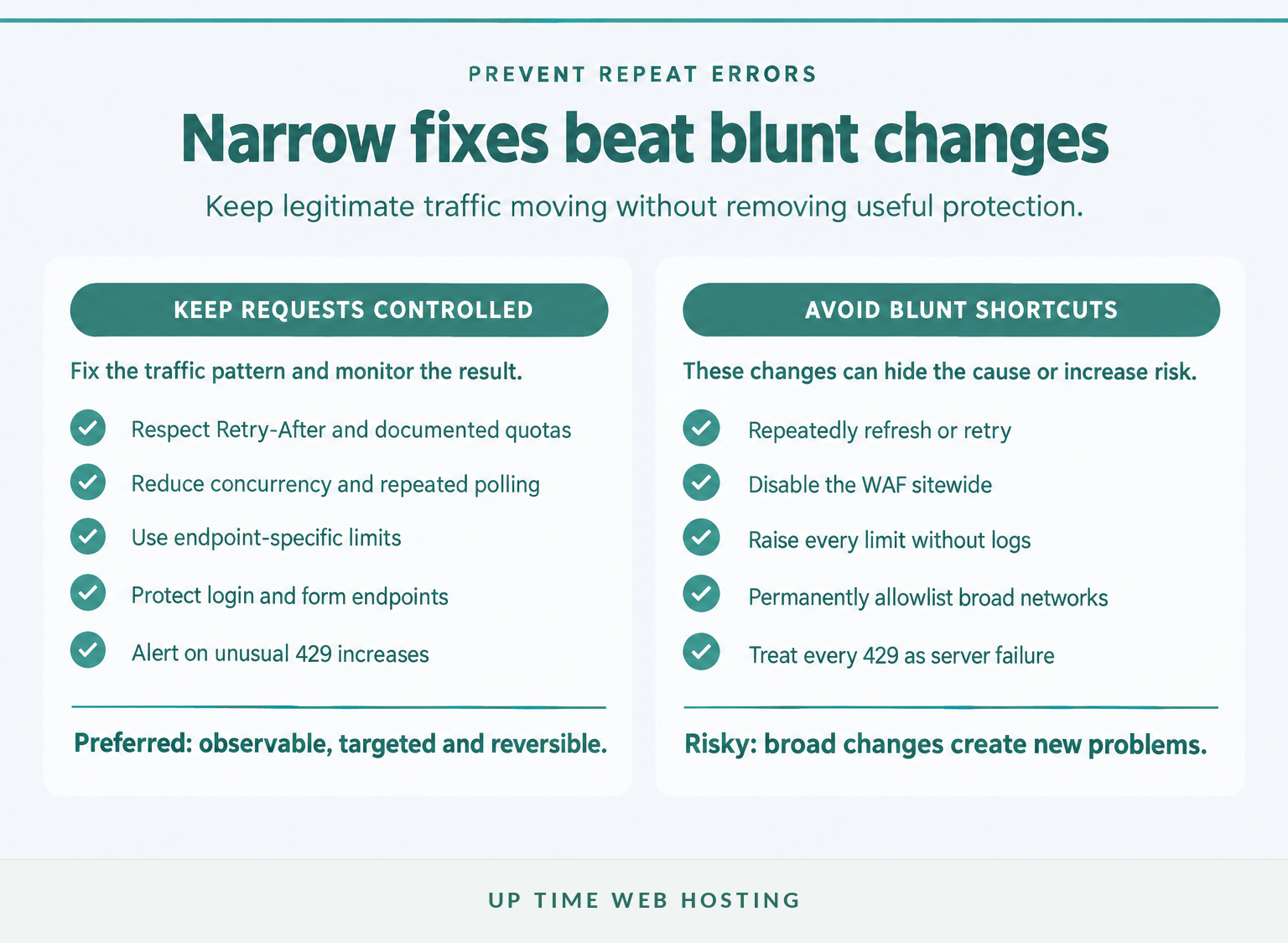
For website owners:
- remove faulty plugins, scripts or scheduled tasks;
- reduce unnecessary AJAX polling and duplicate monitoring;
- protect exposed forms and login endpoints from automated abuse;
- retain enough access and security logs to investigate another event.
For developers:
- respect documented API quotas;
- control concurrency in the client rather than relying on the server to reject excess work;
- cache or combine safe reads where permitted;
- record response codes, endpoint names, attempt counts and request IDs;
- alert when 429 responses rise above the normal baseline.
For security and hosting administrators:
- set different policies for expensive, sensitive and ordinary endpoints;
- decide whether limits should use IP address, account, token, cookie or a combination;
- account for trusted proxies so the origin sees the correct client address;
- challenge or block abusive automation before it consumes application resources;
- review exclusions and temporary allowlists after the incident.
The OWASP API Security Top 10 2023 recommends rate limiting but also says limits should be tuned to business needs, with stricter policies for some endpoints. (api-security.owasp.org)
Raising every threshold can hide a faulty integration and give hostile traffic more room. Lowering every threshold can block customers. Start with observed traffic, expected peaks and the cost of each operation.
Prevention works best when request behaviour and rate-limit policy are monitored together rather than adjusted as separate problems.
Register your new domain name at competitive market prices including free domain add-ons like privacy, DNS Hosting, Custom Nameservers and Forwarding.
Always the best price and no nasty renewal price hikes.
Register A Domain Name
When should you contact your hosting provider?
Contact the hosting provider when normal visitors remain blocked, the responsible security or proxy logs are unavailable, or the website owner cannot identify which layer generated the response. Send a compact evidence pack so support can investigate a precise event rather than reproduce a vague intermittent error.
Include:
- the exact date, local time and UTC offset;
- the affected URL and HTTP method;
- the response headers and body;
- any request, trace or correlation ID;
- the source IP and user agent;
- an API account or key identifier with secrets removed;
- tests from another account, network or endpoint;
- matching access, application and security log lines;
- recent plugin, deployment, firewall or proxy changes.
Ask these questions directly:
- Which component returned the 429?
- What key was being limited: IP, account, token, cookie, endpoint or server-wide traffic?
- What threshold and time window applied?
- Was
Retry-Afterintentionally omitted? - Can the rule be limited to the affected path or client type?
- Does the traffic indicate a false positive, a bot burst or a capacity problem?
If the current platform makes logs difficult to access or requires security to be switched off during routine troubleshooting, consider moving to secure web hosting with managed monitoring, backups and security controls.
A hosting provider can resolve HTTP 429 faster when the report identifies the request, timestamp, response layer and tests already completed.
Frequently asked questions
These answers cover the four practical questions most often associated with HTTP 429. There is no universal reset time or single fix because each service defines its own rate-limit policy.
How to stop 429 errors?
To stop HTTP 429 errors, identify the rule that is limiting requests, then reduce the request rate, pause faulty automation, block abusive bots or tune the narrowest affected endpoint. Check Retry-After, access logs and security logs before raising limits. Sitewide disabling of a WAF can remove protection without fixing the underlying traffic pattern.
How to clear too many requests?
“Too many requests” clears when the rate-limit window resets or the limiting rule no longer sees excessive traffic. Stop repeated refreshes or automated retries, wait for any Retry-After period, then test once. If normal visitors remain blocked, the website owner or host must inspect logs and adjust the responsible rule.
Should you retry on 429?
Yes, but retry only after the server's Retry-After period or a bounded backoff, and stop after a small number of attempts. Automatic retries are safest for read-only or otherwise idempotent operations. Do not blindly repeat a payment, order or other state-changing request unless the API provides an idempotency mechanism.
How long to wait after a 429 error?
Wait for the value in Retry-After when the response includes it. The value can be a number of seconds or an HTTP date. If the header is missing, follow the service's documented rate-limit window or use a conservative, capped backoff; there is no universal waiting period for every HTTP 429 response.
An HTTP 429 clears safely when the client respects the applicable window and the website owner fixes any traffic or policy problem that keeps retriggering it.
Experience Microsoft 365 Business Standard for free for 30 days.
Up to 25 users with full access to email, OneDrive and Teams. Includes full versions of desktop apps of Outlook, Word, Excel, PowerPoint and more.
Try Microsoft 365
What should you do next?
Capture one complete 429 response, then match it to the access, application and security logs. Once the responsible layer and request source are known, reduce the traffic or adjust only the rule that counted it.
The fastest safe fix is to identify which layer counted which requests, then change only that layer.