
You're looking at a slow Monday and a hosting bill at the same time. The booking form spun, the inbox filled, and someone asked whether the server is "in Sydney" so the customer list stays in Australia. A street address on a data-centre door is not the same thing as Australian control. Backups, support logins, subcontractors and disaster recovery can still move those records offshore while the website itself loads from Sydney.
Sydney VPS hosting is the practical step up for a clinic, a shop, a developer or a Windows app that has outgrown a crowded shared account. You get a virtual server with its own CPU, memory, storage and operating system, placed near the people who use it. The checks I would run before signing are size, response time, who can touch the data, how recovery works, a stack that matches the application, and a move that keeps the shop open.
Table of Contents
- Sydney VPS Sizes for Real Australian Workloads
- Why Sydney Placement Changes Response Time
- Checks That Prove Australian Control
- Backups Login Security and Attack Protection
- Setups for Shops Developers and Windows Apps
- How to Move a Site to a Sydney VPS
- Start with a Managed Sydney VPS

Performance you can feel, backed by clients who depend on it. Read how our support and uptime create long‑term customer success.Power Your Business with Better Hosting
Sydney VPS Sizes for Real Australian Workloads
A Sydney clinic's booking site feels fine on a shared account until Monday. Patients refresh the calendar, staff sync email, and a plugin update starts in the same minute. All of that is fighting for one crowded account.
Sydney VPS hosting puts that site on its own virtual server in a Sydney data centre, with allocated CPU, memory, storage and an operating system. It is not a slice of a busy neighbour's account. If the clinic is still on a basic plan, read what shared hosting for business websites is built for, then notice where a shared account stops being fair to a booking form.
Treat the table as today's starting point, not a price list.
| Workload | CPU | Memory | Storage | Step up when |
|---|---|---|---|---|
| Brochure site or blog on WordPress | 2 vCPU | 4 GB | 80 GB NVMe | Several heavy plugins or a traffic spike |
| Online store or appointment bookings | 4 vCPU | 8 GB | 160 GB NVMe | Peak sales, large catalogues or concurrent checkouts |
| Windows app with ASP.NET and MSSQL | 4 vCPU | 8 to 16 GB | 160 GB SSD | More concurrent users or heavy reports |
| Developer staging and builds | 2 vCPU | 4 GB | 80 GB NVMe | Several environments on one server |
| Agency hosting several client sites | 8 vCPU | 16 GB | 320 GB NVMe | Clients need isolation or their own resources |
How each row runs out of room
Brochure or blog. Two vCPU and 4 GB is enough for a mostly static WordPress site. The limit shows up when several heavy plugins, image processing and a traffic spike land together. Page cache helps. It doesn't invent extra cores.
Shop or bookings. Four vCPU and 8 GB suits WooCommerce or an appointment system. Step up when checkout, catalogue search and a backup job overlap. Uncapped traffic doesn't remove a CPU ceiling. A quiet Sunday and a Monday rush are different loads on the same plan.
Windows with ASP.NET and MSSQL. Start at 4 vCPU and 8 GB, and plan for 16 GB when reporting queries scan large tables while staff stay logged in. MSSQL spends memory the way a shop spends counter space. A Linux panel won't run this stack, so the row is a platform choice as well as a size.
Staging. A developer box at 2 vCPU and 4 GB is for builds and previews, not for the live shop. The upgrade signal is several client environments on one server, especially when each one runs its own database.
Agency. Eight vCPU, 16 GB and 320 GB NVMe is a 2026 planning figure for several client sites on one machine. Move a client off when they need isolation or their own resources, rather than hoping the neighbours stay quiet.
These are planning ranges for 2026, not a quote. Memory is usually the first thing a database feels. After you pick a row, use the notes on how much RAM a site needs before you talk price.
Circle the closest row and keep it beside you while you check location and control. A cheap plan that misses the row will feel small on the first busy morning.
Why Sydney Placement Changes Response Time
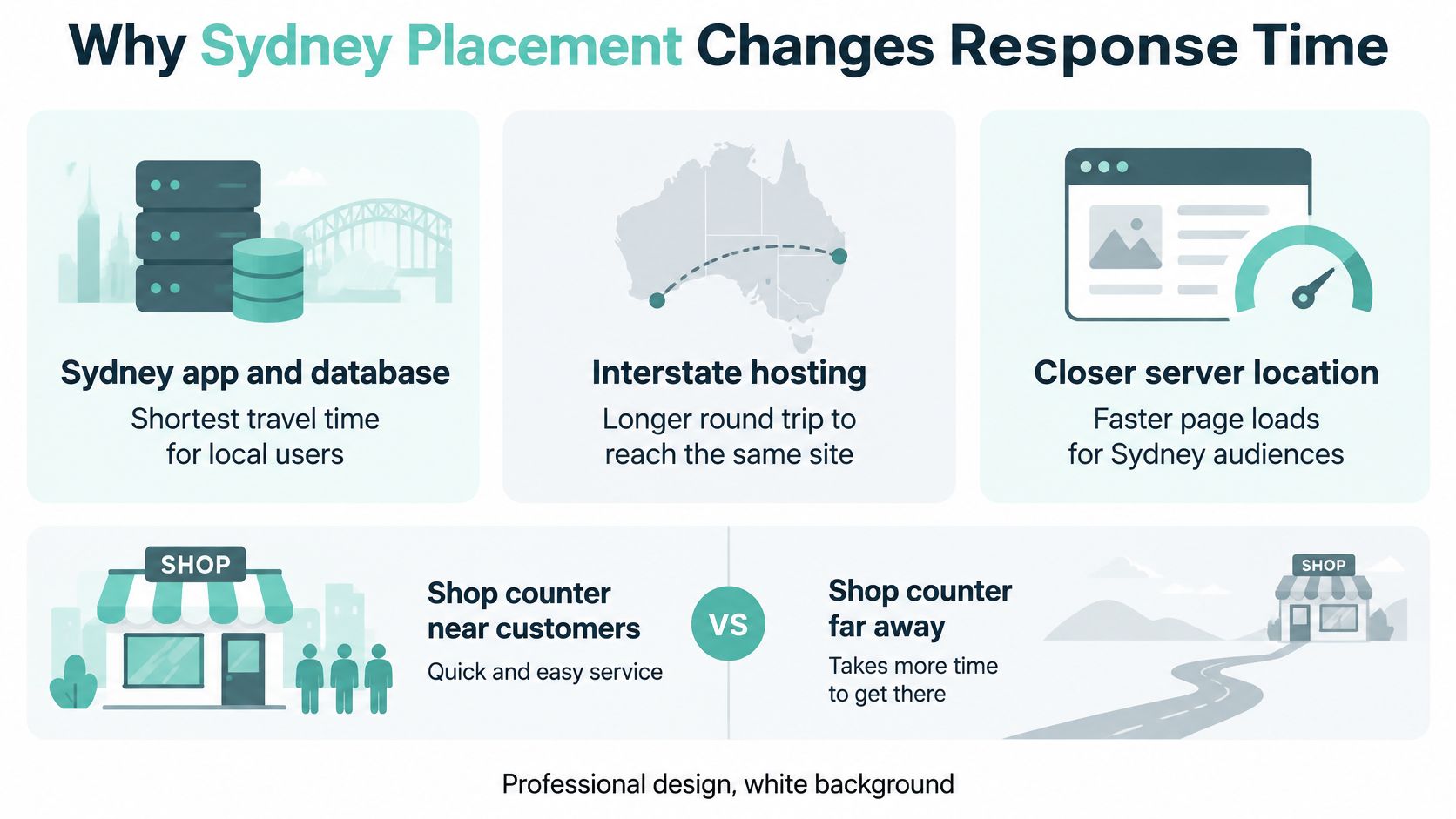
Think of the server as a shop counter. The closer that counter sits to the customers, the less time they spend walking. For a Sydney audience, hosting the application and its database in Sydney shortens the network round trip. You also skip the extra delay and the day-to-day wobble of sending every page request through overseas transit.
A real market, not a suburb on a sales page
Sydney is Australia's main pool of operating facilities, which is why a local virtual server is a category rather than a sticker. An Australian technology-industry submission published in 2026, reported by Renew Economy, counted 93 operating data centres in Sydney against 56 in Melbourne, and more than 290 data centres of all types across Australia. The same submission found that 87% of Australian data centres sit in metropolitan areas, against 13% in regional areas.
That installed base is what a buyer usually gets in practice: carrier fibre, places to interconnect, and a mature pool of virtual-machine capacity. It describes the wider market, not one product. It does explain why "hosted in Sydney" can mean redundant paths and a choice of upstreams, if the provider will name them.
Who actually feels the shorter trip
A Sydney virtual server helps Sydney users, and it helps a lot of east-coast users of Australian websites, client portals and APIs. It does less when most of the audience sits in Perth or overseas. In that case another Australian city, or a region closer to those users, can be the fairer counter. Speed for a Sydney clinic is not the same promise as speed for a national directory.
A fast local server is still one building. Quick pages are not the same thing as surviving an outage. Ask where the facility is, which carriers and internet exchanges connect it, whether redundant paths exist, and whether storage and networking stay available while the host node is in maintenance. The practical test for Australian audiences is covered in low latency hosting in Australia.
Practical rule: If the provider can't name the facility and the upstreams, the city on the order form is only a label.
Host your website with our 5-star rated, cPanel website hosting plans.
Super fast servers, with security included and hosted in your choice of Australian Data Center.
View cPanel Plans
Checks That Prove Australian Control
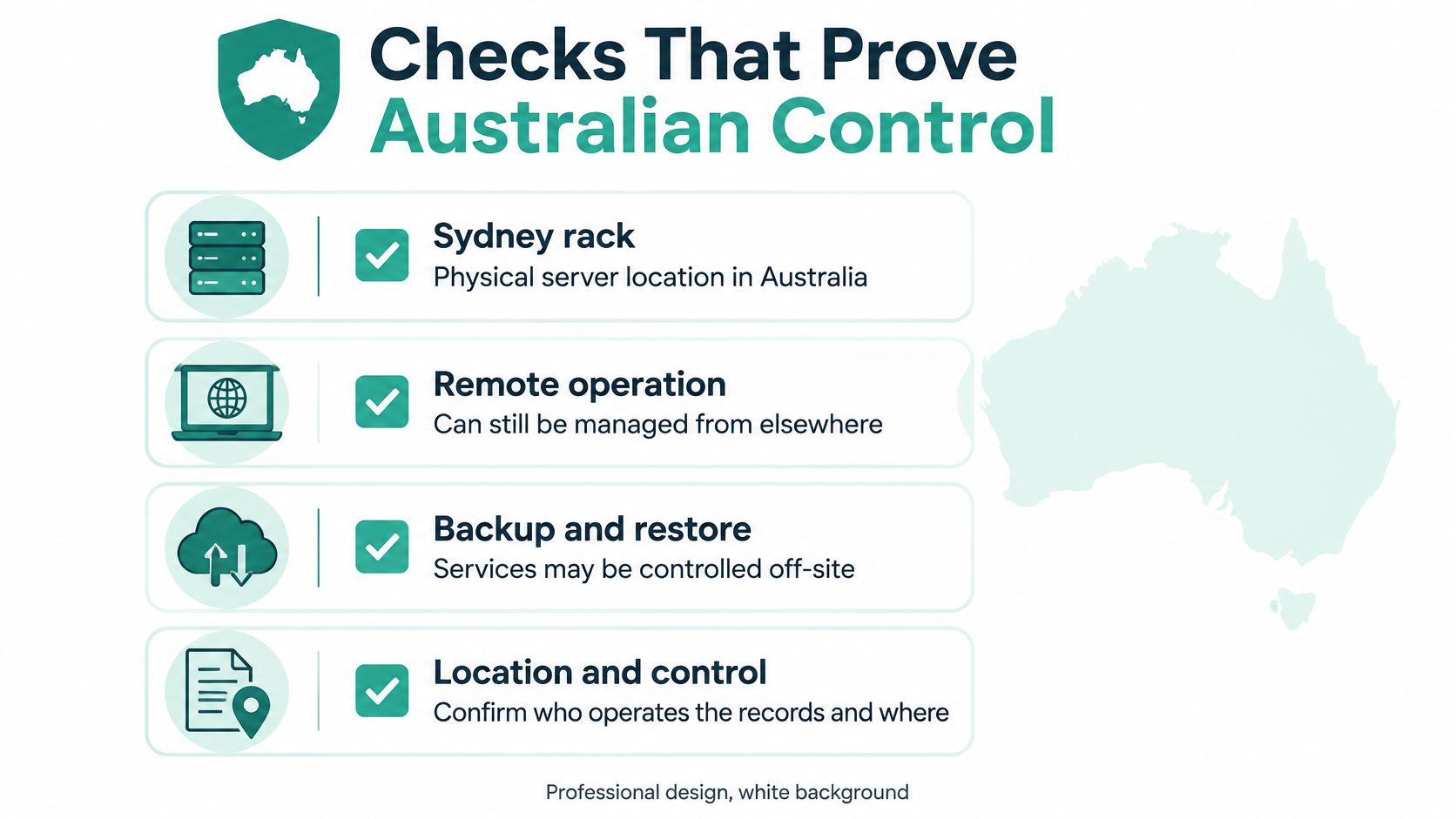
A rack in Sydney can still be operated, backed up or restored from somewhere else. For a business holding customer, booking or financial records, location and control are different questions. Australian server location is not the same as Australian operational control.
The whole-of-government cloud policy expects alignment with the Privacy Act and the Australian Privacy Principles, plus ongoing attention to security, privacy, data handling and performance. The National Archives treats cloud records like other records, so a risk assessment should name where both the live data and the backups sit. The Hosting Certification Framework draws lines around privacy, sovereignty, ownership, supply chain and transparency, and its current scope is data-centre and cloud providers. A small business still has to ask the questions itself. The plain-language version sits in this note on Australian data sovereignty hosting.
Questions worth sending before you sign
| Question to ask | Acceptable answer | Warning sign |
|---|---|---|
| Where do the live disks and backups sit? | Named Australian cities for both | Only the word cloud, or an overseas region |
| Who can access the server for support? | Named Australian support with limited access | Standing access by offshore contractors |
| What happens if the Sydney facility fails? | A documented restore from another Australian copy | No second copy, or recovery only overseas |
| How do you leave the service? | A written export, DNS and notice process | Unclear ownership or no exit steps |
Disks and copies. Ask which Australian city holds the primary disks and which city holds the backups. "In the cloud" is not a city.
Support reach. Ask whether support staff or vendors can open the system from offshore, and whether that access is standing or time-limited. A Sydney login page doesn't prove the person on the other end is in Australia.
Facility failure. Ask what happens if that Sydney facility fails, and whether the recovery copy is in another Australian city rather than only a snapshot on the same platform.
Leaving. Ask for the incident-notification and exit steps: how files, databases and DNS leave, and who legally owns the service.
Say a WordPress membership site loads from Sydney, but the nightly copy lands in another country. Member data has not stayed in Australia. The website's city and the backup's city are two answers. Get both in writing before the first customer record is imported.
Backups Login Security and Attack Protection
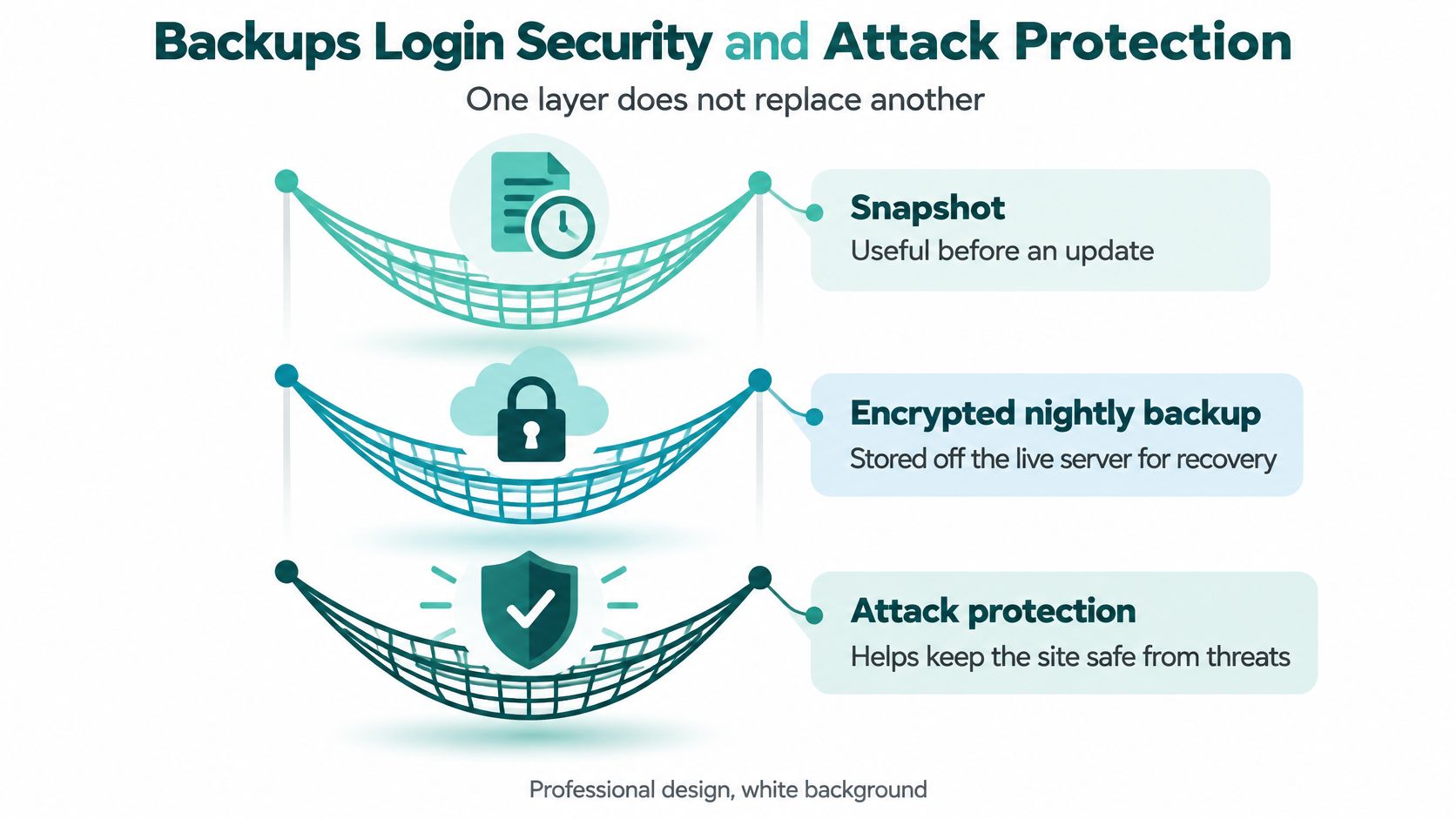
Protection is three different safety nets. One doesn't replace another. A snapshot helps before an update. An encrypted nightly backup stored off the live server helps after ransomware, a bad plugin or a deleted database. Filtering helps when a flood of traffic tries to crowd out real visitors.
Copies you can actually restore
The gap between "someone else handles it" and "we'll get to it" shows up in the numbers. The 2023 ACSC survey of Australian small and medium businesses found automated backups reported by 72 per cent of businesses that outsourced their IT, against 52 per cent that used a do-it-yourself approach. Outsourcing was also tied to more frequent daily backups.
Apply that to a booking business. The host can schedule copies of files, configuration and MySQL or MSSQL. The owner still names how many restore points to keep, and still asks for a test restore. A backup that has never been opened is a hope, not a copy. The ACSC small-business guidance is a sensible checklist for what to write into the recovery note: what is copied, how often, and whether a copy sits off the live server.
Logins and floods
Require multi-factor authentication on the control panel, the remote-administration gateway, the backup console and the domain registrar. Use named administrator accounts rather than one shared password. Keep Remote Desktop and similar exposed services shut, or locked to known addresses. Update the site platform and its plugins on a set day, not after a scare.
For a public site, ask whether denial-of-service filtering is included, and whether someone is alerted when abnormal traffic eats CPU, memory or bandwidth. An attack can take the site offline without ever breaking in.
What a buyer can look for
- Malware scanning: catches a bad plugin or an uploaded file before customers do.
- A DDoS-protected firewall: filters floods so the virtual server isn't the only thing absorbing them.
- CloudLinux isolation on Linux plans: keeps one noisy site from starving the others on the same host.
- 24×7 monitoring: only counts if a person acts on the alert, not if a graph turns red in an unread inbox.
CPU figures skip the resilience questions. Ask for an uptime target, the maintenance policy, how backup power is arranged, and proof that monitoring is watched.
A snapshot on the same disks won't save you from ransomware. An off-server copy that nobody has restored won't save you either.
Setups for Shops Developers and Windows Apps
The size row only becomes a decision when you put a real stack on it. Three Australian setups show where a plan that looked ample on day one gets tight. Access controls such as extra login steps and locked remote services belong in the protection work, and the ACSC how-to guides for small business set out why a stolen password, an open Remote Desktop port or an old plugin is enough of an entry point on WordPress and on Windows.
A retailer selling into Sydney and Brisbane
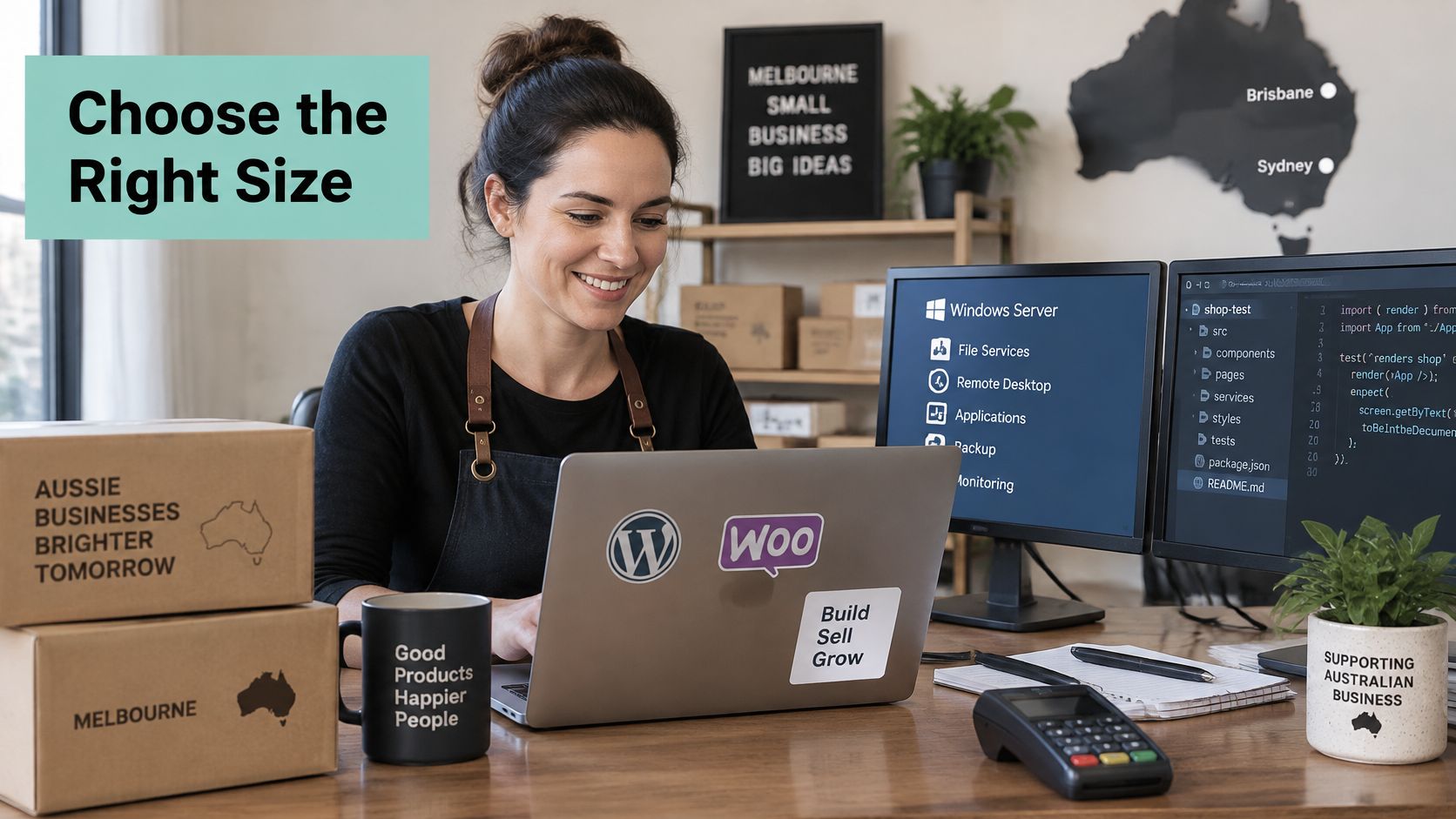
A Melbourne retailer keeps WordPress and WooCommerce on the 4 vCPU and 8 GB row, because customers in Sydney and Brisbane hit the shop in the evening. LiteSpeed-style caching and AccelerateWP go on where the plan offers them, so repeat product views don't rebuild the page every time. The nightly backup is scheduled outside that sales peak. The owner confirms that email spam filtering and the SSL certificate are included, and that the store database is inside the off-site copy. A backup of the theme without the orders table is not a backup of the shop.
A freelance developer in Sydney
Staging stays on the 2 vCPU box. Production stays on a separate service, so a broken preview can't take a client's live site with it. Each client gets a named login, so no client can browse another client's files. The developer writes the restore test into the project notes: date, what was restored, and whether the forms worked. Several environments on that small box are the signal to split it, not to "keep an eye on it".
An existing ASP.NET intranet
The organisation picks the Windows row, confirms the database licence and the memory, and doesn't assume a Linux control panel will run ASP.NET and MSSQL. Reporting queries are the usual surprise. A plan that felt fine for the intranet home page feels small once finance runs a heavy report at the same time as the backup. Plans built for that stack are listed under Windows VPS hosting.
Across the three, the edge case is the same. A busy plugin, a report query or a backup can shrink a plan that looked generous on the order form. The right plan is the one whose stack matches the application, whose backups have been restored in a test, and whose support answers a 1300 number during an Australian business day.
Register your new domain name at competitive market prices including free domain add-ons like privacy, DNS Hosting, Custom Nameservers and Forwarding.
Always the best price and no nasty renewal price hikes.
Register A Domain Name
How to Move a Site to a Sydney VPS
Treat the move like changing the engine while the shop stays open. Do the work on a private address first, then swing the public name across. Sydney's fibre and cloud availability zones make a local virtual server a sound place for an Australian application and its database, and the CEFC report on data centres and the energy transition notes that the city's hosting capacity suits both smaller edge facilities and large deployments. One Sydney server is still one regional failure domain. Pair local snapshots or encrypted backups with a recovery copy in another Australian city.
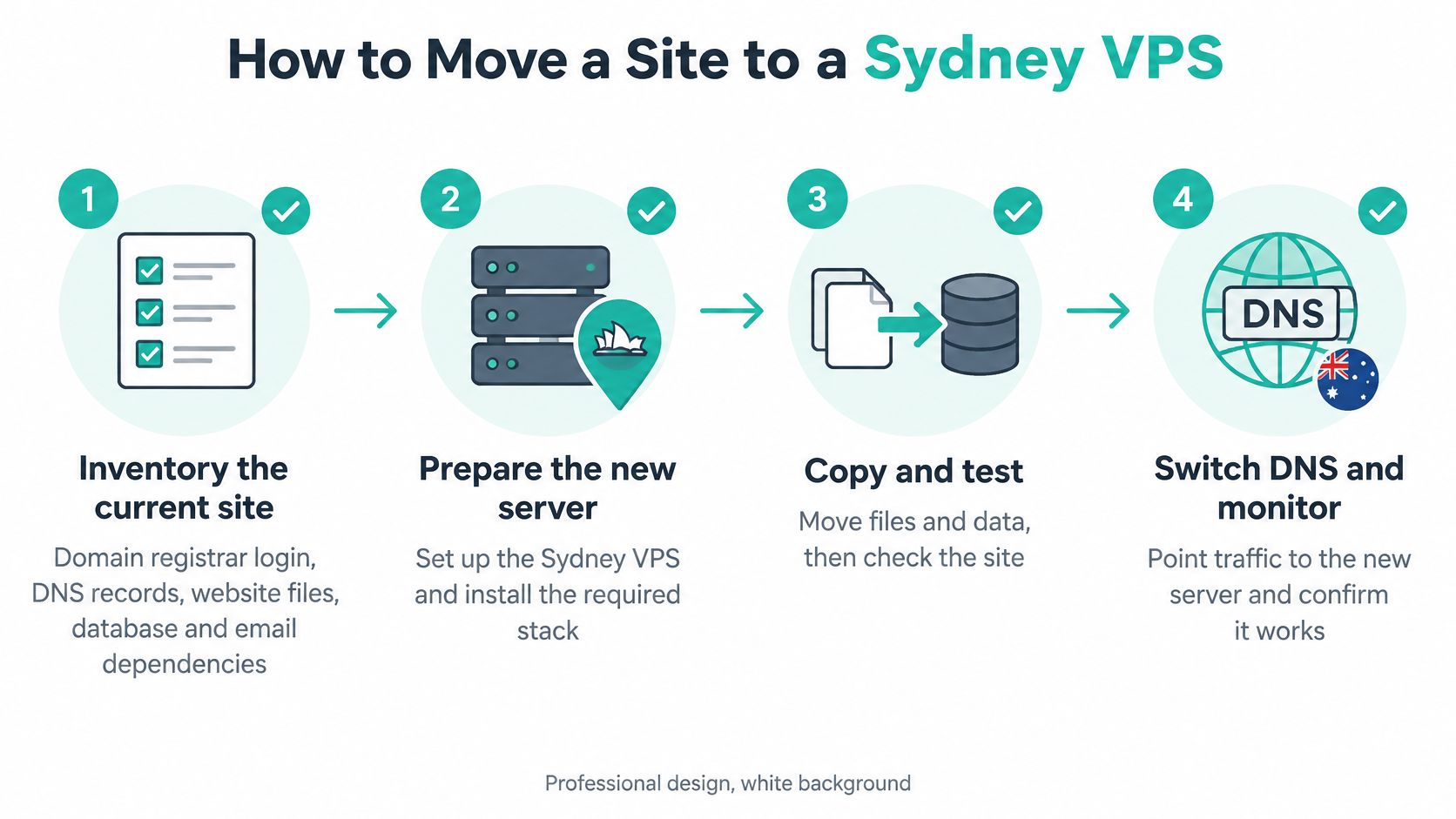
The ACSC small-business cyber security handbook is the background for why denial-of-service filtering belongs on the new server before the public name moves. A flood during a DNS change is a bad week to discover you have none. A fuller walk-through of cutover timing sits in how to migrate a website to a new host.
Eight steps, one check each
- Inventory the current site. List the domain registrar login, DNS records, website files, database, mailboxes, cron jobs, and the Windows or Linux version the application needs. Check: you can open every login without calling a former developer.
- Confirm the business controls the domain. If a developer registered it, move the registrant details into the business name before anything else. Check: the legal name on the domain matches the business.
- Order the Sydney virtual server that matches the row and the stack. cPanel fits Linux and WordPress. A Windows plan fits ASP.NET and MSSQL. Check: the operating system on the order matches the inventory, not the panel you happen to know.
- Copy files and databases, then point the site at the new database credentials. Check: a preview shows current products or bookings, not last month's export.
- Recreate mailboxes and test sending and receiving through a hosts-file entry or a preview URL before you change public DNS. Check: a message leaves and a reply arrives, including spam filtering.
- Turn on SSL, malware scanning, multi-factor authentication and the off-site backup, then restore one test copy. Check: the restored copy opens. Fibre redundancy, off-site backups and DDoS filtering cover different failures: path outages, corruption or ransomware, and traffic floods.
- Lower the DNS TTL ahead of time, switch the records, and watch the site, forms and email for 24 to 48 hours. Check: a test order or booking lands, and mail still arrives after the switch.
- Keep the old host online until the new off-site backup has finished at least one successful cycle and its Australian recovery copy is confirmed. Check: a fault in Sydney can't remove both the live site and its only copy.
Don't cancel the old account on the afternoon of the switch. The last successful off-site cycle is the moment you're allowed to let go.
Start with a Managed Sydney VPS
Choose a managed Sydney VPS when nobody on the team will patch the server, test backups and watch alerts. Choose an unmanaged server only when a developer accepts that work and has the hours to do it on an ordinary Tuesday, not just at launch. I would start with managed hosting for almost every small business in this position. The money you save on an unmanaged box comes back as missed patches and an untested backup.
The decision test has four parts.
- Workload match: the plan matches the row you circled, including CPU, memory and storage.
- Australian copies: the facility and the backup copies are in named Australian cities.
- Australian support: you can reach a person in Australia during the business day, including by a 1300 number.
- Stack fit: the panel and operating system fit WordPress, a custom Linux app, or Windows with MSSQL.
UpTime Web Hosting is a practical place to run that test, through managed VPS plus cPanel, WordPress and ASP.NET Windows hosting. On that site, confirm the items that matter for this decision: free SSL, malware scanning, DDoS-protected firewalls, CloudLinux, LiteSpeed and AccelerateWP on the plans that advertise them, encrypted off-site nightly backups, 24×7 monitoring, support by 1300 phone, ticket and call-back, GST-inclusive pricing and no-contract terms. Use the contact options to confirm the Sydney facility, where the backup copy is stored, and whether the chosen plan covers your database. A feature list on a brochure is not the same as a sentence in your order.
The first steps are simple. Order the matching managed plan. Turn on multi-factor authentication before you import customer data. Book the migration steps, and don't cancel the old host until the new Australian recovery copy has completed a cycle you have verified.
UpTime Web Hosting runs managed virtual servers in Sydney for Australian small businesses, WordPress sites and ASP.NET applications, with local support and off-site backups you can ask about before you move. If the row you circled matches a plan, and the backup city is one you can name, that is the moment to move. Visit UpTime Web Hosting to compare the managed options and line up the migration before you switch the old host off.