You're quoting a job, repainting a fence, or closing the shop for the day, and a customer asks where to send payment details. You give them the personal address you've used since you started out. It works, until it doesn't. The address looks informal on an invoice, an ex-employee still knows the password, or your phone dies and takes your only copy of important messages with it. That's usually the moment owners ask what is email hosting, and whether tying email to their own .au domain would solve these everyday problems.
Table of Contents
- Why a Personal Email Address Stops Working for Business
- What Email Hosting Means
- Hosted Business Email Versus Free Webmail
- The Core Features That Make Email Hosting Work
- Authentication, Privacy and the Security Layers You Actually Own
- How Hosted Email Fits Into a Real Australian Business
- Retention, Recovery and What Happens When Things Change
- Choosing Hosted Email and Answering Common Questions

Performance you can feel, backed by clients who depend on it. Read how our support and uptime create long‑term customer success.Power Your Business with Better Hosting
Why a Personal Email Address Stops Working for Business
Think of a sole trader in Geelong who started with a free personal account because it was quick and cost nothing. Customers found her, suppliers replied, and for a while there was no reason to change. Then she printed the address on quotes and a vehicle sign. A new client hesitated, not because of her work, but because the address didn't match the business name on her website.
That mismatch creates a trust problem you can see. A customer comparing two quotes notices one sender uses her own domain and the other uses a personal handle with numbers in it. The domain-based address looks settled and accountable. The personal one can look temporary, even when the business behind it is solid and registered.
When access walks out the door
Control is the harder problem. If a casual employee set up the inbox and later leaves, who can reset the password? If the owner loses a phone that held the only login, can she recover old invoices and customer threads? With a personal account, the business often doesn't own the mailbox, the recovery phone number, or the stored history.
- Invoices and quotes: A personal address weakens the link between your trading name and the document you're asking a customer to pay.
- Staff changes: You can't cleanly reassign, suspend, or audit an inbox that was created as someone's private account.
- Lost devices: Mail downloaded to one phone or laptop may not be recoverable elsewhere.
Many established firms reached this point at the same time. auDA domain registration figures for April to September 2020 show new registrations across .au namespaces grew 31% compared with the same period in 2019, an increase of about 80,000 domain names, with roughly 85% of newly created com.au domains linked to businesses already established before the pandemic.
Those owners weren't all startups. They were existing businesses putting a proper name behind their online contact points. If you're weighing that move, it helps to understand what an email domain is and how it differs from a website address before you choose mailboxes.
A personal inbox belongs to a person. A business mailbox should belong to the business, even when the person using it changes.
What Email Hosting Means
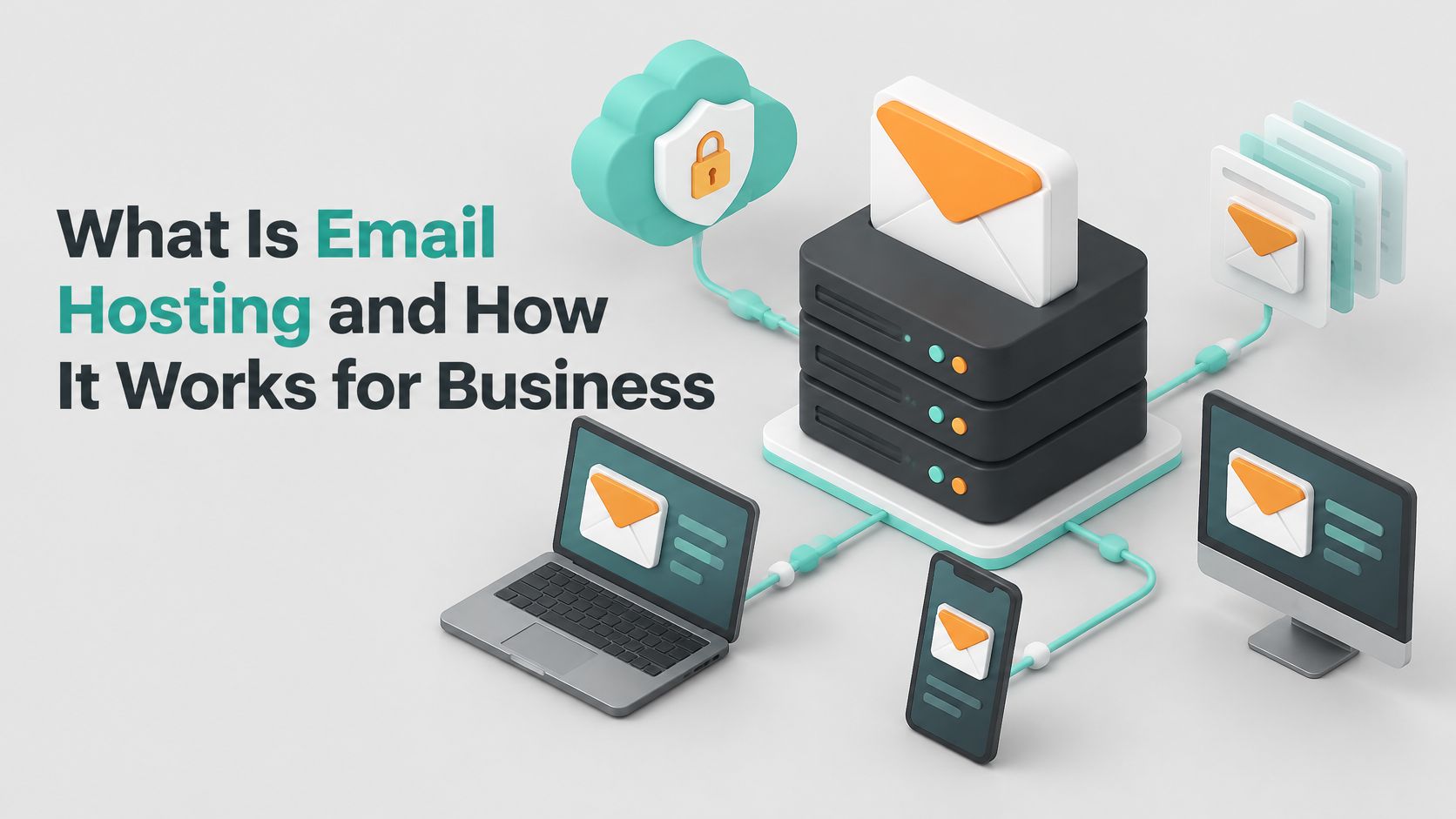
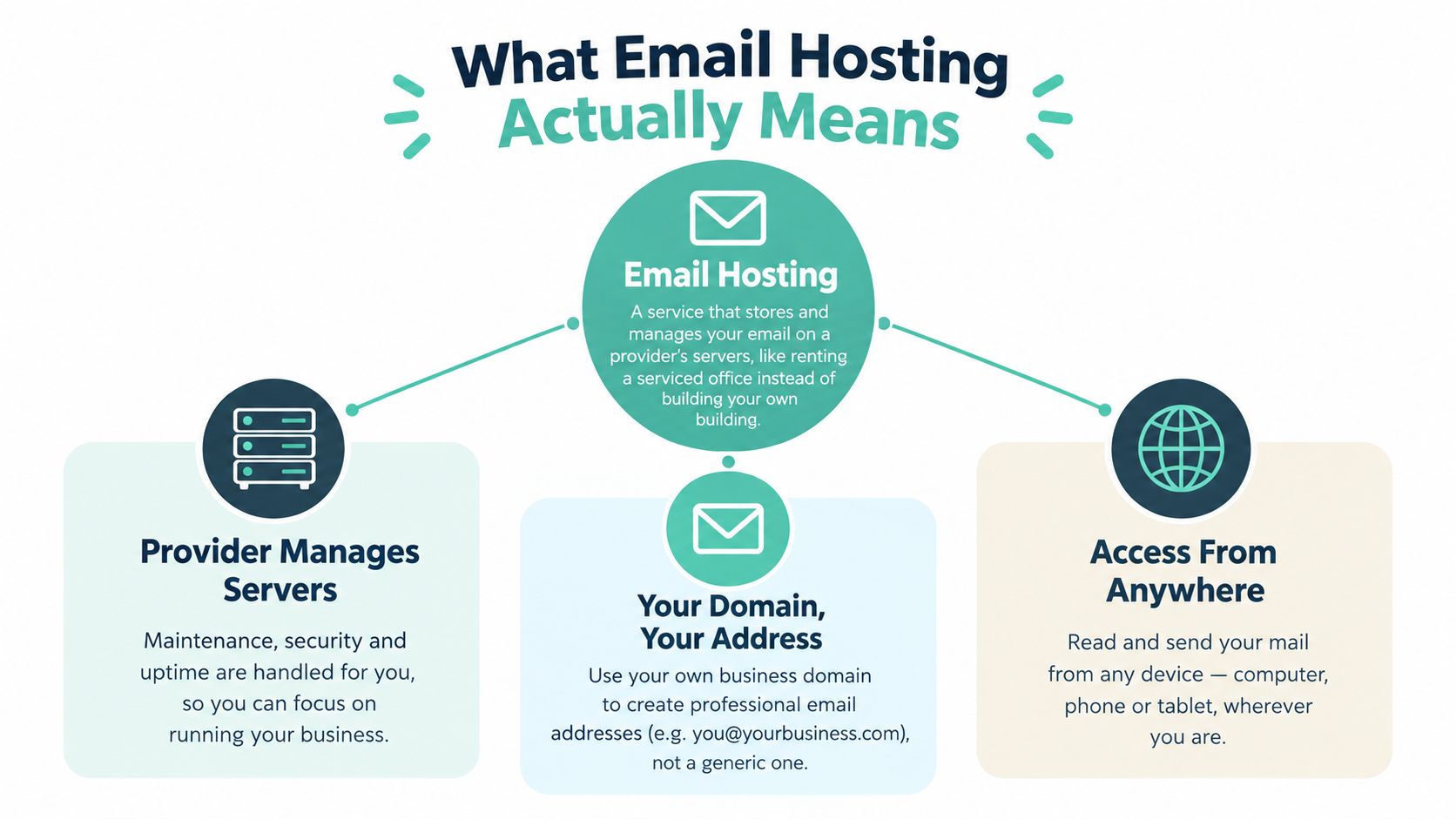
Running your own mail server means owning the building, the locks, the power and the repairs. With email hosting, the provider runs that building while your business name stays on the door.
For an Australian business, that name often sits inside the .au namespace tracked in auDA's history of .au. Email hosting stores, manages and delivers mail for a domain such as info@business.au, covering mailbox storage, sending and receiving systems, filtering, security controls and access through webmail or apps. The subscription covers the machinery that keeps the address reachable, searchable and governed by an administrator.
What happens after someone presses send
A supplier writes to accounts@yourbusiness.com.au. Their mail server looks up the public directions for your domain, finds where mail should be delivered, then hands the message to the provider's systems. Those directions live in DNS, and a plain explanation of MX records for email delivery shows why mail disappears or bounces when they point somewhere else.
The provider then holds the message until a staff member opens it, checks obvious spam and hostile attachments at the server, and passes outgoing mail under your domain identity. Your domain is the part customers recognise after the @ sign.
The definition reaches beyond convenience. An administrator can give a new hire access, remove a departed worker's control, keep history under the same domain, and point that domain to a different provider without printing a new address everywhere. It also shapes Privacy Act decisions, because mailboxes contain names, contact details and payment conversations, and AU domain authentication depends on records you choose to maintain.
Quick test: if the address survives a new phone, a new employee or a new office, it belongs to the business.
Host your website with our 5-star rated, cPanel website hosting plans.
Super fast servers, with security included and hosted in your choice of Australian Data Center.
View cPanel Plans
Hosted Business Email Versus Free Webmail
A customer replies to your quote, then asks for bank details. If the answer comes from yourbusinessname1987@gmail.com, they now have to decide whether the sender is really the company they dealt with. A hosted address under your domain removes that pause before money or documents move.
Free webmail suits a person. Hosted business email assumes the address is an asset: the company holds the domain, creates mailboxes for roles and people, and keeps history when a handset, laptop or staff member changes.
| Decision area | Free webmail | Hosted business email |
|---|---|---|
| Public identity | Sends under the provider's domain | Sends under your .au domain |
| Control | Sits with whoever created the account | An administrator can reset access, suspend a mailbox or remove it |
| Personal information | Client emails can remain inside a worker's consumer account | Mailboxes stay under business control, which matters when the Privacy Act covers names, contact details and payment conversations |
| Staff changes | Handovers often mean forwarding screenshots or sharing passwords | A departed employee loses access while accounts@ or sales@ keeps its history |
| Provider change | Moving old mail can be clumsy | The domain can point to another provider while customers keep using the same addresses |
The line is ownership. A Gmail or Outlook.com address can deliver a message perfectly well, but the business does not govern who holds the account, where records remain, or how easily the address survives change.
Free webmail proves you can send email. Hosted email proves the address belongs to the business.
Stay with free webmail while you are testing an idea, have no public trading name yet and send no invoices or sensitive documents. Move when customers pay you, staff share enquiries, or your website, signage and Google listing already carry the domain.
Once the domain becomes the public face of the company, separate email usually costs more in checking, chasing and explaining than a mailbox plan.
The Core Features That Make Email Hosting Work
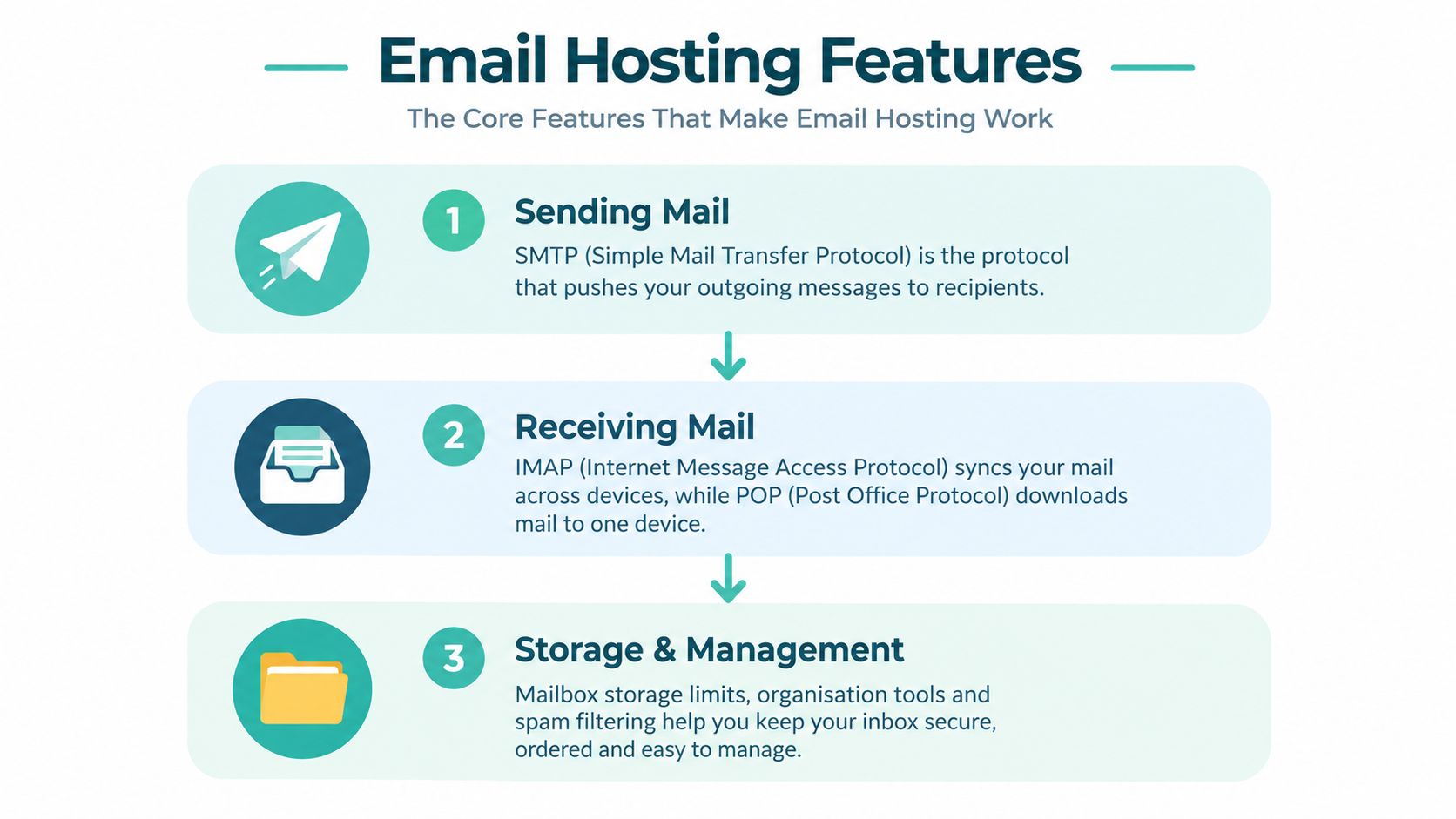
A hosting plan can look like a list of acronyms. It helps to read each feature as the answer to a problem. How does mail leave your outbox, how does it come back to every device, where does it live, and how do other servers know it's really from you?
Sending, receiving, and syncing
SMTP is the system that pushes outgoing mail from your app to your provider, then onward to the recipient's server. Think of it as the postal truck leaving your local depot. If SMTP isn't configured correctly, messages sit in an outbox or bounce back with an error.
For reading mail, IMAP keeps messages on the server and syncs them across your phone, laptop, and webmail. Delete a message at your desk and it's gone on your phone too. POP traditionally downloads mail to one device, which suits very simple setups but can scatter history. Our knowledge base compares IMAP and POP3 for business email use if you're deciding how staff devices should connect.
- Mailbox storage: Room for messages and attachments that remain available after a device is replaced.
- Webmail access: A browser login, such as Roundcube on many cPanel services, when your usual app isn't available.
- Spam and malware filtering: Server-side checks that reduce junk and risky attachments before staff open them.
- Aliases and forwards: Extra addresses that deliver to a real mailbox, useful for roles without creating a separate inbox for everything.
Authentication in brief
Even a well-written invoice can land in spam if receiving servers can't verify the sender. Australian Cyber Security Centre guidance on combating fake emails explains that hosting should support SPF, DKIM and DMARC, with SPF listing authorised mail servers, DKIM verifying a digital signature against a published public key, and DMARC letting the domain owner set policies of none, quarantine, or reject when authentication fails.
You don't need to configure those records before understanding the buying question. Ask whether the provider supports them, helps you publish them, and lets you test the result. After setup, you can browse the deliverability checker as one way to spot obvious sending problems before customers report missing mail.
A stripped-down mailbox add-on may offer an address but weak storage, poor filtering, or limited device syncing. A workable business service joins those pieces together so sending, receiving, storing, and proving identity don't become four separate headaches.
Authentication, Privacy and the Security Layers You Actually Own
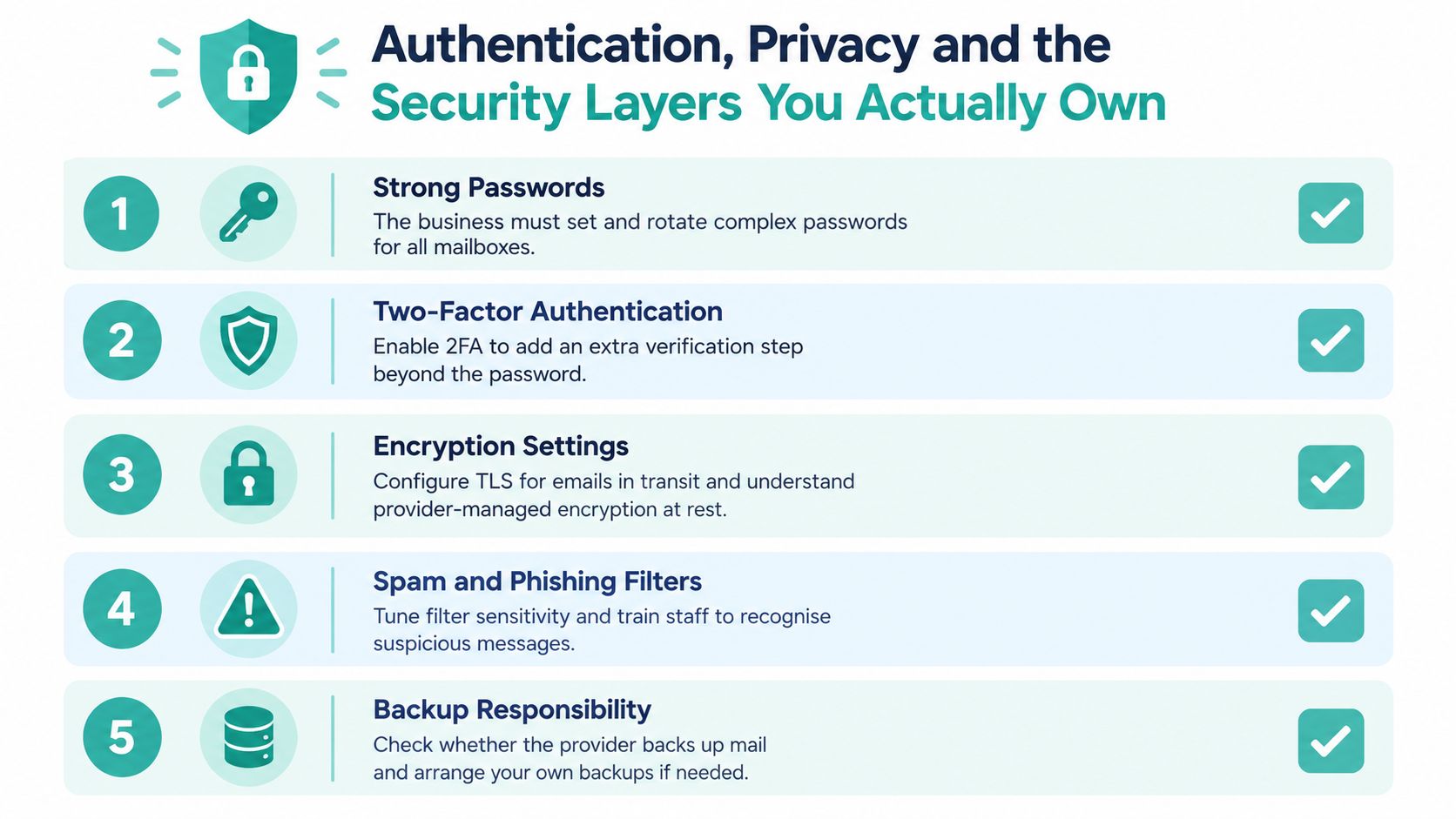
Email hosting is not the same as email security. A provider can supply servers, filtering, encryption options, and login tools. Your business still decides who gets access, which systems may send using your domain, and what staff do when a message asks them to change bank details.
Proving a message came from your domain
SPF, DKIM and DMARC work as a chain. SPF names permitted sending systems, DKIM signs a message so receivers can detect alteration, and DMARC ties those checks to the visible From domain. Start by listing every legitimate sender, including your mailboxes, website forms, accounting platform, booking system, and newsletter tool. If one sender is missing, its messages can fail even while ordinary staff email works.
Use reporting before strict enforcement. A monitoring policy shows which systems send for your domain and where alignment fails. Then you can move toward quarantine or reject with evidence, rather than blocking your own invoices by accident. You can check the public side of that setup with an SPF record checking tool for your domain, and readers who want the protocol detail can consult Fypion Marketing on email authentication protocols.
Australian privacy duties stay with you
For organisations covered by the Privacy Act 1988, OAIC privacy training on Australian Privacy Principles states that email addresses generally constitute personal information, and Australian Privacy Principle 11 requires reasonable steps to protect that information against unauthorised access, modification, disclosure, misuse, interference and loss.
That duty doesn't disappear because a server sits in Australia. Local storage may simplify operational control, but it doesn't automatically establish compliance. You still need to assess the provider's safeguards, subcontractors, retention settings, and any overseas disclosures involved in support or filtering services.
Ask a prospective host these specific questions:
- Encryption: Is traffic protected in transit, and how is stored mail protected at rest?
- Access control: Can administrators use multi-factor authentication and least-privilege delegated access?
- Visibility: Are suspicious logins alerted and are audit logs available after an incident?
- Recovery: Are backups kept separately from the live mailbox, and has restoration been tested?
- Deletion: What happens to mailbox data when an account is closed or no longer needed?
Provider supplies the locks. Your business decides who holds keys, who checks the doors, and what happens when a key is lost.
Staff process matters just as much. Use strong unique passwords, review login activity, train staff to verify payment changes through a known phone number, and remove access promptly when roles change. Those habits address business email compromise in a way server location alone can't.
Register your new domain name at competitive market prices including free domain add-ons like privacy, DNS Hosting, Custom Nameservers and Forwarding.
Always the best price and no nasty renewal price hikes.
Register A Domain Name
How Hosted Email Fits Into a Real Australian Business
A Melbourne trades business gives the clearest picture. Its website carries the same .au domain as quotes@ and accounts@. A homeowner submits a job enquiry through the site form, the owner replies with a quote, and the office later sends an invoice from accounts@. The customer sees one consistent name at every step, which makes payment instructions easier to verify.
Newsletters and the Spam Act in the same workflow
That business also sends a monthly maintenance newsletter. The hosted mailbox can be the visible sender, but the legal work sits around consent and opt-outs. The business records who agreed to receive marketing, identifies itself clearly, includes contact details, and gives readers a simple unsubscribe method.
ACMA guidance on avoiding spam under the Spam Act 2003 sets a concrete test. An unsubscribe request must generally be actioned within 5 working days and remain functional for at least 30 days after the message was sent, with no fee, account creation, or extra personal information required to opt out.
Email hosting doesn't replace that obligation. Your website form, customer database, and newsletter system all need to preserve consent evidence and process opt-outs correctly. A professional From address helps recognition, but it won't fix a mailing list built without permission.
When accounting software sends as you
Now consider a small Queensland professional services firm. Staff send ordinary mail through hosted mailboxes, while invoices come from separate accounting software. Both systems use the firm's domain, so both must be included in the domain's authentication setup. Otherwise, client replies arrive normally but invoices fail checks or land in spam.
- Website forms: Enquiries should send from an authorised system, not pretend to be the customer's address.
- Accounting platforms: Invoice senders need the same domain checks as staff mail.
- Ticketing or booking tools: Notifications count as legitimate senders and belong in your inventory.
If a system can put your domain in the From line, treat it as part of your email setup, not as an unrelated app.
Hosted email earns its place in these ordinary moments. A quote is recognised, an invoice is delivered, a newsletter can be left easily, and a new staff member can be given the right mailbox without inventing another personal account.
Retention, Recovery and What Happens When Things Change
A bookkeeper gives notice on a Friday. By Monday, no one can open the enquiries mailbox because the only admin password lives on her personal phone, and a supplier invoice has already sat unanswered for three days. This is the side of email hosting a definition never covers: what happens to your mail when people leave, accounts get hijacked, or you change providers.

The risk is documented, not hypothetical. OAIC research on privacy concerns and breach reporting recorded 532 notified data breaches in January to June 2025, with 12% involving a hijacked email account. Under the Privacy Act, mishandled personal information in those mailboxes becomes the business's problem, not just the provider's.
When someone leaves, work through the mailbox in order. Revoke mailbox and administrator access on the day, change shared passwords, disable forwarding rules, then review recent login activity. Decide who may read historical mail for customer continuity, for how long, and under whose approval. Delete unused accounts once retention needs are met, because a dormant login is an open door.
Before any provider switch, separate three questions that often get muddled together:
| Question | What you need to know |
|---|---|
| Backup | Can deleted mail be restored, and are copies held off the live server? |
| Retention | How long must records be kept, and when should mail be destroyed or de-identified? |
| Export | Can mailboxes leave in a standard format before you change hosts? |
The AgentStack data retention guide helps turn those answers into a written policy staff can follow. For the move itself, step-by-step guidance on migrating email accounts between hosts shows how to copy mail across before DNS changes take effect.
One rule prevents most disasters: never let the only domain or mailbox administrator login belong to one employee's personal phone or private email address.
Ask about exits while you still have time to choose calmly. Weak offboarding exposes customer information, poor recovery erases commercial records, and a difficult migration can trap a business with a service it has outgrown.
Experience Microsoft 365 Business Standard for free for 30 days.
Up to 25 users with full access to email, OneDrive and Teams. Includes full versions of desktop apps of Outlook, Word, Excel, PowerPoint and more.
Try Microsoft 365
Choosing Hosted Email and Answering Common Questions
Match the plan to how email is used. A solo operator usually needs one or two mailboxes, role aliases, reliable phone syncing, and clear backup terms. A small team adds shared responsibility for enquiries, individual accounts for accountability, and prompt offboarding. A growing business should look harder at delegated administration, audit logging, authentication support, and export options.
Quick answers
- Does email hosting include a website? Not necessarily. Email and web hosting can sit together or separately, as long as the domain points each service to the right provider.
- Can I keep my address if I change hosts? Yes, if you control the domain and migrate mailbox contents before switching delivery.
- Why is new domain mail landing in spam? Check authentication first, confirm every sending system is authorised, then review content and recipient engagement rather than guessing.
- Do I need a separate mailbox for every address? No. People generally need mailboxes, while simple role labels can often be aliases or forwards.
Choose based on ownership, recovery, authentication, and support you can reach during Australian business hours. Storage size matters, but it shouldn't outrank knowing who controls the domain and how you'll get mail back after a mistake.
UpTime Web Hosting provides Australian cPanel business email with domain mailboxes, webmail and app access, spam filtering, and local support for setup, authentication, and migration questions. If you're ready to move from a personal inbox to mail that matches your .au domain, visit UpTime Web Hosting to compare email and hosting options and contact the Australian team for help choosing a plan.