
UpTime Web Hosting Blog
No tech jargon, no fluff. Just local insights, web hosting tips, and practical guides on website performance to help you stay in total control of your online presence.





How to Choose Domain Name for Business: An Australian Guide
You've got a business name on a notepad, a quote for vehicle signage and a browser full of domain searches. Your favourite address is taken, but a longer version with a dash is available. It's tempting to buy it and move on. That's how owners end up...
VoIP Phone in Australia: Services, Hardware and Setup
Learn what an Australian business needs for VoIP: service, handsets, hosted PBX, internet capacity, number porting, emergency calls and provider checks.
What Is Managed WordPress Hosting? a Plain-English Guide
On an ordinary weeknight, a small Australian business can have a plugin update waiting, online bookings due the next morning, and no staff member whose job is the server. Many Australian businesses have a website without assigning its routine technical upkeep to...
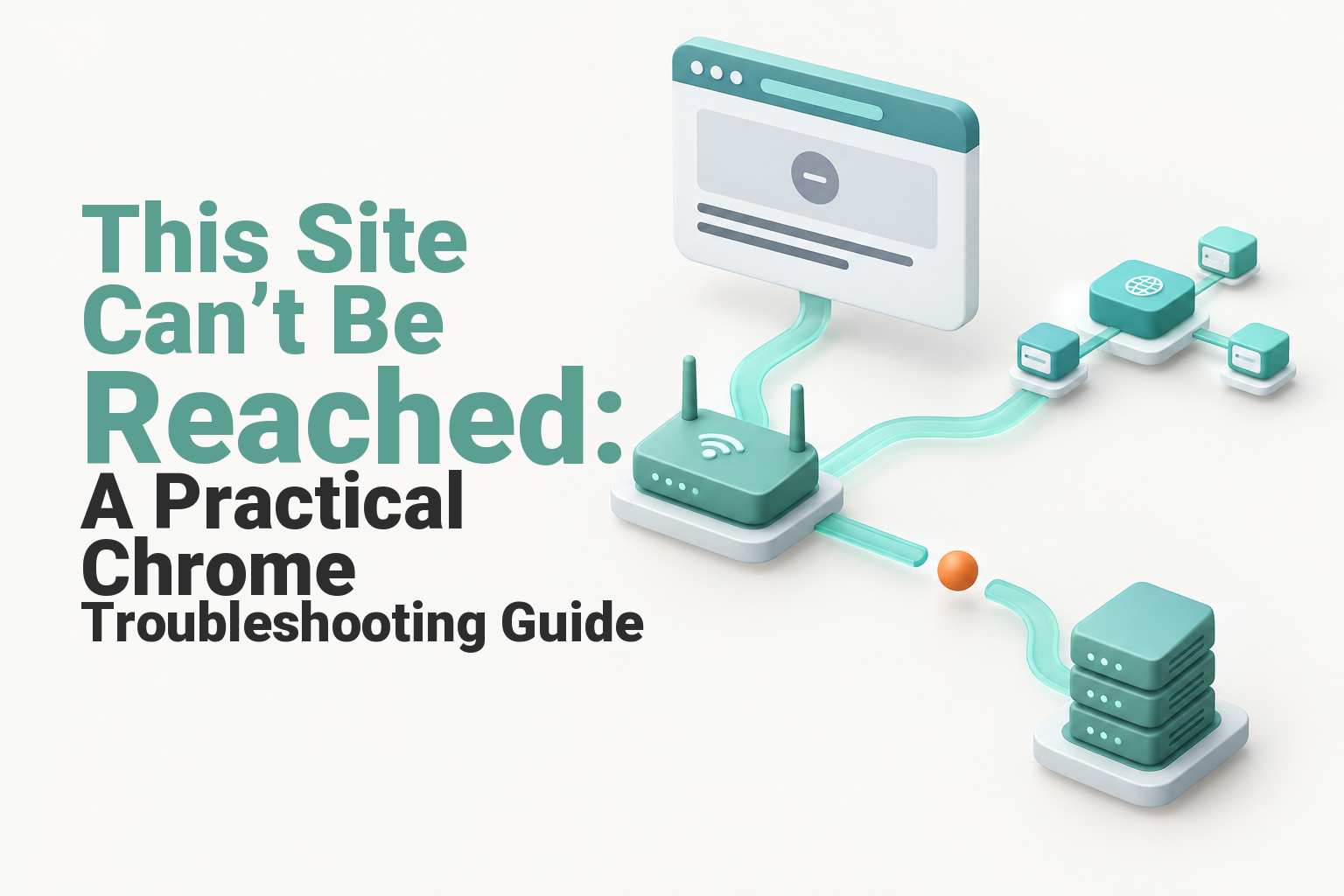
This Site Can’t Be Reached: A Practical Chrome Troubleshooting Guide
Chrome says this site can’t be reached? Use the error code and a quick test order to separate device, DNS, hosting, SSL and server faults.

How to Create Subdomain in cPanel: A Step-by-Step Guide
A Brisbane builder wants a staging site to test a redesign before customers see it. There's no need to buy another domain: a subdomain uses the business's existing registered domain, with its own hosting setup for the new site. Table of Contents Check the...
SSL Handshake Failed: Causes and Fixes for Website Owners
Fix an SSL handshake failed error with clear checks for certificates, TLS, cPanel, origin servers, proxies and Cloudflare Error 525.

WordPress Managed Hosting: What It Is and Who Needs It
It's Friday afternoon. You update a plugin on your business website, the contact form stops sending enquiries, and then the site goes blank. Your developer suspects the hosting, your host suspects the plugin, and you're left wondering who's supposed to...

How to Register a Com Au Domain in Australia
A .com.au domain is restricted to registrants with an Australian presence and commercial entity status, generally evidenced by an ABN, ACN or Australian trade mark number, and registration is completed through an auDA-accredited registrar such as UpTime Web Hosting....

How to Roll Back a WordPress Plugin Update Safely
Learn how to roll back a WordPress plugin using a backup, WP Rollback, an older ZIP or WP-CLI, then test the corrected version safely in staging.

How to Manage VPS Server for Australian Teams
Your website still loads, orders still arrive, and nobody's complained. But the VPS behind it has an ageing control panel, a root password shared with a former developer, and a backup nobody's ever restored. That's a live website, not a managed server....
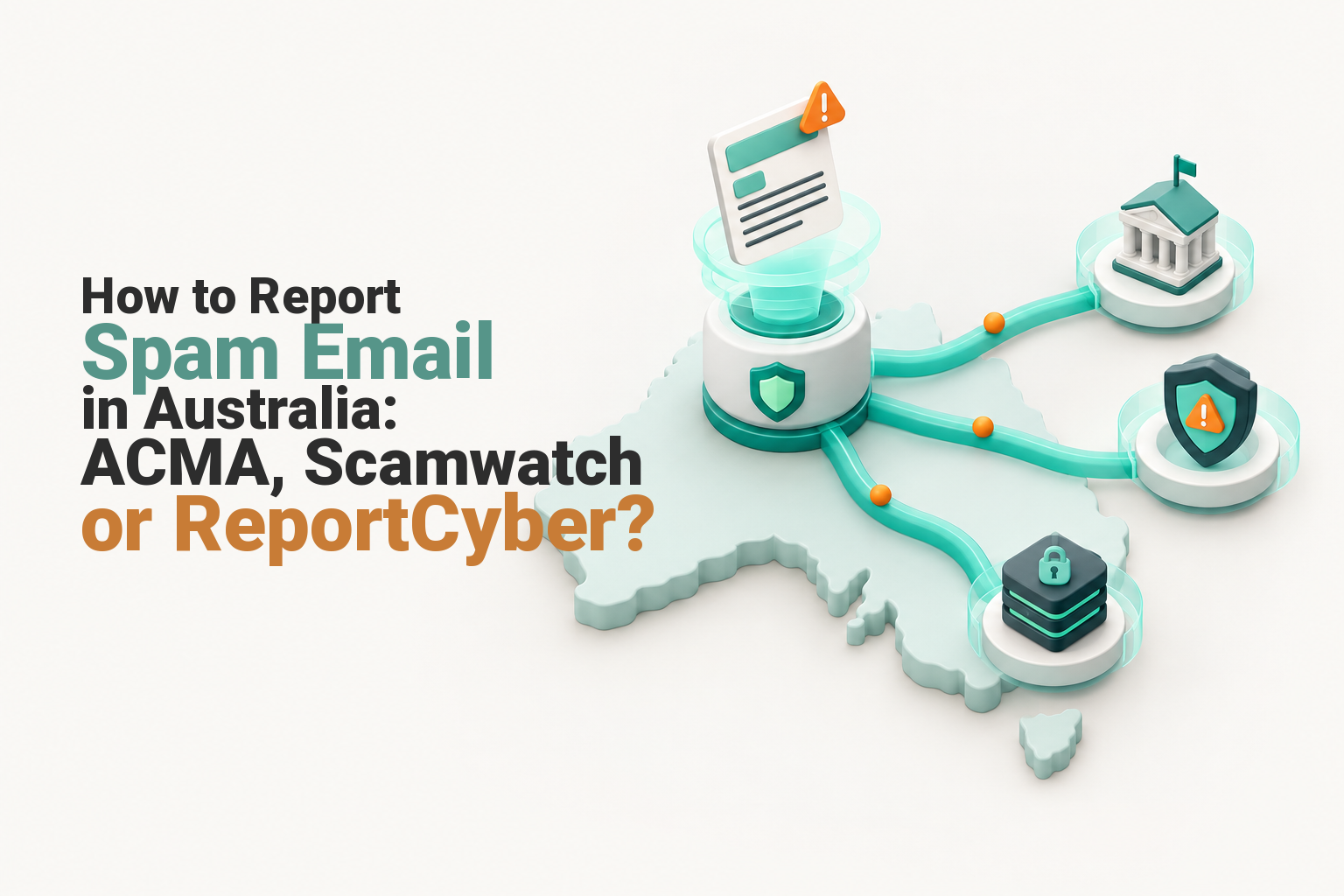
How to Report Spam Email in Australia: ACMA, Scamwatch or ReportCyber?
Learn where to report spam, phishing and scam emails in Australia, including ACMA, Scamwatch, ReportCyber and the organisation being impersonated.

What Is Email Hosting and How It Works for Business
You're quoting a job, repainting a fence, or closing the shop for the day, and a customer asks where to send payment details. You give them the personal address you've used since you started out. It works, until it doesn't. The address looks informal on...