Monitoring web server health requires the right metrics and thresholds. Connect uptime, latency, errors, capacity and certificates to clear action.
Web Server Monitoring: Metrics and Alert Thresholds That Reveal Problems Early
read more

Monitoring web server health requires the right metrics and thresholds. Connect uptime, latency, errors, capacity and certificates to clear action.
Compare Windows Server monitoring software by coverage, alert quality, retention, escalation, security and management overhead before choosing.
Email won’t send? Test the outbox, webmail, SMTP settings, ports, quota, server limits and delivery logs with this practical checklist.
Learn when to click Update or Publish in WordPress, how to preview edits, schedule drafts, restore revisions and fix changes that do not appear live.
Use current Apache 2.4 .htaccess rules to block one IP, several addresses, CIDR ranges or IPv6, with safe testing and rollback steps.

Force WordPress to check plugin updates in the dashboard or WP-CLI, verify installed versions, fix stale results and keep an update log.

Fix WordPress plugin update failures caused by licences, downloads, permissions, storage or compatibility without losing your rollback path.

A 550 sender frequency limited bounce can be recoverable despite its permanent code. Learn how to find the cause, stop unsafe retries and test safely.
Publish an ASP.NET Core app or Web API to IIS with the right Hosting Bundle, app pool, permissions, bindings, HTTPS checks and troubleshooting steps.
HTTP 304 usually means caching is working. Learn when stale content signals a fault and how to test browser, application, proxy and server caches.
WordPress update failed? Safely check REST API errors, backups, disk space, permissions, conflicts, logs and maintenance mode.
Learn what a WordPress malware removal plugin can safely clean, what it may miss, and when an infected site needs host-level or manual repair.
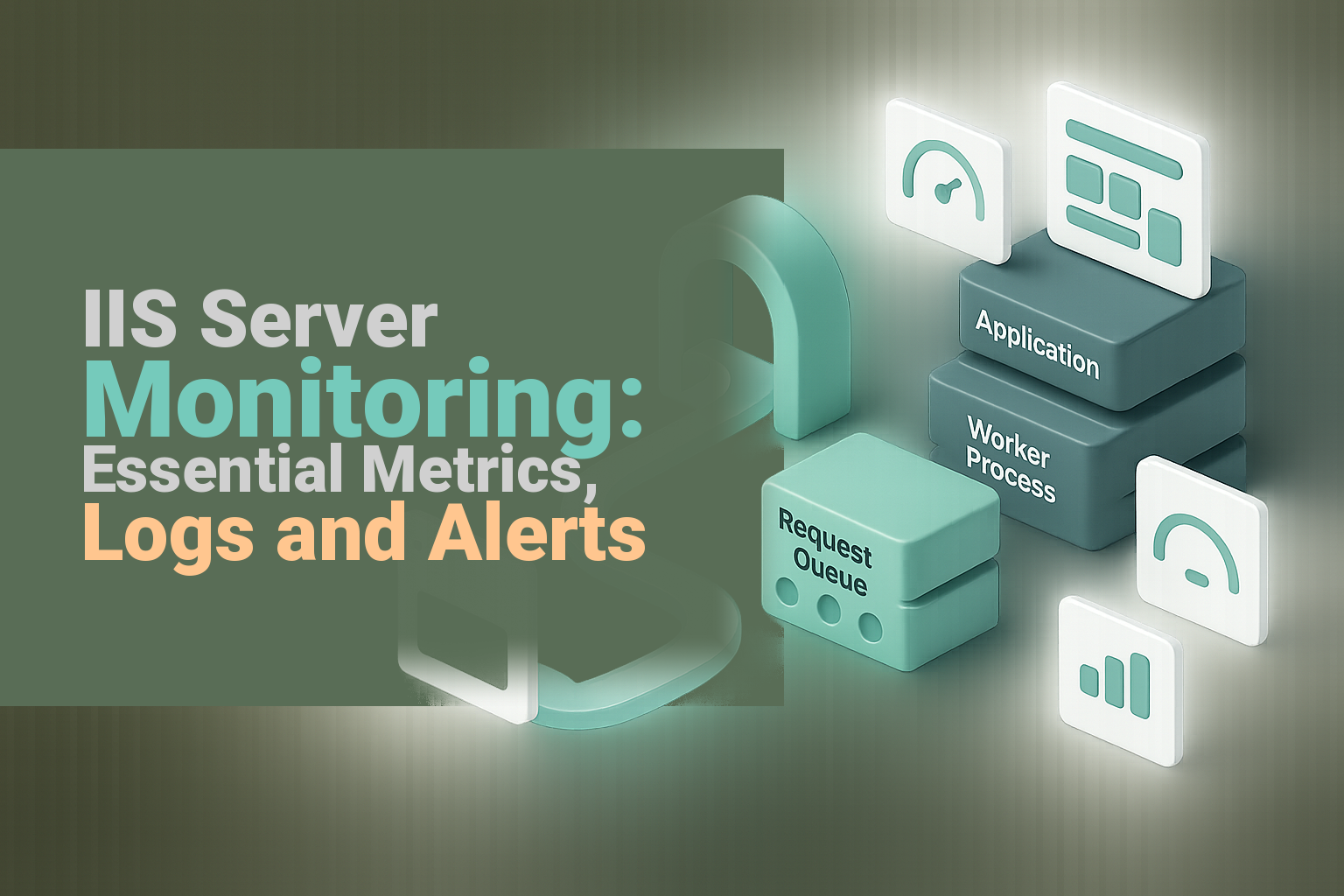
Monitor IIS websites with the right counters, logs and alert rules. Track app pools, queues, 5xx errors, response time, CPU, memory and disk capacity.
See why WordPress edits appear in the dashboard but not live. Clear browser, plugin, server, CDN and page-builder caches in the right order.
Domains with dashes are valid, but they can hurt recall and email accuracy. Use this five-step test before registering a hyphenated domain.
Learn how to monitor an off-site server, compare agent and agentless options, secure access, tune alerts and define who responds when health declines.
Find your exact IMAP server, port, encryption, username and password in cPanel, webmail, iPhone or Android without guessing the hostname.
Compare WordPress.com and WordPress.org on hosting, plugins, email, backups, cost, maintenance, control and migration for a business website.
Can send email but receive nothing? Use webmail to separate mailbox, MX, routing, filter, DNS and device sync problems, then fix the right layer.
Learn which Linux server metrics, services and logs to monitor, how to reduce alert noise, and which failures require immediate escalation.
Learn what an addon domain is, how to add one in cPanel, and what to check first for document roots, DNS, SSL, email and shared resources.
Add reCAPTCHA to WordPress safely with matching keys, staged testing, accessibility checks and fixes for failed form submissions.
Learn when a subdomain suits your site, when a subdirectory is simpler, and how to launch or migrate without avoidable SEO problems.
Learn what server monitoring as a service covers, who owns alerts and fixes, and what to put in escalation, remediation and reporting agreements.

Learn why domain prices jump, how registry-premium and aftermarket prices differ, and how to check renewal costs before buying in Australia.
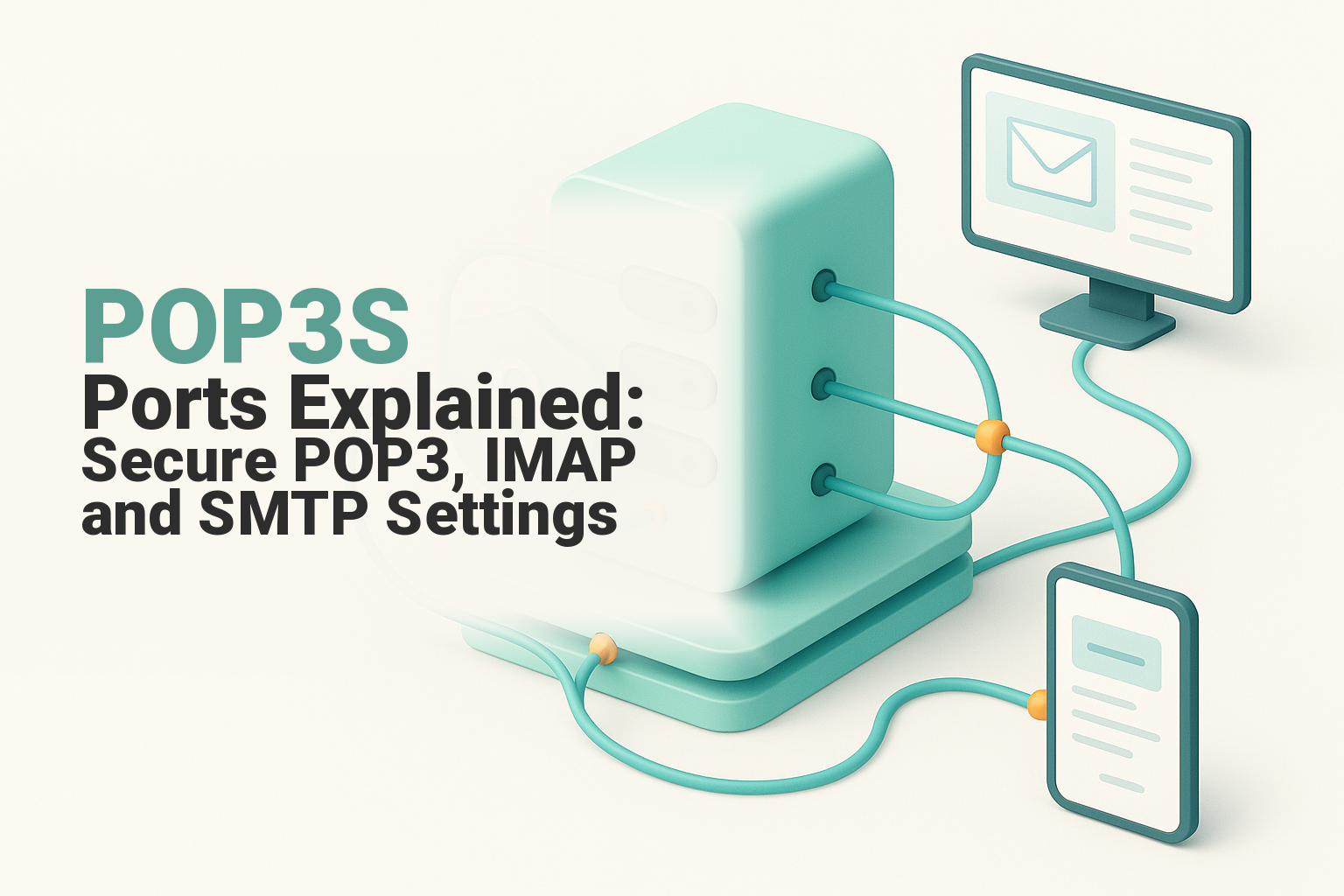
Use POP3S port 995 correctly and compare secure POP3, IMAP and SMTP ports, SSL/TLS, STARTTLS and common mail-client setup errors.

Block a hostile IP address or range in cPanel, verify the rule safely, undo accidental blocks, and know when to use a firewall instead.

See what a domain costs per year in Australia, including 2026 registration, renewal, transfer, privacy and expiry-recovery fees.

Cloud PBX uses VoIP to manage business calls. Compare setups, number porting, remote staff, reliability, costs and migration for Australian SMBs.

Change the primary domain in cPanel safely with a provider-level procedure covering backups, website files, DNS, SSL, email, redirects and testing.
Prevent website downtime with 11 practical measures for hosting, monitoring, updates, DNS, security, backups, failover and incident response.

Starting an online business in Australia doesn't have to be complicated. When you boil it down, it's a clear, repeatable process. First, you lock down your big idea. Then you knock over the legal registrations like your ABN. From there, it's all about building your website on a solid local host, sorting out your operations, and then finally—launching and getting in front of customers. Your Blueprint For An Australian Online Business Jumping into your own...

Adding an image to your webpage is one of those first "aha!" moments when you're learning HTML. It’s incredibly satisfying. And the best part? You can do it in seconds with a single line of code: <img src="your-image-url.jpg" alt="description of image">. That's all it takes to start embedding visuals directly into your site, making it instantly more engaging for your visitors. Your Quick Guide to Embedding Images in HTML...
At its core, File Transfer Protocol (FTP) is just a standardised way of moving digital files from one computer to another over a network. Think of it as a specialised digital courier, designed from the ground up to upload, download, and manage the files that make up your website. What Is FTP and Why Does It Matter for Your Website? Imagine your website's server is a secure warehouse, and all the files that make up your site—images, text, and code—are the packages...

When you see a 'DNS not responding' error, it’s like your internet's address book has suddenly gone blank. The error simply means the translation from a website name (like yourbusiness.com.au) to a computer-readable IP address has failed. For your business, this isn't just a minor glitch; it's a full stop to your online operations. What a DNS Error Means for Your Business Think of the Domain Name System (DNS) as the internet's phone book. When...

The real difference between a static vs dynamic IP boils down to a simple question: does the address change? Think of a static IP as a permanent, unchanging address for your device—like a fixed street address for your business. A dynamic IP, on the other hand, is a temporary address assigned by your internet provider that changes from time to time, kind of like a hotel room number you only use for your stay. Understanding the Core Differences An IP (Internet Protocol)...

Are you dreaming of ditching the commute and becoming your own boss? You're not alone. The demand for flexible, home-based work has never been higher, and for aspiring Australian entrepreneurs, the opportunities are vast. Launching a business from home offers unparalleled freedom, but knowing where to start can be daunting. This guide cuts through the noise, offering a curated list of practical and profitable small business ideas from home, tailored specifically for...

So, you're ready to start an online business in Australia. It's a fantastic journey, but it can feel a bit overwhelming at first. You've got an idea, but then there's the legal stuff like getting an ABN, building a website that actually works, and figuring out a marketing plan that brings in customers. The good news? It's a completely manageable process when you break it down into clear steps. Think of this guide as your roadmap, designed to get you...

When you see the message "DNS server is not responding," it's the internet's equivalent of a lost-in-translation moment. Your computer basically asked for directions to a website, but the service that provides those directions—the Domain Name System (DNS)—didn't answer. You're left at a digital dead end, unable to connect. What a DNS Error Means for Your Business That error message is more than just a tech headache; it’s a roadblock that can...

Choosing a web host is more than just ticking a box on your to-do list—it’s a foundational business decision that has a real impact on your success. For any Australian business, picking a local Australian web hosting provider is like choosing the perfect high-street location for a physical shop. It gives you an immediate home-ground advantage. Why Local Hosting Is Your Secret Weapon Think of your website’s host as its physical address. Using a massive international hosting...